10 – 5
10.5 Selecting the COMMAND Mode
The COMMAND function selects the plotter’s command mode for use with either GP-GL or HP-GL com-
mands. Select the COMMAND setting to match your software application.
Setting Procedure
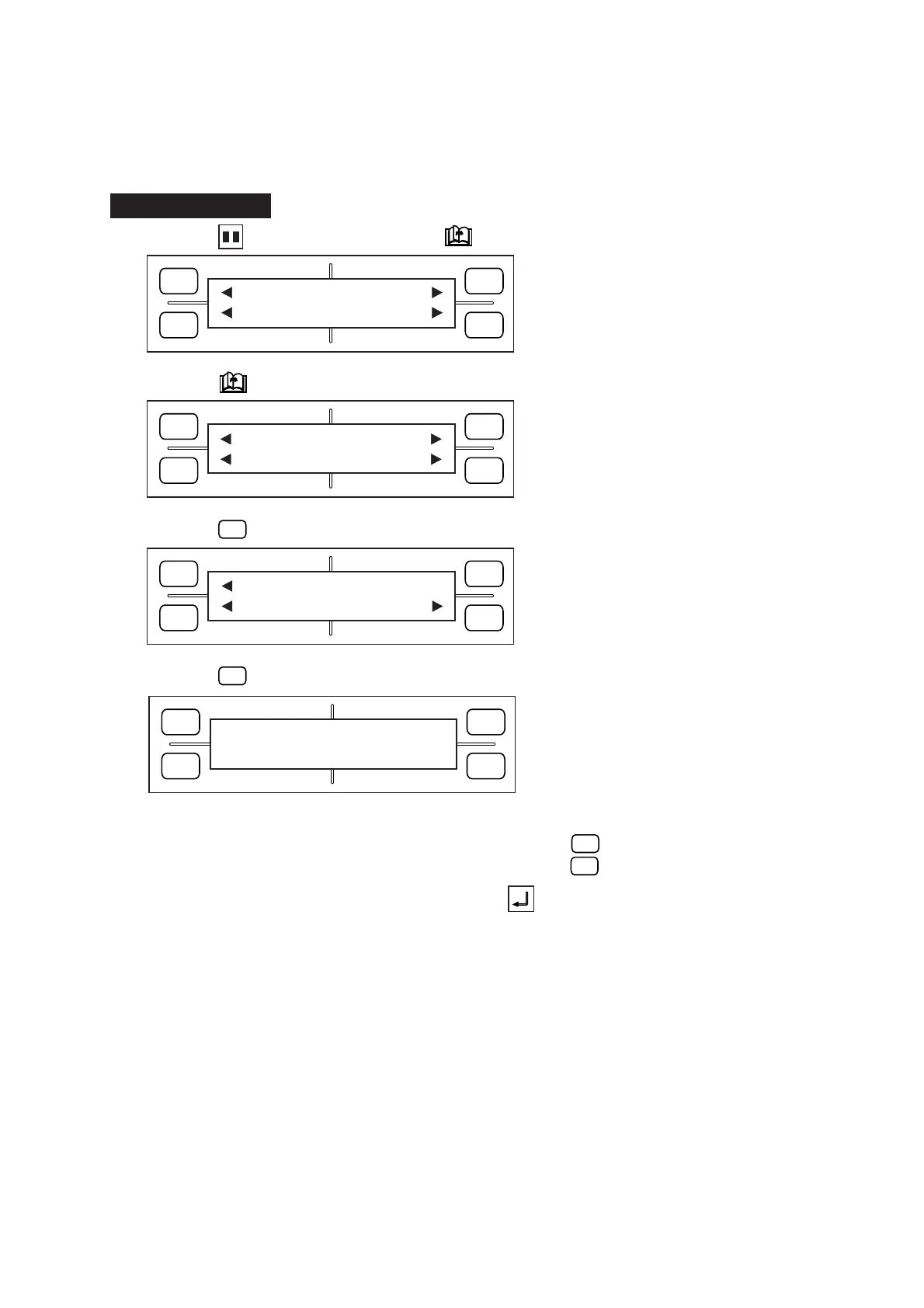
(1) Press the PAUSE key, then press the NEXT PAGE key until the menu below appears.
(2) Press the NEXT PAGE key to display the menu below.
(3) Press the
F1
(INTERFACE) key to display the menu below.
(4) Press the
F4
(COMMAND) key to display the menu below.
(5) The currently selected setting is indicated by the asterisk (
*
) symbol.
To set the COMMAND mode to GP-GL commands, press the
F2
(GP-GL) key.
To set the COMMAND mode to HP-GL commands, press the
F4
(HP-GL) key.
(6) When the displayed setting is satisfactory, press the ENTER key to register your setting.
(7) The plotter runs its initialization routine and then assumes READY status.
FORCE
SPEED
OFFSET
QUALITY
F1 F3
F4
F2
MARK PEN U/D
CLEAR SELECT PEN
FORCE
SPEED
OFFSET
QUALITY
F1 F3
F4
F2
STEP SIZE
RS-232C COMMAND
FORCE
SPEED
OFFSET
QUALITY
F1 F3
F4
F2
INTERFACE FUNCTION
FILM PEN WIDTH
FORCE
SPEED
OFFSET
QUALITY
F1 F3
F4
F2
COMMAND
*
GP-GL HP-GL









 To Next Page