3 – 6
3.5 Securing a Medium
NOTE
• If air enters between the plotter’s writing panel and the medium when loading the medium, smooth
out the air before cutting to ensure that the medium is being firmly secured to the writing panel.
• When loading a medium that cannot be completely secured using the normal procedure described
below, reinforce the adhesion by using cellophane tape or similar means to secure the medium’s
four corners.
CAUTION
If your plotter is the FC4200-50 model which secures media using electrostatic adhesion, do not
directly spray a commercially available “spray adhesive” on its electrostatic adhesion panel to rein-
force its adhesion. Certain “spray adhesive remover” products used to remove a spray adhesive
contain an anti-static agent that will impair the capability of the electrostatic adhesion panel.
Procedure
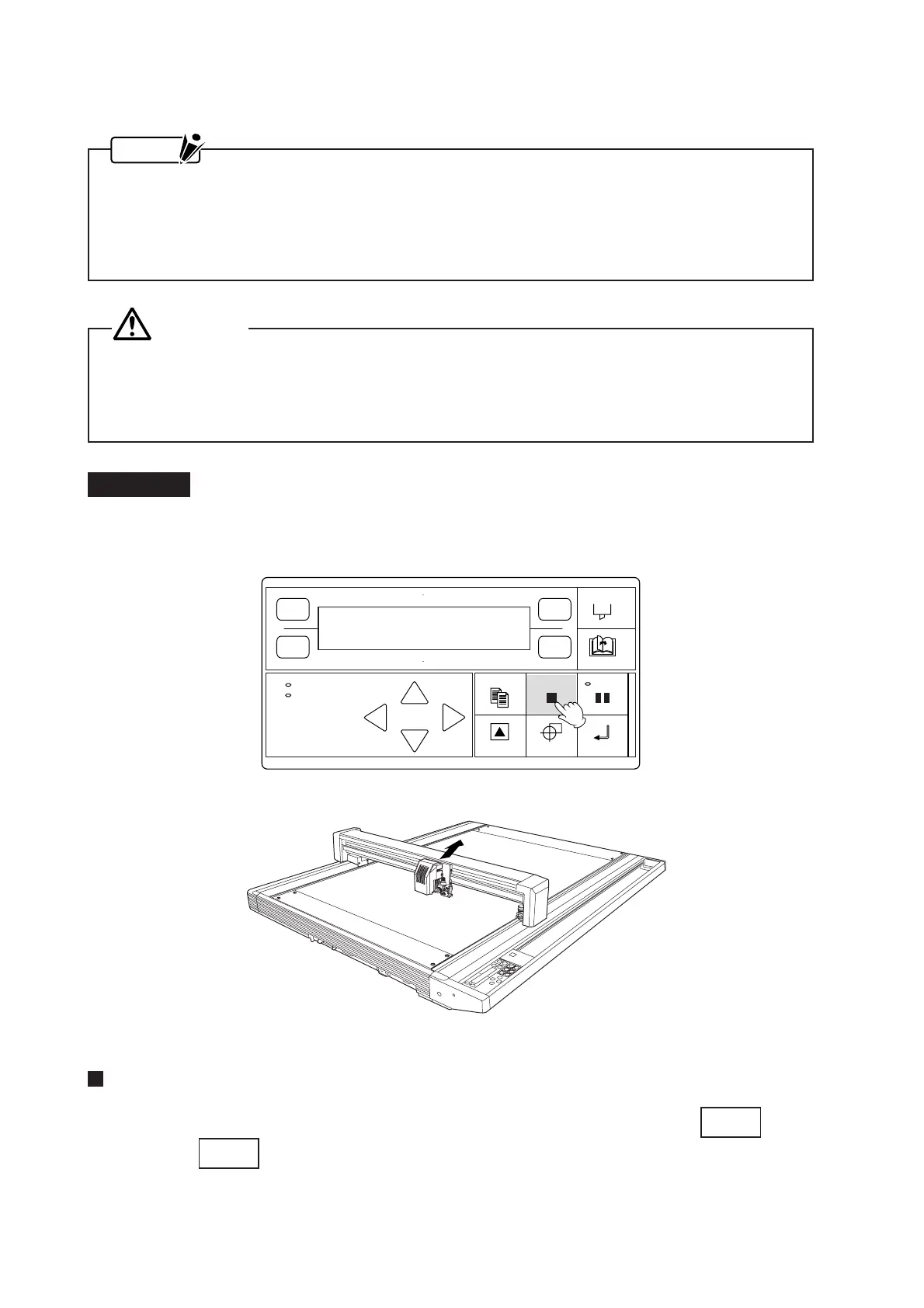
(1) To make the medium easier to secure, move the pen carriage out of the way by pressing the CANCEL/
VIEW key which moves the pen carriage to the upper right.
For the FC4200-50 Model (with an electrostatic adhesion panel)
(2) After positioning the medium on the writing panel, secure it in place by pressing the
CHART HOLD
key.
When the
CHART HOLD
key lights green, the medium is held in place. Smooth out any air bubbles be-
tween the medium and the writing panel.
POWER
PROMPT
FORCE
SPEED
OFFSET
QUALITY
F1 F3
F4
F2









 To Next Page