7 – 3
7.3 Setting the Cutter Blade’s OFFSET ANGLE
The OFFSET ANGLE function lets you specify a reference angle for determining whether or not the plotter
will conduct initial blade control (for an explanation of initial blade control, see Section 7.2, “Setting the
Cutter Blade’s OFFSET FORCE”).
When the reference angle (the OFFSET ANGLE setting) is increased, initial blade control is only performed
for large changes of angle, thus shortening the overall cutting time because the time required for initial
blade control is reduced. If the OFFSET ANGLE setting is too high, however, your resulting image may not
have the intended shape.
Setting Procedure
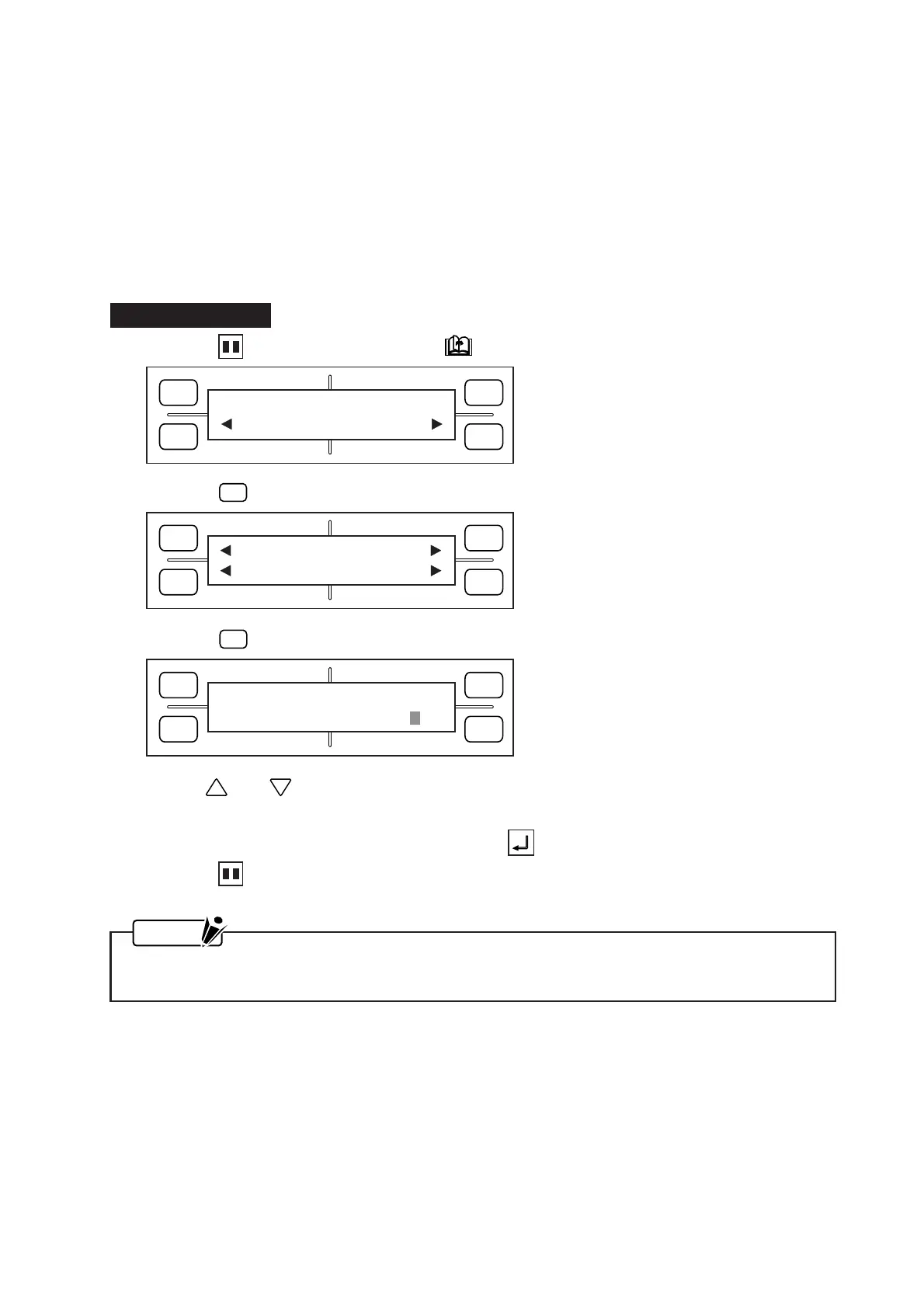
(1) Press the PAUSE key, then press the NEXT PAGE key until the menu below appears.
(2) Press the
F2
(OPTION 1) key to display the menu below.
(3) Press the
F3
(OFFSET ANGLE) key to display the menu below.
(4) Use the and POSITION keys to change the OFFSET ANGLE setting, which can be specified
as any whole number from 0 to 60.
(5) When the displayed setting is satisfactory, press the ENTER key to register your setting.
(6) Press the PAUSE key to return the plotter to READY status.
NOTE
Your OFFSET ANGLE setting will be retained in the plotter’s RAM even while the plotter is turned
off.
FORCE
SPEED
OFFSET
QUALITY
F1 F3
F4
F2
OPTION1 OPTION2
FORCE
SPEED
OFFSET
QUALITY
F1 F3
F4
F2
FORCE
SPEED
OFFSET
QUALITY
F1 F3
F4
F2
OFFSET ANGLE
ANGLE = 30
UP SPEED OFST ANG
OFST FCE STP PASS









 To Next Page