8 – 3
8.2 Setting the Special Functions
Follow the procedure below to specify a special function.
Setting Procedure
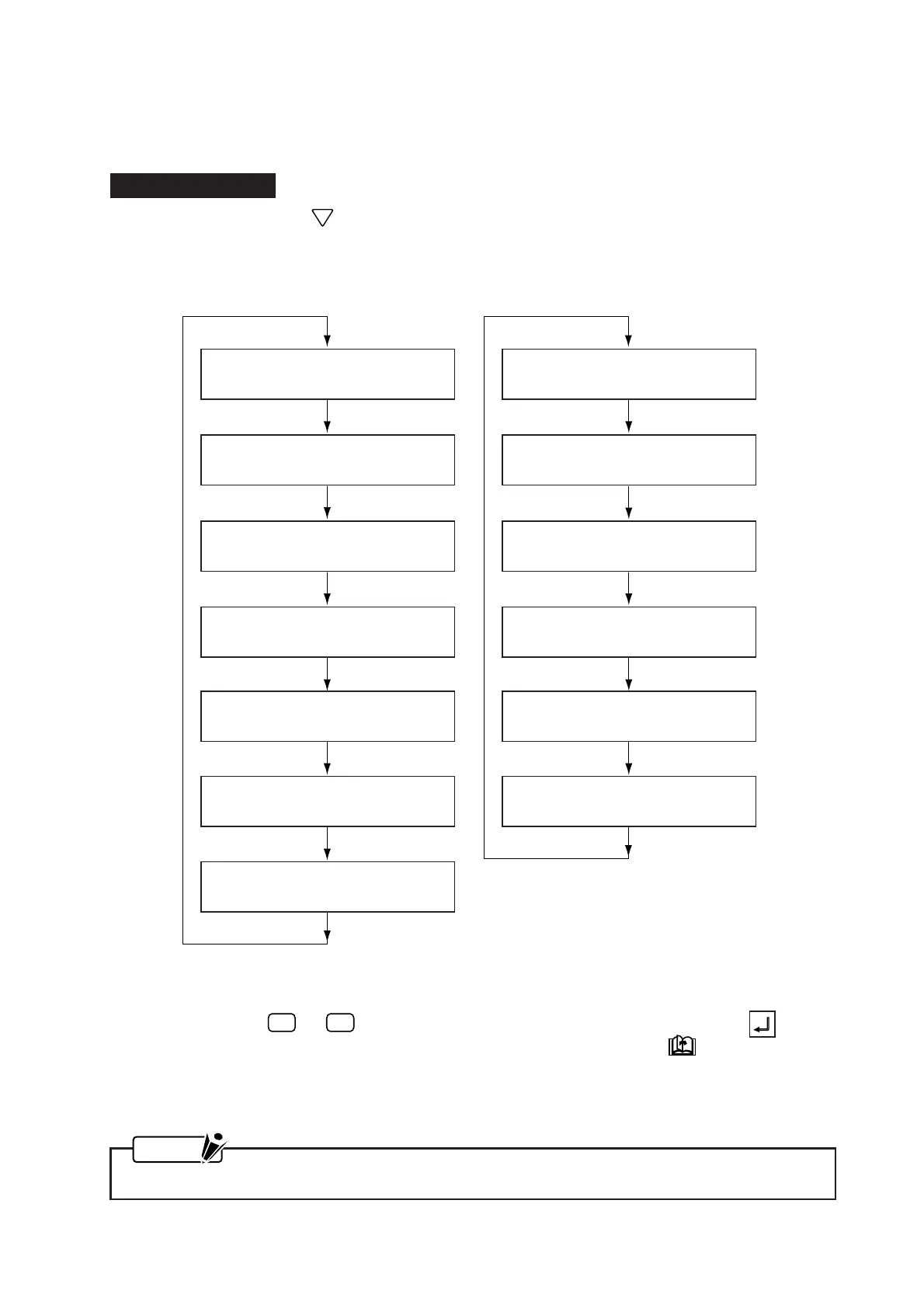
(1) While holding down the POSITION key, turn on the plotter. The menus for specifying the special
functions will be displayed in the sequence below.
(2) In each menu, the currently selected setting is indicated by the asterisk (
*
) symbol. To change the
setting, press the
F2
or
F4
key. When the displayed setting is satisfactory, press the ENTER
key to register your setting. If you do not wish to change a setting, press the NEXT PAGE key to
skip to the next menu.
(3) When you are finished specifying the special functions, turn off the plotter.
NOTE
Your settings will be retained in the plotter’s RAM even while the plotter is turned off.
COMMAND setting = GP-GL COMMAND setting = HP-GL
; , ; COMMAND
*ENABLED DISABLED
MODEL EMULATED
*7550 7595
W COMMAND
PEN UP PEN DOWN
CONDITION PRIORTY
*MANUAL PROGRAM
CONDITION PRIORTY
*MANUAL PROGRAM
SP,J COMMAND
ENABLED DISABLED*
SP,J COMMAND
ENABLED DISABLED*
INIT. BLADE CONTROL
*2mm BELOW OUTSIDE
INIT. BLADE CONTROL
*2mm BELOW OUTSIDE
PEN UP MODE
ENABLED DISABLED*
PEN UP MODE
ENABLED DISABLED*
PEN CHECK
*ENABLED DISABLED
PEN CHECK
*ENABLED DISABLED









 To Next Page