1 – 1
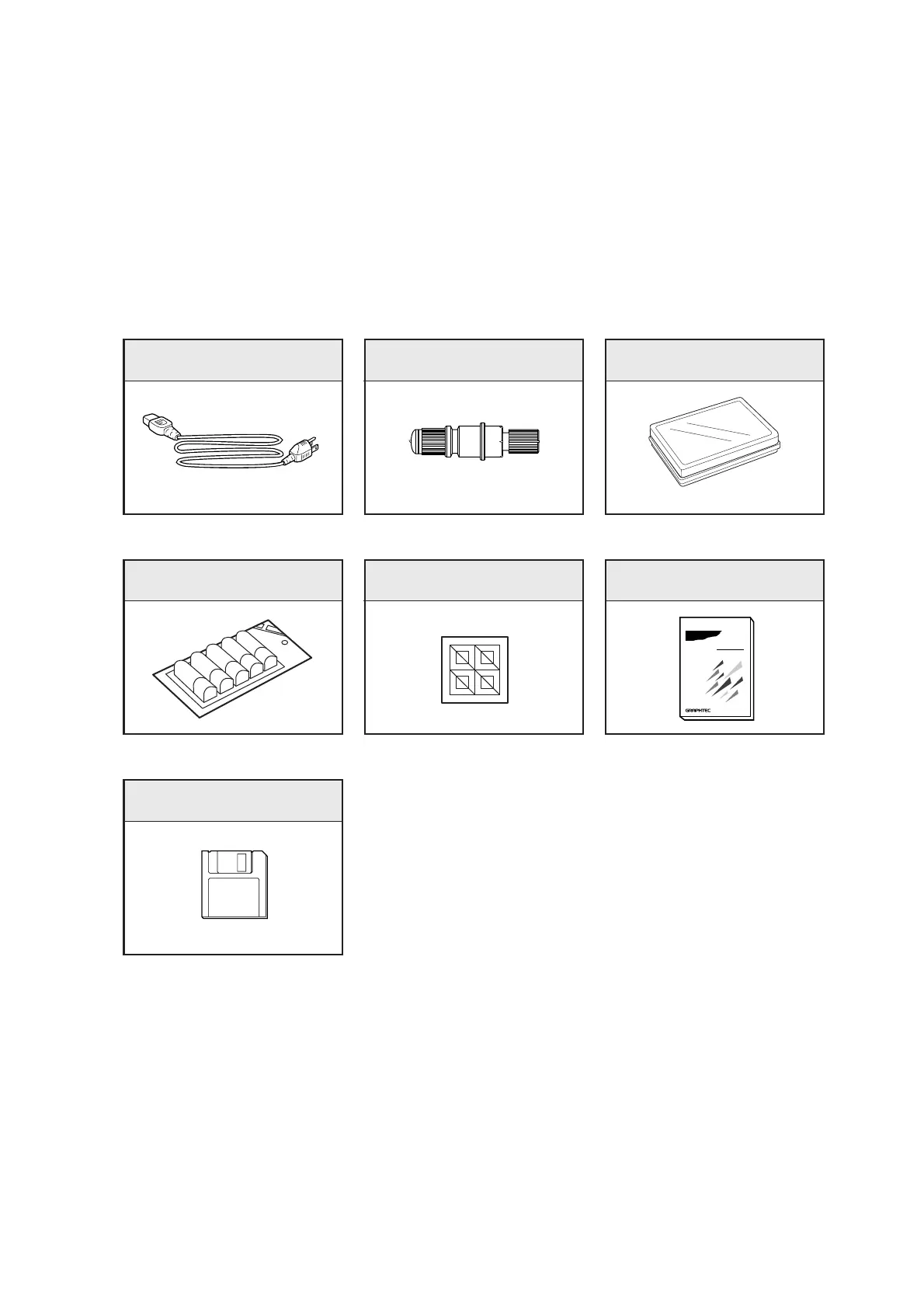
Power cord
(1)
1. UNPACKING YOUR PLOTTER
This chapter describes how to unpack your plotter and also explains the names and functions of its main
parts.
1.1 Checking the Standard Accessories
After unpacking the plotter, check that the standard accessories listed below are all present. If an acces-
sory is missing, contact your sales representative or nearest Graphtec vendor.
Windows driver
(1 set)
Water based ball-point pens
(1 pack)
Paper positioning stickers
(1 sheet)
FC4200-50/60
USER’S MANUAL
MANUAL NO. FC4200-UM-151
(PRELIMINARY VERSION)
CUTTING PLOTTER
User’s manual
Cutter blades
(1 case containing 2 CB15U blades)
Cutter pen plunger
(1)









 To Next Page