6 – 23
6.11 Specifying Other Parameters Related to Registration Marks
Selecting the EXPAND parameter gives you access to other functions for adjusting the distance precision
method for registration marks (MARK DIST. ADJ.), adjusting the registration mark sensor (MARK ADJ.
SENS), specifying the registration MARK OFFSET, and specifying the ADJ. SENS+ function.
6.11.1 Adjusting the Distance Precision for Registration Marks
The MARK DIST. ADJ. function selects the method for adjusting the distance precision for registration
marks. The distance between registration marks is automatically corrected to a value that is divisible by 1
or 5 mm.
For example, if the MARK DIST. ADJ. setting is 5 mm and the distance between registration marks was
read as 312 mm, any distance of 5 mm or less is rounded off and the distance precision is corrected while
regarding the distance between registration marks as 310 mm. The distance between registration marks
can also be manually specified (USER). To disable distance adjustment, select OFF.
Setting Procedure
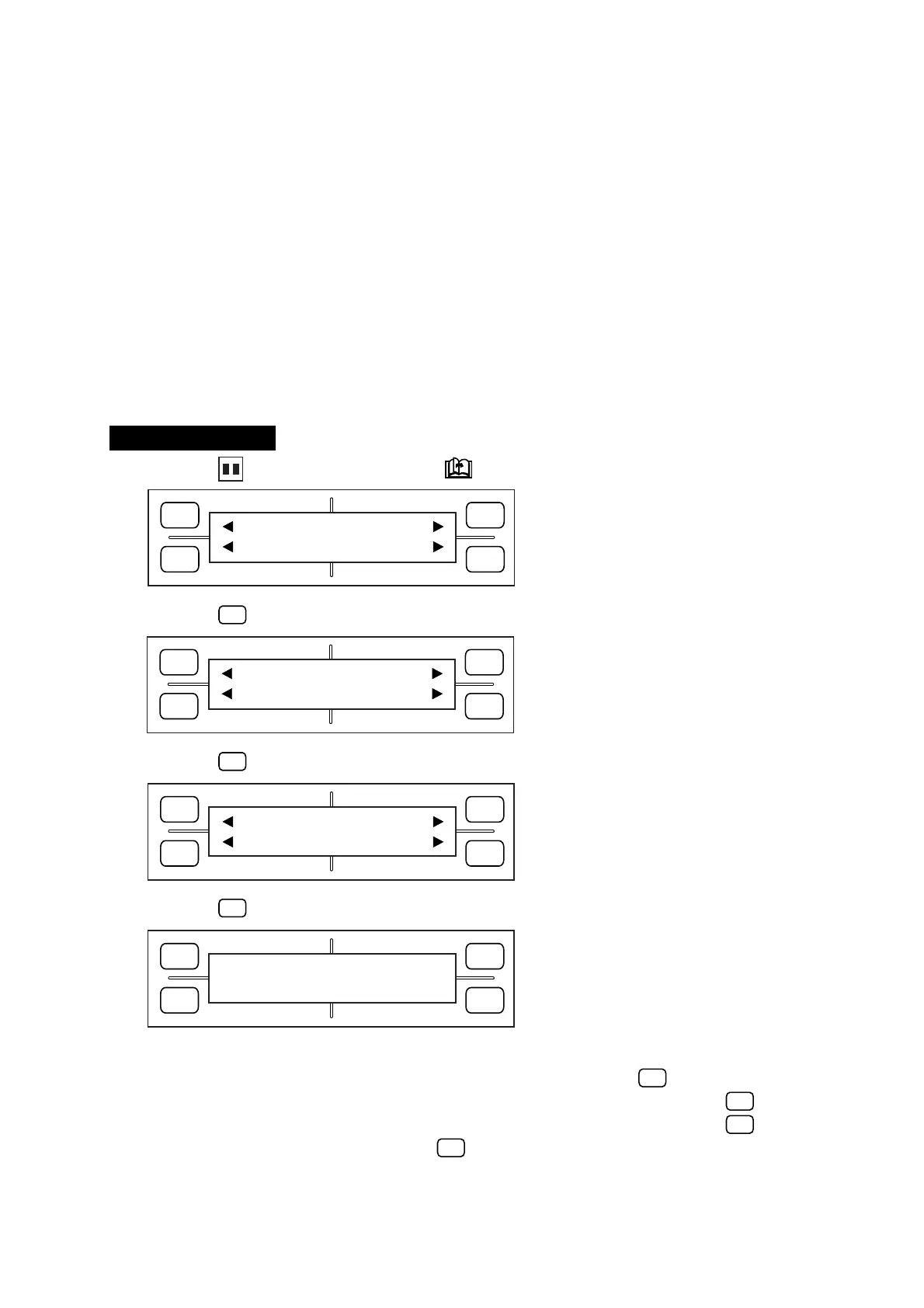
(1) Press the PAUSE key, then press the NEXT PAGE key until the menu below appears.
(2) Press the
F1
(MARK) key to display the menu below.
(3) Press the
F4
(EXPAND) key to display the menu below.
(4) Press the
F1
(DIST. ADJ.) key to display the menu below.
(5) The currently selected setting is indicated by the asterisk (
*
) symbol.
To enable user-specified distance adjustment (manual input), press the
F3
(USER) key.
To select 1-mm distance adjustment (any value of 1 mm or less is rounded off), press the
F2
(1mm) key.
To select 5-mm distance adjustment (any value of 5 mm or less is rounded off), press the
F4
(5mm) key.
To disable distance adjustment, press the
F1
(OFF) key.
FORCE
SPEED
OFFSET
QUALITY
F1 F3
F4
F2
MARK PEN U/D
CLEAR SELECT PEN
FORCE
SPEED
OFFSET
QUALITY
F1 F3
F4
F2
MODE MARK SIZE
TYPE EXPAND
FORCE
SPEED
OFFSET
QUALITY
F1 F3
F4
F2
DIST ADJ. OFFSET
ADJ.SENS ADJ.SENS+
FORCE
SPEED
OFFSET
QUALITY
F1 F3
F4
F2
OFF DISTANCE ADJ USER
*
1mm 5mm









 To Next Page