6 – 6
6.4 Specifying the THICK MODE Settings
The THICK MODE function is used to specify the THICK MODE settings. Use this function for cutting thick
media (such as masking rubber for sandblasting or thick paper for apparel patterns) or thin yet stiff media
(such as acrylic film).
Setting Procedure
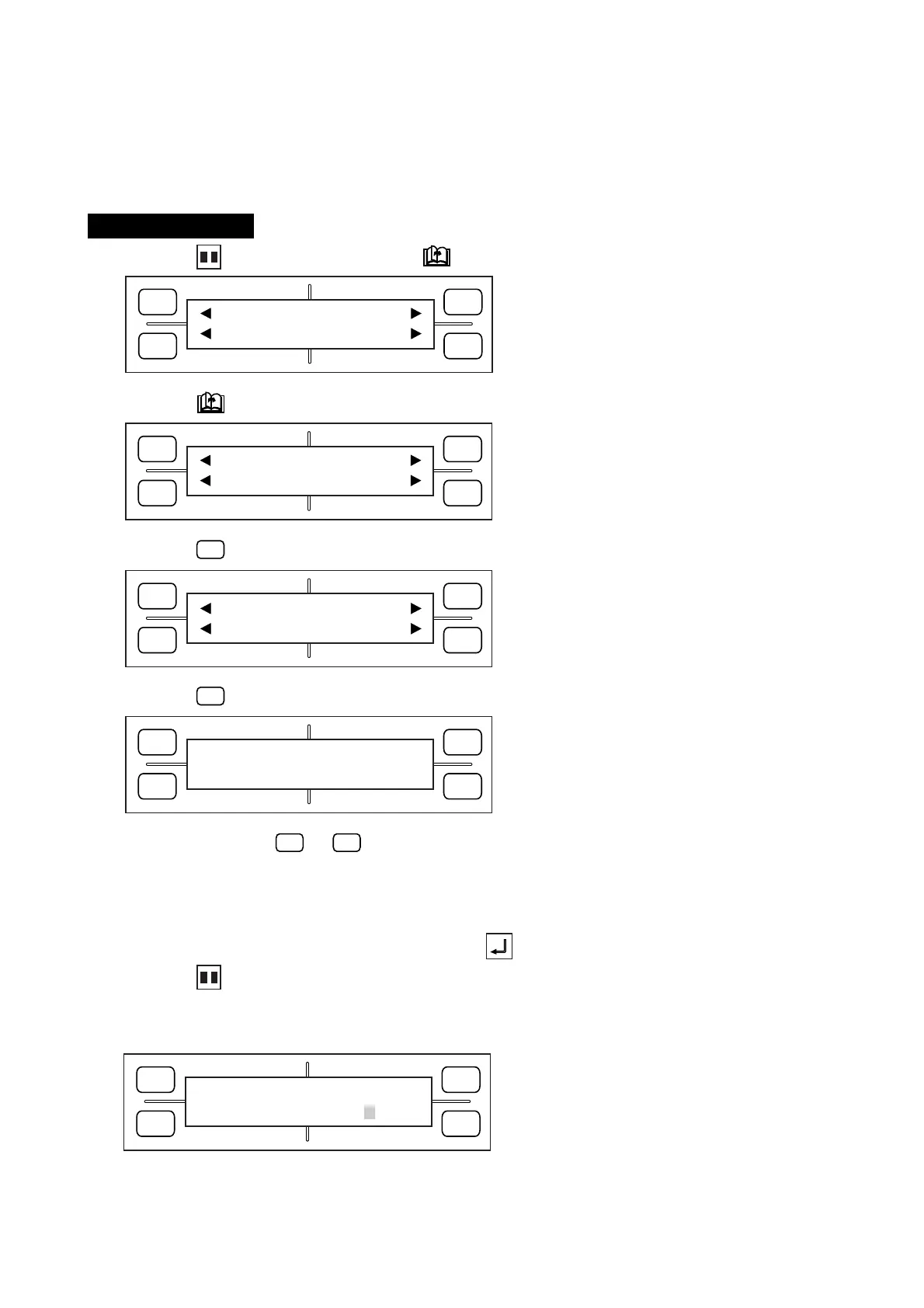
(1) Press the PAUSE key, then press the NEXT PAGE key until the menu below appears.
(2) Press the NEXT PAGE key until the menu below appears.
(3) Press the
F3
(FUNCTION) key to display the menu below.
(4) Press the
F2
(THICK) key to display the menu below.
(5) Press a function key (
F1
to
F4
) to display an asterisk (
*
) symbol next to the number of the set of
conditions which you wish to set to THICK MODE. To remove an asterisk from a set of conditions,
press the function key corresponding to the number of the target set of conditions. Up to four sets of
conditions can be concurrently set to THICK MODE.
(6) When the displayed setting is satisfactory, press the ENTER key to register your setting.
(7) Press the PAUSE key to return the plotter to READY status.
When the THICK MODE is enabled for a set of conditions, a blinking square is displayed as shown
below.
FORCE
SPEED
OFFSET
QUALITY
F1 F3
F4
F2
MARK PEN U/D
CLEAR SELECT PEN
FORCE
SPEED
OFFSET
QUALITY
F1 F3
F4
F2
INTERFACE FUNCTION
FILM PEN WIDTH
FORCE
SPEED
OFFSET
QUALITY
F1 F3
F4
F2
ROTATE MIRROR
THICK SORT
FORCE
SPEED
OFFSET
QUALITY
F1 F3
F4
F2
*
1 THICK No. 3
2 4
FORCE
SPEED
OFFSET
QUALITY
F1 F3
F4
F2
12 COND1 09U 0
30 SET PEN1 4









 To Next Page