5 – 8
5.5 Clearing the Plotter’s Internal Buffer Memory
The BUFFER CLEAR function allows you to clear cutting data that has been saved in the plotter’s internal
buffer memory.
Setting Procedure
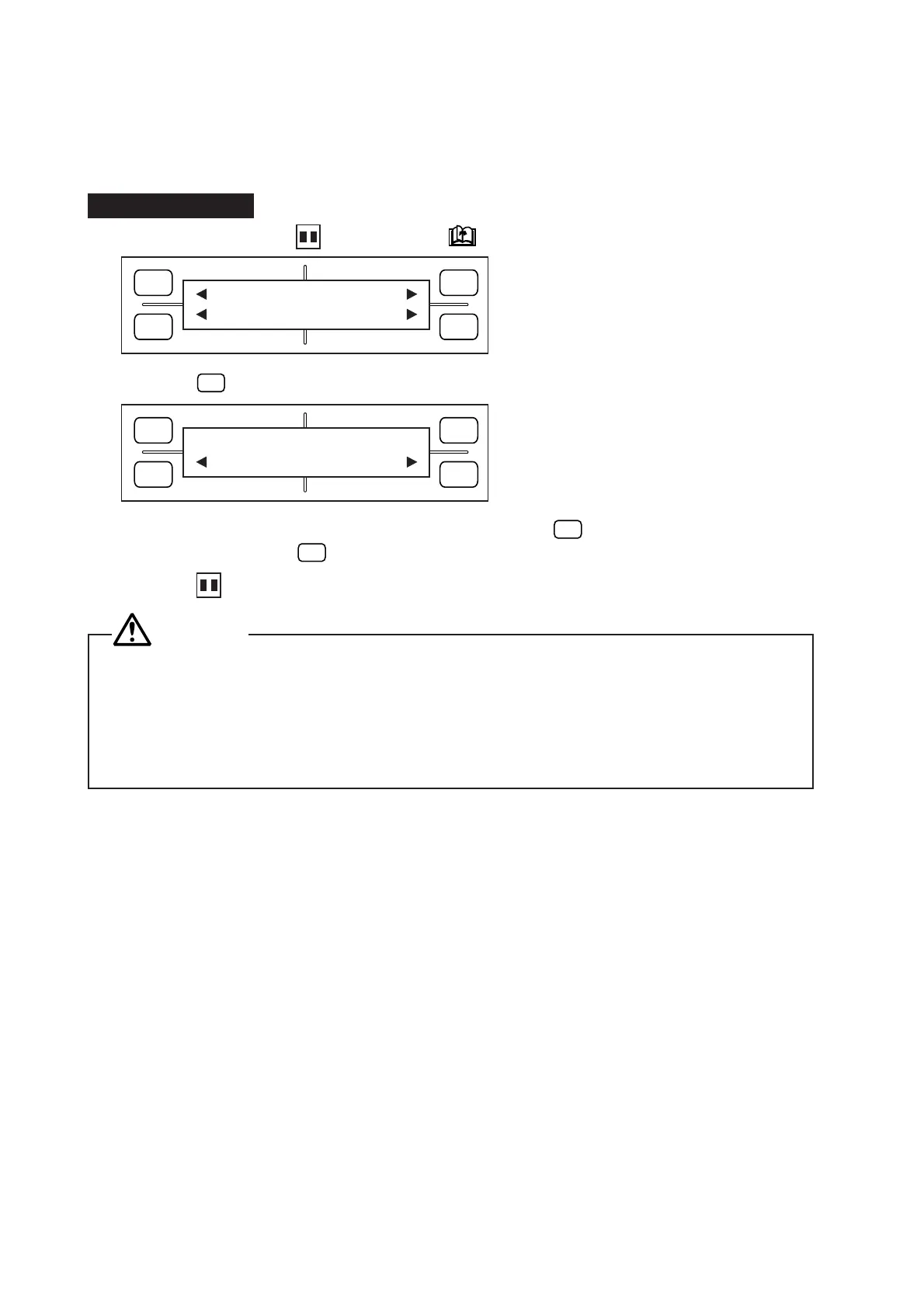
(1) Consecutively press the PAUSE key and NEXT PAGE key to display the menu below.
(2) Press the
F2
(BUFFER CLEAR) key to display the menu below.
(3) To clear existing data in the internal buffer memory, press the
F2
(YES) key. If you do not wish to
clear the data, press the
F4
(NO) key.
(4) Press the PAUSE key to return the plotter to READY status.
CAUTION
• Only use this function after the plotter has finished receiving all of the data sent from the computer.
• If you perform a BUFFER CLEAR operation while the computer is in the process of sending data,
the data received in the plotter’s internal buffer memory before the plotter was switched to PAUSE
status will be cleared, but the plotter will output any data received after it returns to READY status
from PAUSE status. In the latter case, the plotter may suddenly start operation, so be sure to keep
hands and other parts of the body away from the pen holder.
If you select NO in response to the “BUFFER CLEAR?” prompt, the plotter will resume the operation which
you suspended by pressing the PAUSE key.
FORCE
SPEED
OFFSET
QUALITY
F1 F3
F4
F2
MARK PEN U/D
CLEAR SELECT PEN
FORCE
SPEED
OFFSET
QUALITY
F1 F3
F4
F2
BUFFER CLEAR?
YES NO









 To Next Page