3 – 2
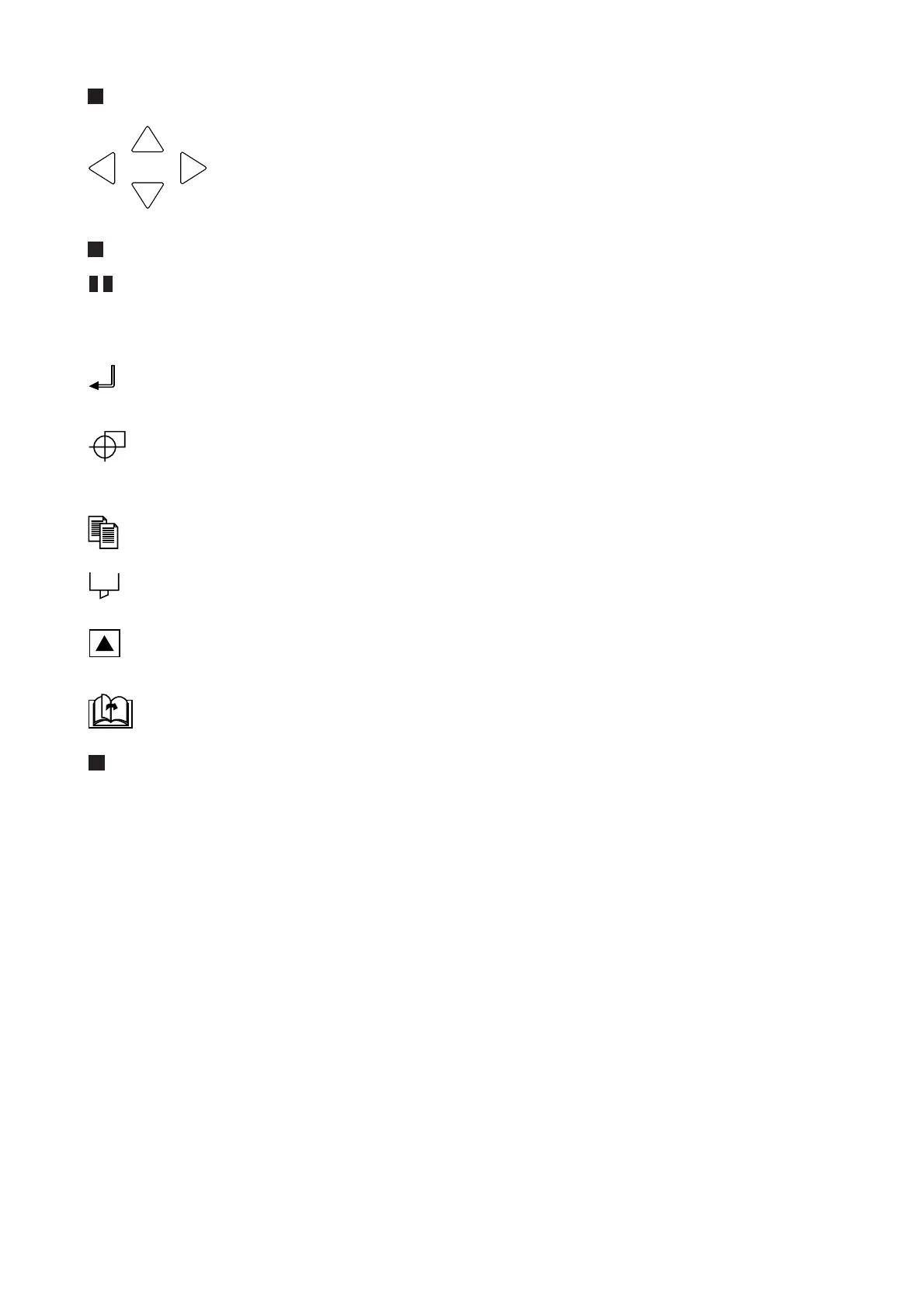
POSITION Keys
These POSITION keys function differently according to the plotter’s operating sta-
tus. They are used to change a setting on a displayed menu during Menu mode, but
are used to move the pen carriage at all other times.
When a key is first initially pressed, the pen carriage moves slowly. When you con-
tinue to hold down the key, the pen carriage starts moving more quickly.
Menu Keys
................. PAUSE key: Press this key to enter Menu mode and light its green lamp. Press it again to
cancel Menu mode and turn off the lamp. Press this key when you wish to proceed to set a
function. If the plotter receives data after this key is pressed, it will temporarily store the data
in its data buffer.
................. ENTER key: Press this key to register the selected setting when specifying a function. In
Pause status, you can reset the plotter by concurrently pressing the ENTER and ORIGIN
keys.
.............. ORIGIN key: Used to change the position of the coordinate system’s origin point. When the
automatic detection of registration marks is enabled, press this key to initiate automatic
detection.
................ COPY key: Used to repeat the cutting operation defined by the data in the plotter’s buffer.
................ CONDITIONS key: Press this key to change any of the cutting conditions appearing on the
plotter’s display panel.
................ TEST key: Press this key to run a test to check whether the currently selected cutting condi-
tions are suitable for the medium loaded.
............. NEXT PAGE key: Press this key during Menu mode to proceed to the next menu page.
................... CANCEL/VIEW key: During a cutting operation, press this key to immediately stop cutting.
While the Ready message is being shown on the plotter’s display panel, press this key to
move the pen outside of the maximum cutting/plotting area. To return the pen to its original
position, press this key again.









 To Next Page