5 – 4
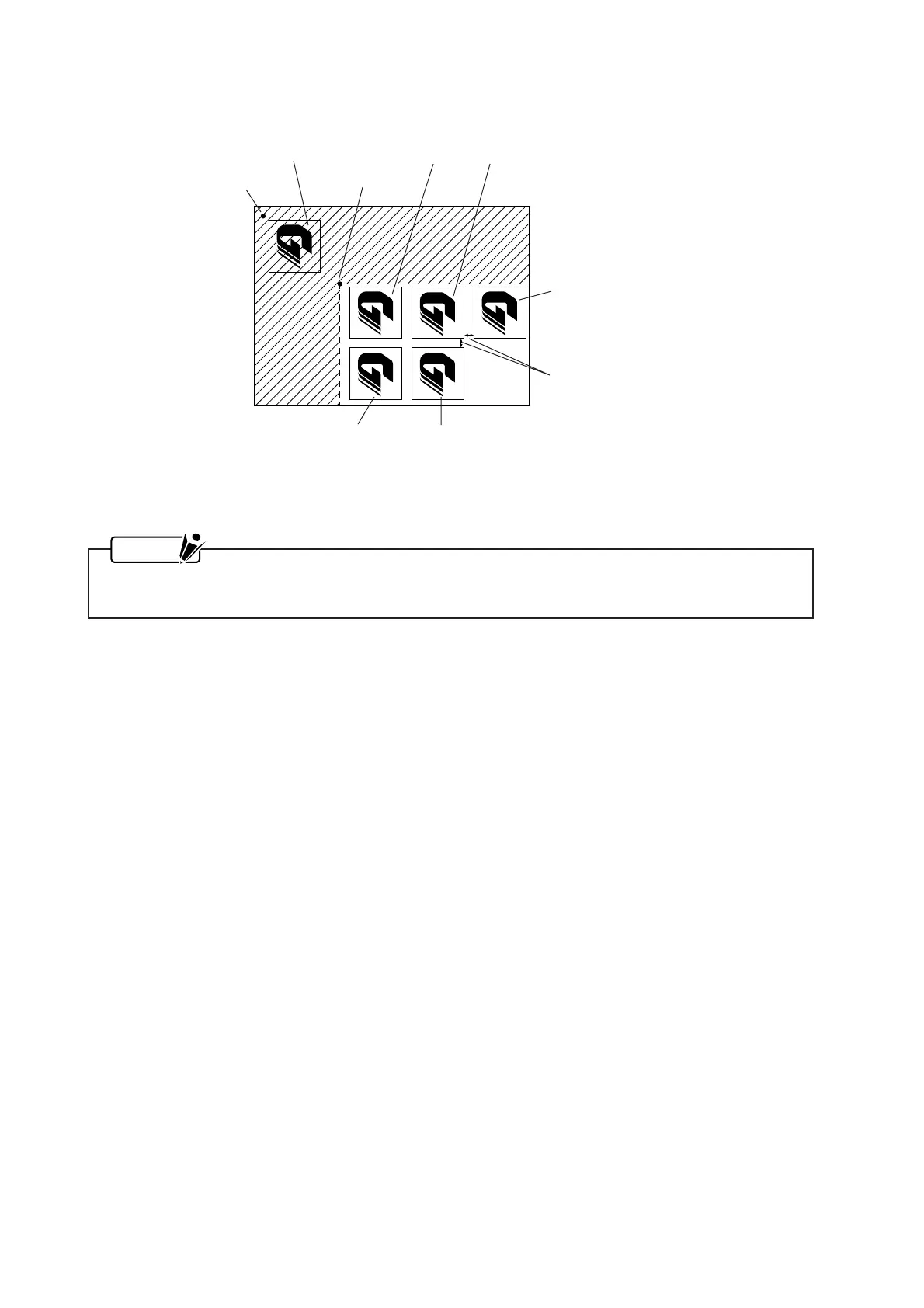
Origin point
Initially cut image (original)
COPY origin point
4th copy
1st copy 2nd copy
5th copy
3rd copy
Space between copies
When the ROTATE parameter has been set to rotate the coordinate axes, copies will be cut as illus-
trated in the following example.
In each case, cutting will be performed in ascending order from the first copy, the second copy, and so
on. Moreover, no cutting will be performed in the area indicated by hatching within each figure.
NOTE
Your current MIRROR MODE and ROTATE settings are retained even after you change the me-
dium.









 To Next Page