- 101 -
CONFIGURATION
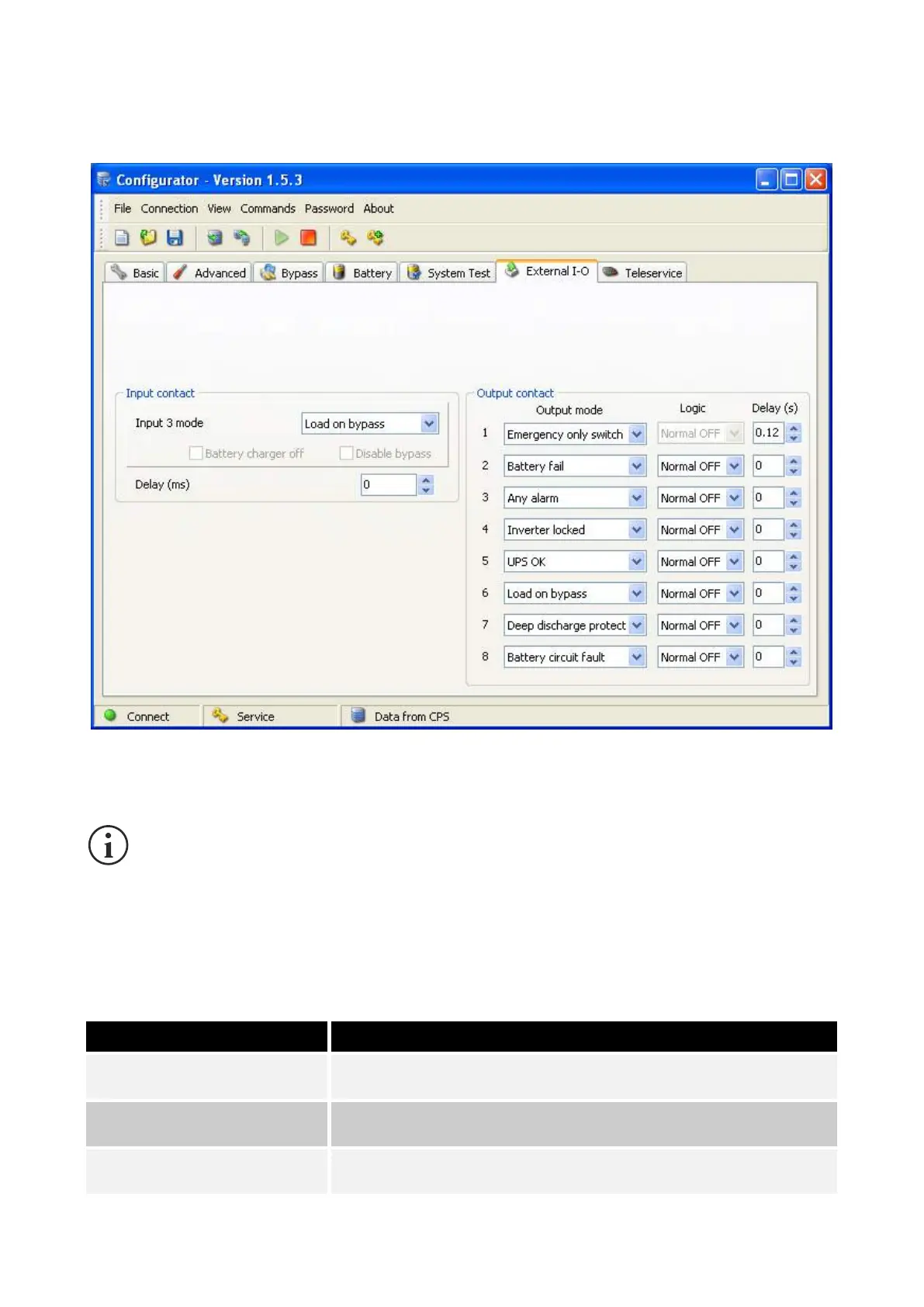
MultiCOM 392 can be configured using the CPS configuration software (version 1.5.3 or later).
The following can be selected for each of the eight outputs: the associated event (Output mode), the relay operating logic
(Logic) and any delay required (Delay, expressed in seconds) in reporting the event.
Only outputs 1-4 can be configured to control the optional EOS accessory.
If this configuration is chosen, the operating logic for the relay (Logic) is fixed at “Normal OFF” and
the delay (Delay) can be configured from 0.12s to 5.00s with 0.02s steps.
EOS can also be used if the CPS is configured to Emergency Only mode.
In this case, however, it should be taken into account that the EOS cut-in delay (Delay) will be 1
second longer than the time set.
OUTPUT MODE
In addition to all events that can normally be selected, the following are also available:
Battery charging circuit or anti-inversion alarm on
Deep discharge protection
Deep discharge protection on or battery discharge alarm



 To Next Page