- 105 -
SOFTWARE
MONITORING AND CONTROL SOFTWARE
The PowerShield
3
software ensures an effective and user-friendly management of the CPS, displaying all the most
important items of information such as the input voltage, load applied and battery capacity.
It can also automatically perform shutdown operations, send e-mails, sms and network messages when specific user-
selected events occur.
Installation operations:
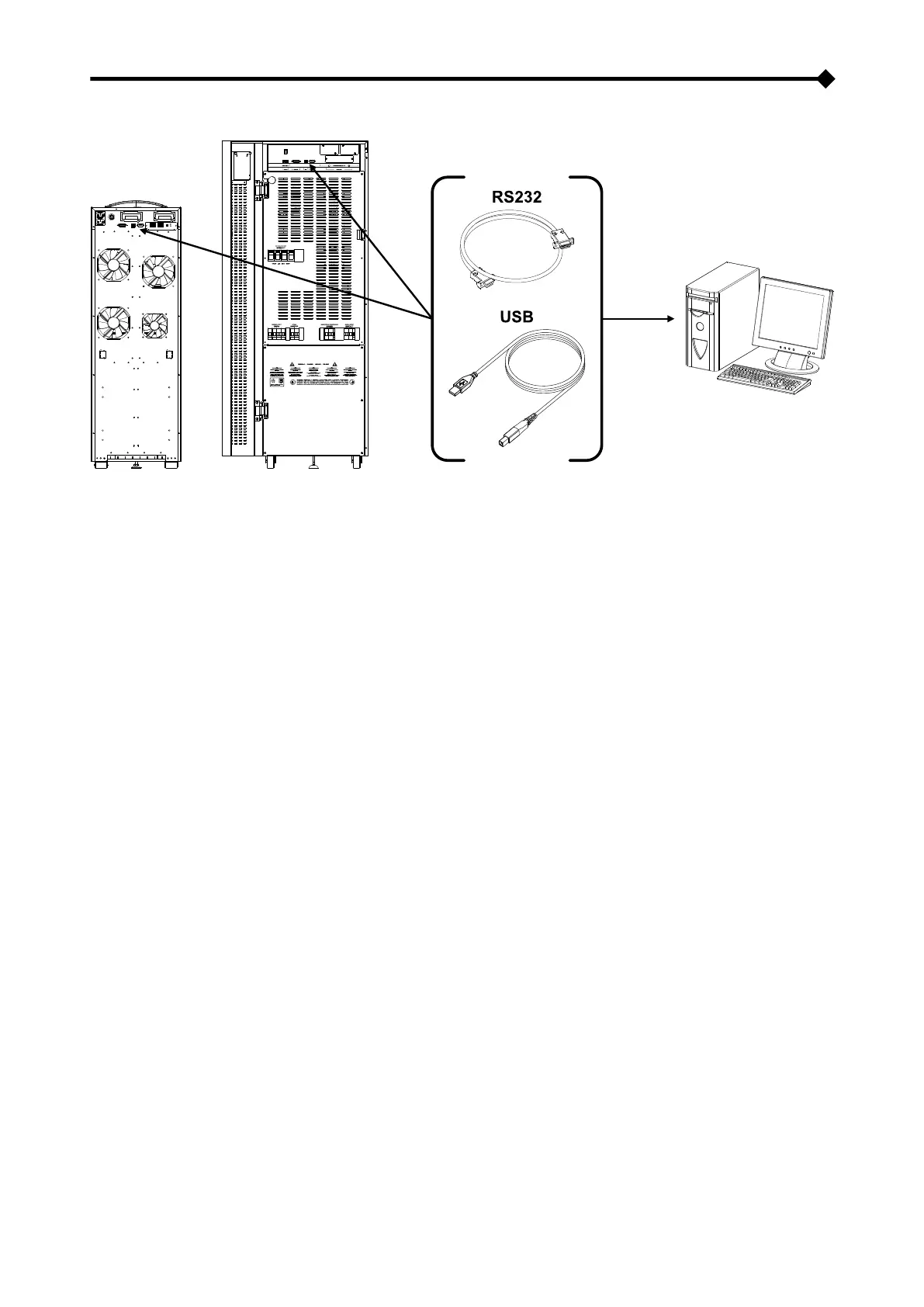
▪ Connect the RS232 communication port of the CPS to a COM communication port of the PC via the serial cable
provided* or connect the USB port of the CPS to a USB port of the PC using a standard USB cable *.
▪ Download the software from www.ups-technet.com selecting the desired operating system.
▪ Follow the installation program instructions.
▪ For more detailed information about installation and use, refer to the software manual which can be downloaded
from our website www.ups-technet.com
CONFIGURATION SOFTWARE
Using special software, it is possible to configure the most important CPS parameters.
For a list of possible configurations, refer to the CPS configuration paragraph.
* We recommend the use of a cable no longer than 3 metres.



 To Next Page