- 99 -
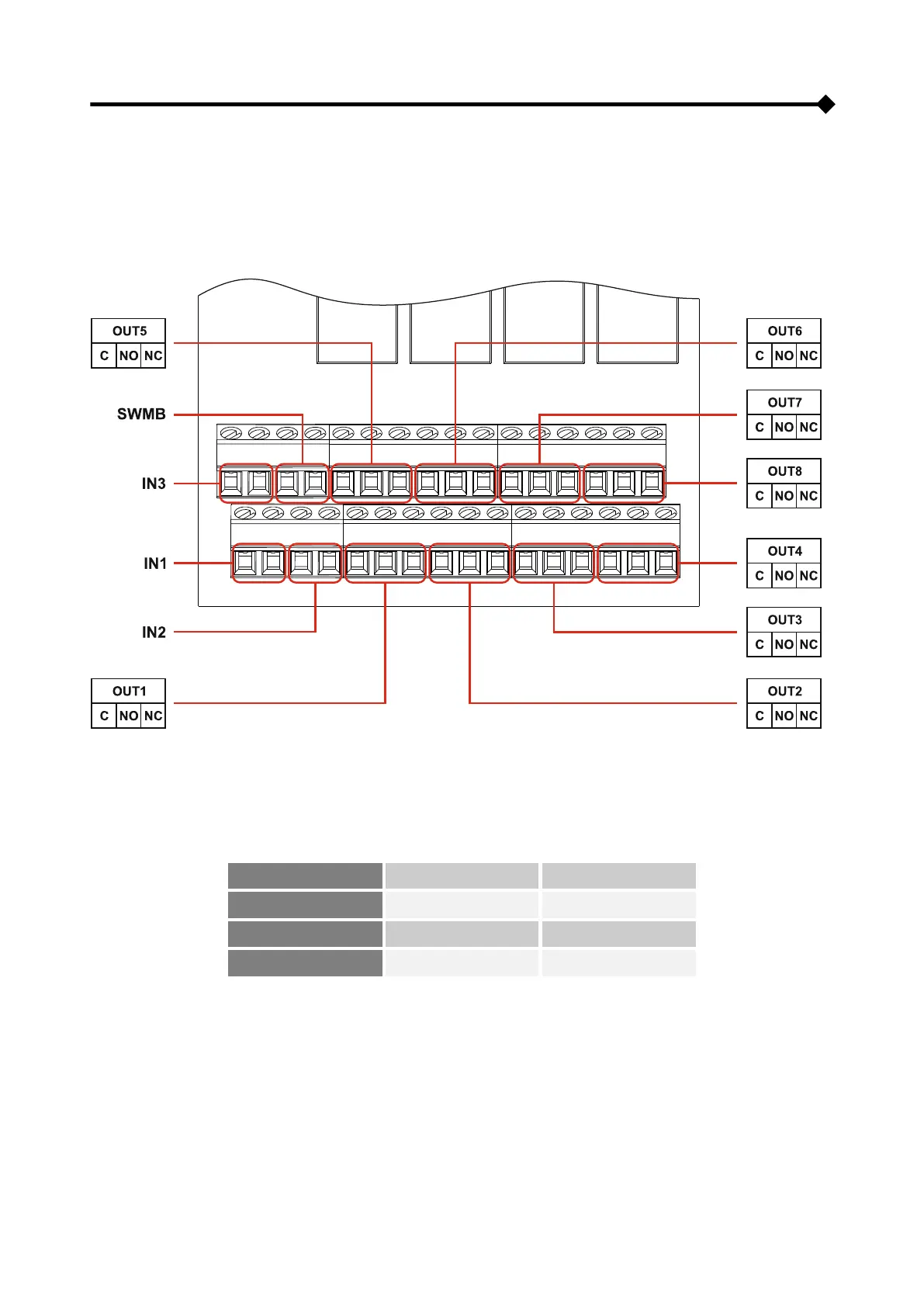
MULTICOM 392 BOARD
CPS are equipped as standard with MultiCOM 392 contact boards, which can be used to constantly monitor several
critical CPS states as required by Standard 50171 (for a list of alarms please refer to the configuration program).
MultiCOM 392 provides 8 configurable clean contact outputs and inputs for controlling the CPS and the optional EOS
accessory.
CONNECTING THE EOS DEVICE
In order to connect the EOS device to the MultiCOM 392 board please refer to the following table:



 To Next Page