- 72 -
PRELIMINARY CHECK OF CONTENTS
Having opened the package, start by checking the contents.
Metal slides, Guarantee document, User manual,
Serial connecting cable, 4 battery fuses (to be
inserted in the "SWBATT" fuse holders), Front door
key, Short circuit bar (with 3 fastening screws)
Metal slides, Guarantee document, 4 battery fuses (to be
inserted in the "SWBATT" fuse holders), Front door key
INSTALLING THE CPS AND THE BATTERY BOX
When installing the equipment, the following points should be considered:
▪ The wheels are to be used exclusively for fine positioning, and thus for small distances only.
▪ The plastic parts and the door are not to be used for gripping or pushing the CPS.
▪ Sufficient space should be left in front of the equipment for it to be turned on/off and maintenance operations to
be performed on it ( 1.5 mt )
▪ The rear part of the CPS should be set at least 30 cm from the wall, to enable the air blown by the ventilation
fans to flow away correctly
▪ No objects should be left on its top surface
Having set the equipment in position, secure it by engaging the brake rod (see "Front Views of the CPS" point 8) situated
below the connecting terminals.
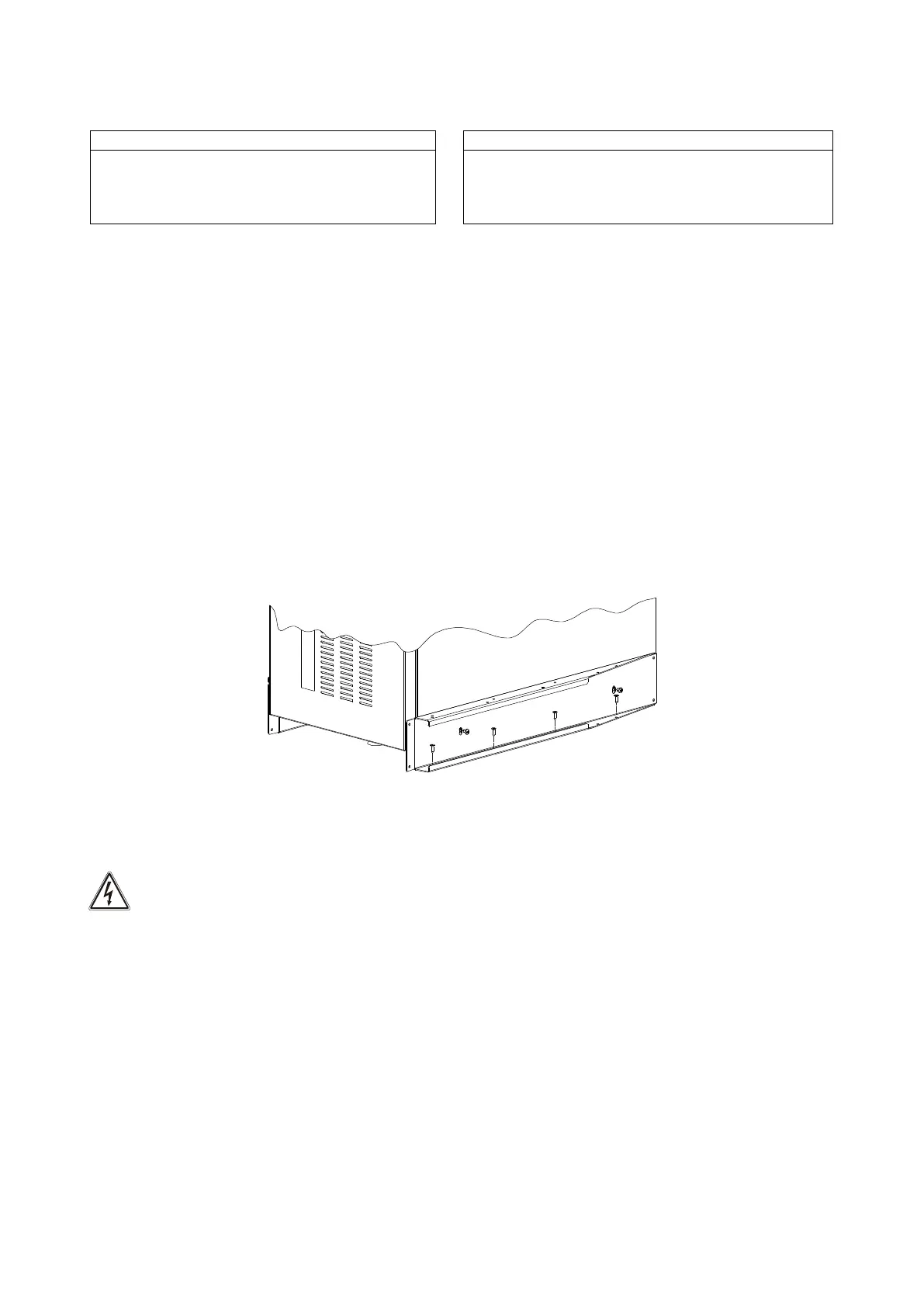
In seismic areas or for mobile systems, the brackets used to fasten the unit to the pallet (ramps) can be reused to anchor
the CPS to the floor (see the figure below). In normal conditions, the brackets are not necessary.
STEPS TO BE TAKEN TO GAIN ACCESS TO THE TERMINALS OF THE CPS / BATTERY BOX
The operations indicated below are to be performed with the CPS disconnected from the mains
powers, turned off and with all the switches and fuse holders of the equipment open.
Follow the instructions provided below to open the CPS:
▪ Open the door
▪ Remove the terminal and switches cover (see "Views of the CPS" ref. 7)
Having completed the installation operations inside the equipment, replace the terminal cover and close the door.



 To Next Page