Chapter 8 Hardware Reference
© 2017 Harmonic Inc. All rights reserved. 237 Harmonic MediaGrid Release 4.1
ContentBridge 2010F
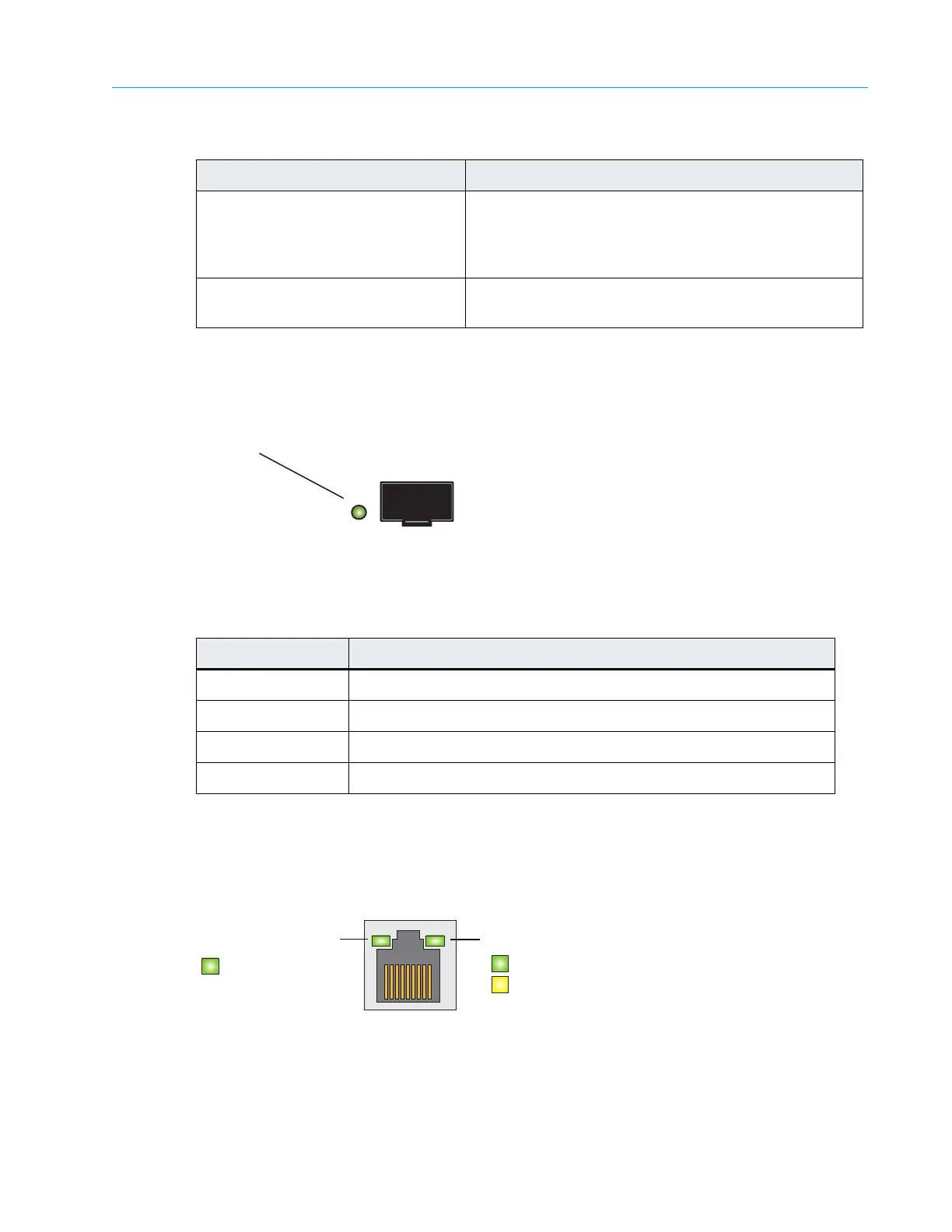
10 Gigabit Ethernet LEDs
Figure 8–16 and Table 8–16 describe the possible states of the 10 Gigabit Ethernet LEDs.
Figure 8–16: 10 Gigabit Ethernet LEDs
Table 8–16: 10 Gigabit Ethernet LED Pattern
1 Gigabit Ethernet LEDs
The 1 Gigabit NIC has a link/activity LED and a speed LED. Refer to Figure 8–17.
Figure 8–17: ContentBridge 2010F 1 Gigabit
Ethernet LED Indicator
Codes
12 . S y s t e m I D L E D Located on the back edge of the server board, this
LE
D match
es the state of the System ID LED on the
front Control Panel. When that button is pushed, this
LED flashes blue until the button is pressed again.
13. Baseboard Management
Console (B
M
C) Connector
Do not use.
Indicator Pattern Condition
Steady on
The NIC is connected to a valid network link.
Blinking The NIC is connected and network data is being sent or received.
Green Link speed is 10 Gbps.
Yellow Link speed is 1 Gbps.
Table 8–15: ContentBridge 2010F Rear Panel Components
Indicator, Button, or Connector Description
10 Gigabit Ethernet Indicator
Link/Activity
Speed
Green (blink) = activity
Green (solid) = link
Off = no link
Green = 1 Gbps
Yellow = 100 Mbps
Off = No link



 To Next Page