Chapter 8 Hardware Reference
© 2017 Harmonic Inc. All rights reserved. 253 Harmonic MediaGrid Release 4.1
ContentServer 4000
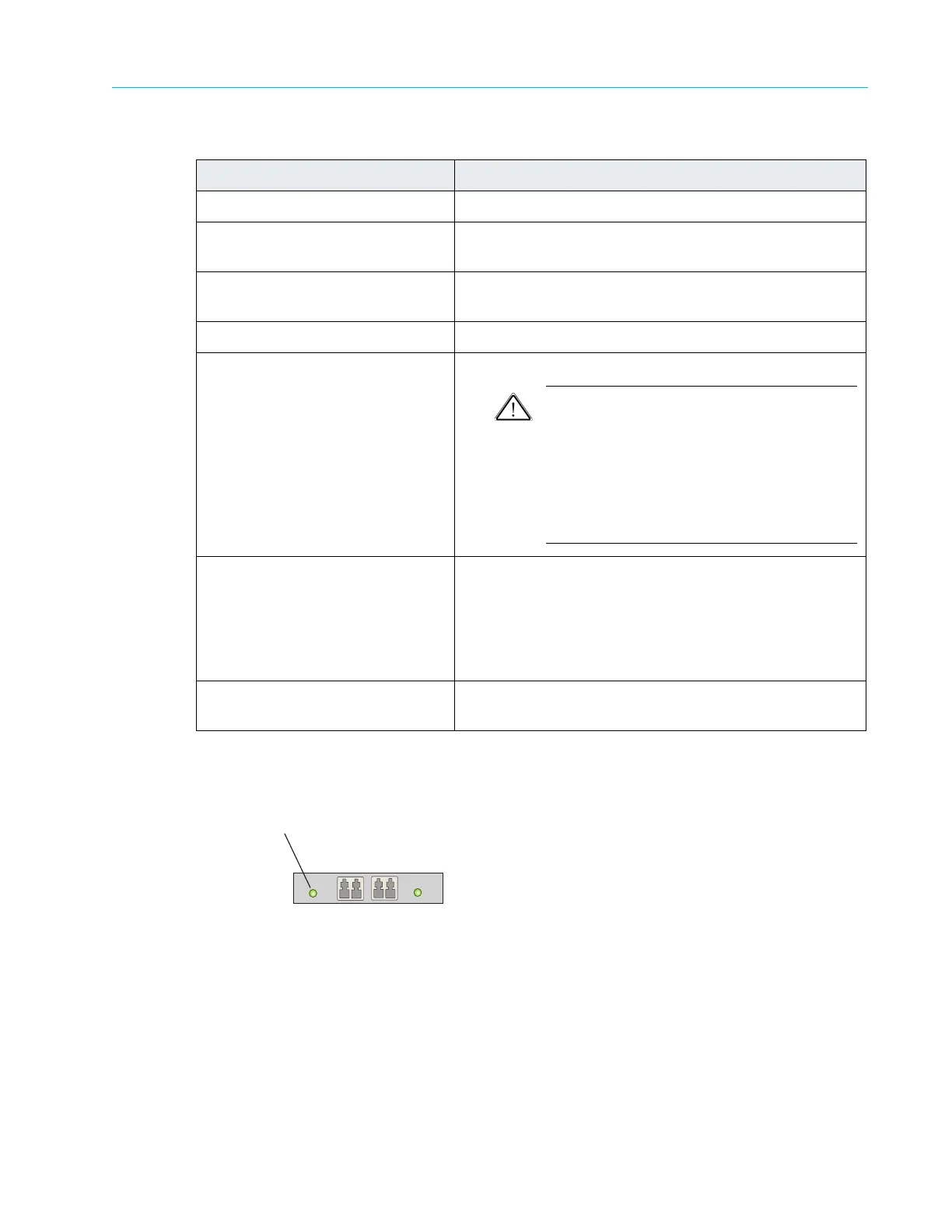
10 GbE Port Indicator
The ContentServer 4000 contains two dual-port10 GbE NIC cards. Each port has a single LED.
Figure 8–33: ContentServer 4000 10GbE Port LED
3. Serial port Use to connect a serial device to the system.
4. VGA port Use to connect a monitor to the system (for maintenance
only).
5. BMC port Baseboard Management Console port
(used for
troubleshooting purposes). Maximum data rate 100Mb/s
6. USB ports (2) Used for maintenance purposes only.
7. Mini SAS HD connectors (4) Used for connecting the ContentSe
rver to ContentStores.
CAUTION: With Harmonic MediaGrid 4.0, SAS
cables are not hot-swappable. When replacing or
remov
ing a SAS cable, you must first power
down the associated ContentServer controller
using SystemManager, replace or re-connect the
SAS cable, and then power on the ContentServer
controller by pressing the power button on the
front panel.
8. 10 GbE NIC ports (4) Use for connecting the ContentServer to the network
switch
Upper right: NIC 2
Lower right: NIC 3
Upper left: NIC 4
Lower left: NIC 5
9. Onboard Mini SAS HD
connec
tors (2)
Currently unused.
Table 8–31: ContentServer 4000 Rear Panel Components
Item Description



 To Next Page