Appendix A Legacy Hardware Platforms
© 2017 Harmonic Inc. All rights reserved. 302 Harmonic MediaGrid Release 4.1
ContentDirector 1000B/1000C/1000D and High Performance ContentDirector 2000
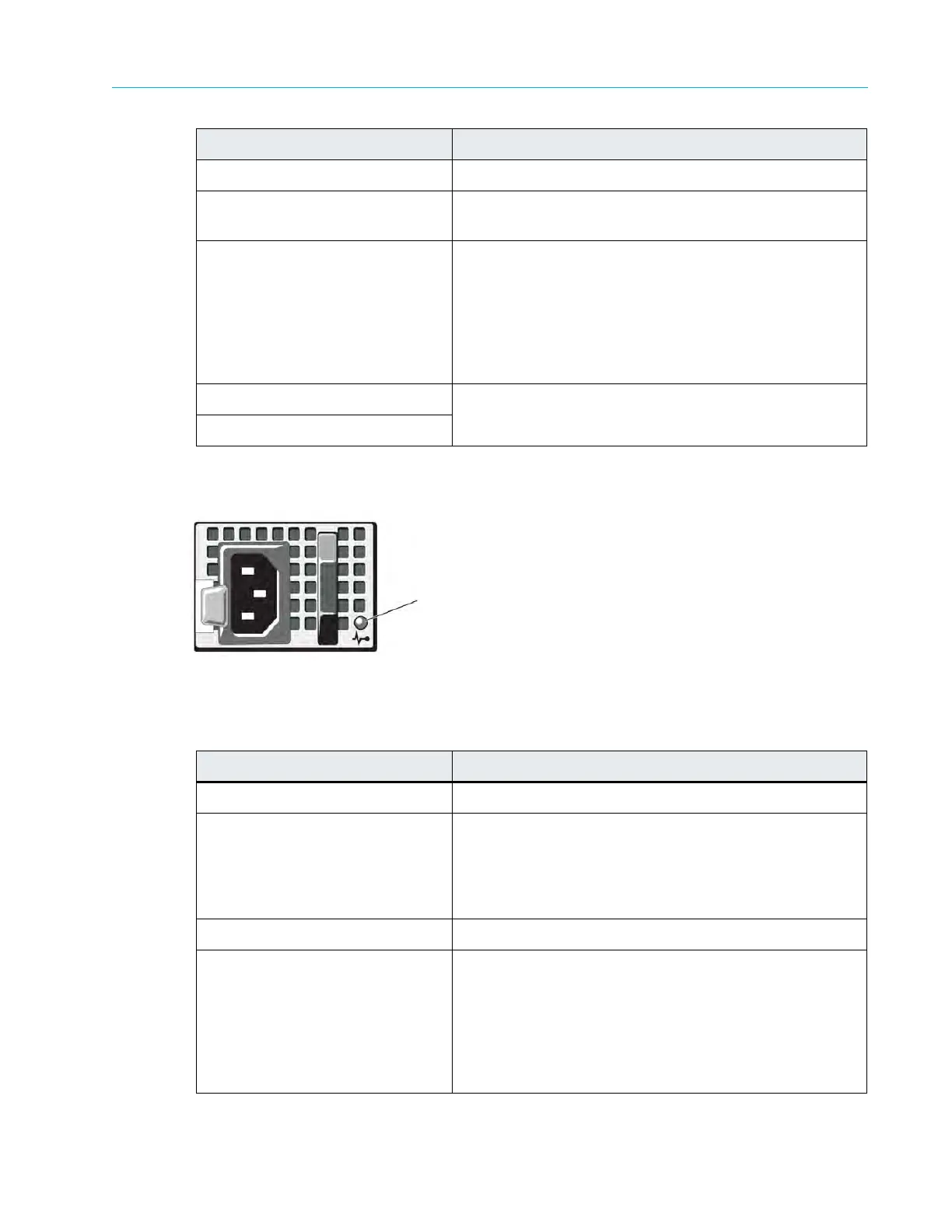
Figure A–6 and Table A–6 describe the typical Redundant Power Supply Indicator and its functions.
Figure A–6: ContentDirector Power Supply Indicator
Table A–6: Power Supply Indicator Pattern
7. NIC 3 connector Use for Gigabit Ethernet connection to switch.
8. System status indicator Blinks when the front or back sys
tem identification button
is pressed.
9. System identification button Both the SystemManager application and the
identifica
tion buttons on the front and back panels can be
used to locate a particular system within a rack. When
one of these buttons is pressed, the LCD display on the
front of the device and the blue system status indicator
on the back blink until one of the buttons is pressed
again.
10. Power supply 1 Dual redundant power supplies pr
ovide
power to the
system.
11. Power supply 2
Indicator Pattern Condition
Not lit AC power is not connected.
Green In standby mode, indicates that a valid AC source is
connected to the p
ower supply, and that the power
supply is operational. When the system is on, it also
indicates that the power supply is providing DC power to
the system.
Amber Indicates a problem with the power supply
.
Al
ternating Green and Amber When hot-adding a power supply, this indicates that the
power supply
is mismatched with the other power supply
(a high output power supply and a Energy Smart power
supply are installed in the same system). To correct this,
replace the power supply that has the flashing indicator
with a power supply that matches the capacity of the
other installed power supply.
Indicator, Button, or Connector Description
Power supply status indicator



 To Next Page