Appendix A Legacy Hardware Platforms
© 2017 Harmonic Inc. All rights reserved. 320 Harmonic MediaGrid Release 4.1
ContentBridge 2010B/C/D (High Bandwidth)
Table A–21: 10 Gigabit Ethernet LED Pattern
Power Supply LEDs
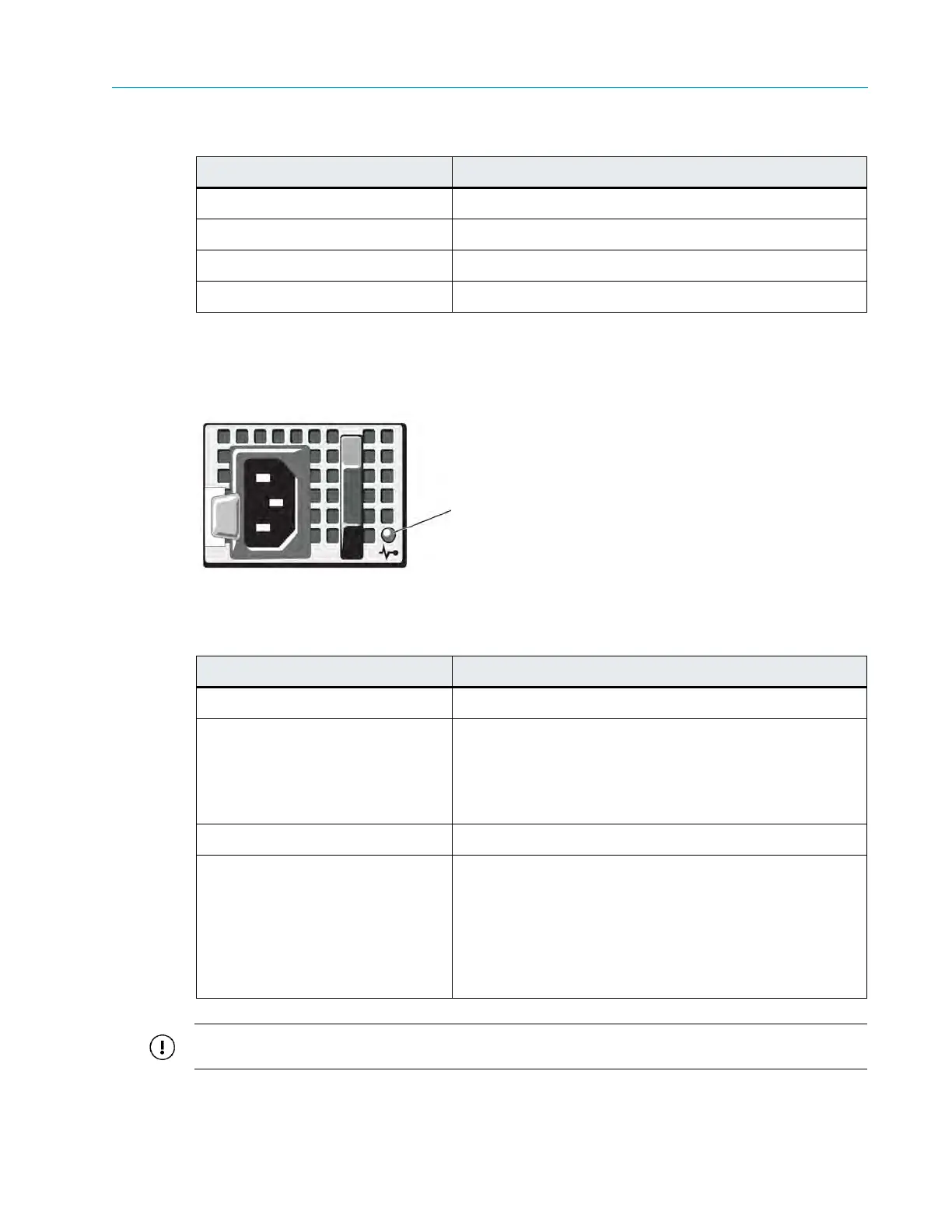
Figure A–19 and Table A–22 describe the typical Power Supply Indicator and its functions.
.
Figure A–19: ContentBridge 2010B/C/D Power Supply Indicators
Table A–22: Power Supply Indicator Pattern
IMPORTANT: Do not turn off power when replacing a drive. As soon as the new drive is inserted, the
system will begin replicating the data from the other drives.
Indicator Pattern Condition
Off Power off or network cables unplugged
Green Port enabled and receiving link indication
Yellow (two short blinks) Network activity occurring
Yellow (solid, continuous blinking) Some abnormal condition
Indicator Pattern Condition
Not lit AC power is not connected.
Green In standby mode, indicates that a valid AC source is
connected to the p
ower supply, and that the power
supply is operational. When the system is on, it also
indicates that the power supply is providing DC power to
the system.
Amber Indicates a problem with the power supply
.
Al
ternating Green and Amber When hot-adding a power supply, this indicates that the
power supply
is mismatched with the other power supply
(a high output power supply and a Energy Smart power
supply are installed in the same system). To correct this,
replace the power supply that has the flashing indicator
with a power supply that matches the capacity of the
other installed power supply.
Power supply status indicator



 To Next Page