User Manual
PVR 6000 Control Interfaces
Page 3-6 (Rev. 4.1/ SW v1.60/ December 2006)
3.1.2.4. Edit Value Screen
The Edit Value screen enables setting a parameter value. The parameter value
can be a number or a string of characters. Each digit or character is set up
individually.
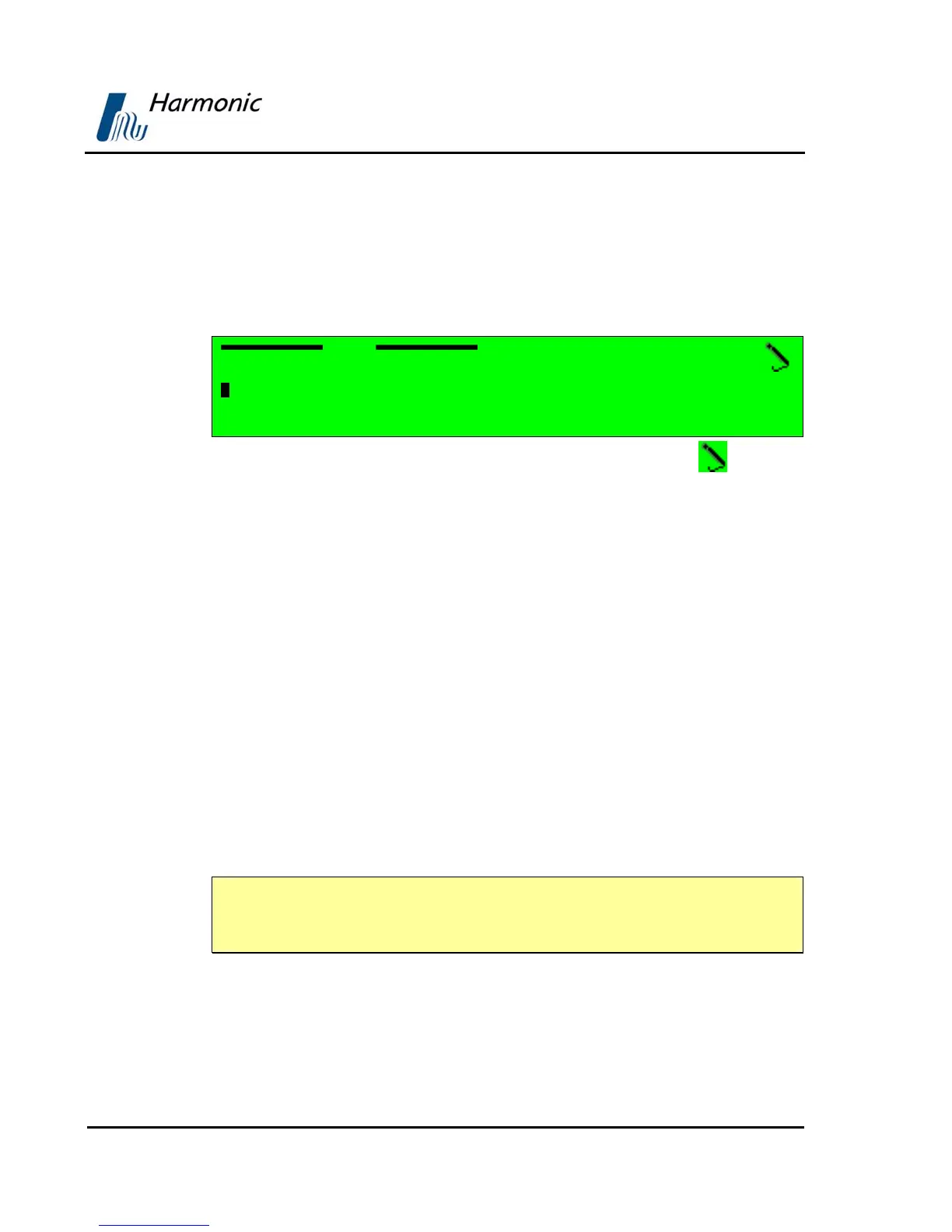
In this example, the Edit Value screen displays the following information:
Pcr1
1062 [Hex]
<0000 – 1FFF>
A. Top line displays the parameter name (Pcr1). The pencil icon indicates
that the parameter value is editable.
B. Second line displays the current parameter value. Change the value of the
parameter with the arrow keys:
• [Left] and [Right] arrow keys are used to mark a digit or a character
for change. The marked digit or a character is displayed with white
character over black background (see example in page 3-5)
• [Up] and [Down] arrow keys are used to scroll up or down the digits (0
through 9) or the characters (a to z, A to Z, 0 to 9 and so on.). The scroll
range can be limited to prevent values being out of range.
C. Third line displays the allowed range of parameter values.
Press [ESC] to abort the setup and return one level up to the Edit Value
Screen without changing the parameters.
Press [Enter] to accept the value. The display returns one level up to the
Edit Value Screen and the new value is displayed as the current parameter
value.
NOTE
When entering an wrong or out-of-range value the display dismisses the last
change and returns one level up in the menu tree.



 To Next Page