PVR 6000 Series
Professional Integrated Receiver Decoders
Page 3-7
3.1.2.5. Select Value Screen (Multiple Choices)
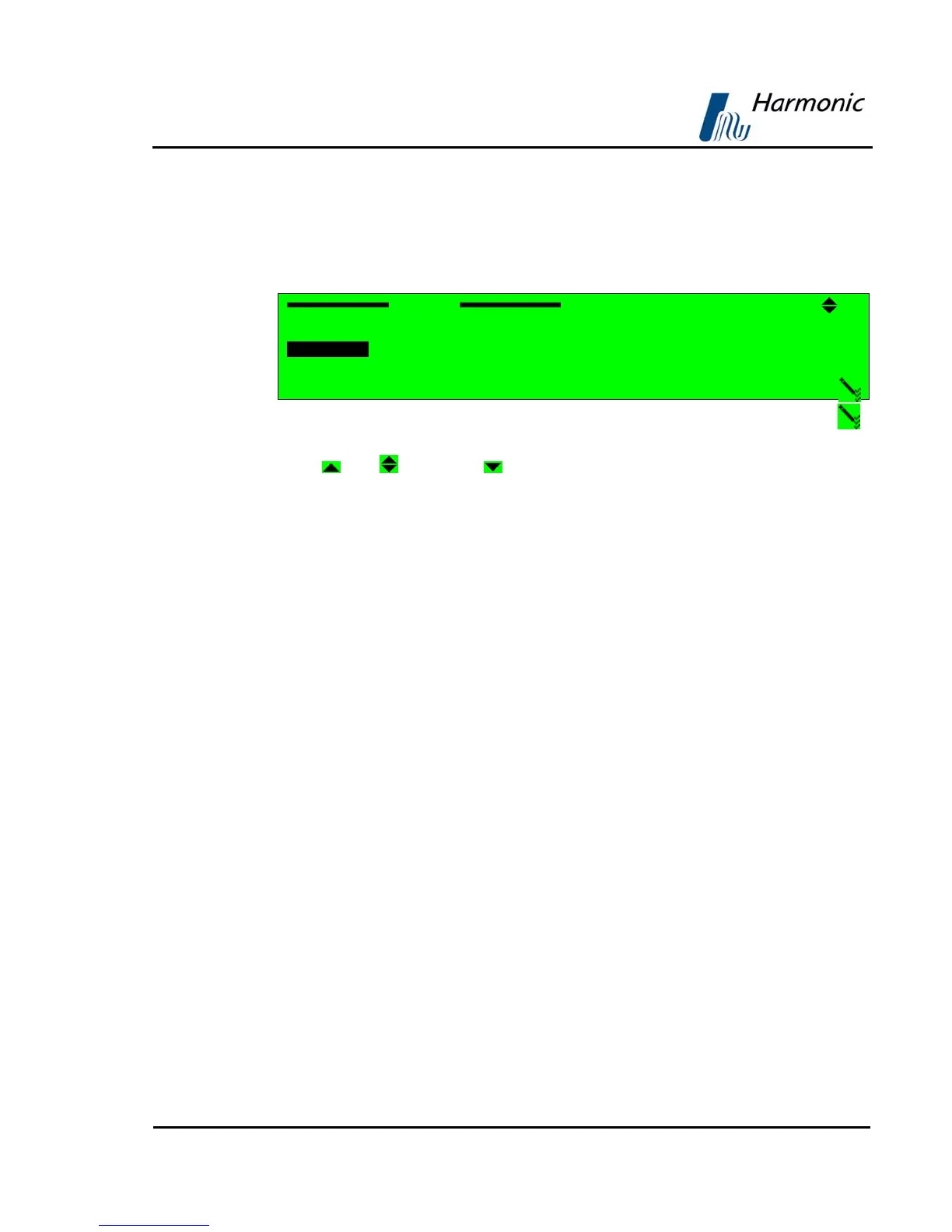
The Select Value screen displays a list of selectable items.
In this example, the Select Value screen displays the following information:
Format
3 PAL M
4{ PAL BG
5{ PAL D
6{ PAL N
A. Top line displays the parameter name (Format). The pencil icon
indicates that the items are selectable from the list of displayed options.
[
Up]/[ Up/Down]/[ Down] symbols indicate that up or down scrolling
is enabled.
B. Next up to four displayed lines is a numbered list of parameters relevant
to the menu and their current values. A radio button indicates which
parameters are currently activated (
is currently enabled and { is
currently disabled)
C. Additional Available Items
The list can include more than four items, but only four items are visible at a
time. When more than four items exist, you can scroll the list using the
[UP]/[Down] arrow keys.
The currently selected option is displayed with white characters over a black
background (see Item #4 in the example above).
Press [ESC] to abort setup and return one level up to the Select Value Screen
without changing the parameters.
Press [Enter] to select the marked option (the selected option is enabled
and
the former enabled option is disabled
{). The display returns up one level to the
Select Value screen; the new option is displayed as the current parameter
option.



 To Next Page