User Manual
Operation and Management
Page 4-18 (Rev. 4.1/ SW v1.60/ December 2006)
FREQ DRIFT COMPENSATION
The PVR 6000 uses Freq Drift Compensation Feature to automatically correct
inaccurate frequencies inserted by the operator.
When the operator sets the receiver frequency, the PVR 6000 checks whether
the inserted frequency is set to the optimal frequency. When a deviation is
detected, the PVR 6000 calculates the offset from the original setting and
enables correcting it.
Turning on the Freq Drift Compensation in the following menu activates the
automatic frequency adjustment. When Drift compensation is turned off, the
device uses the original frequency setting that was inserted by the operator.
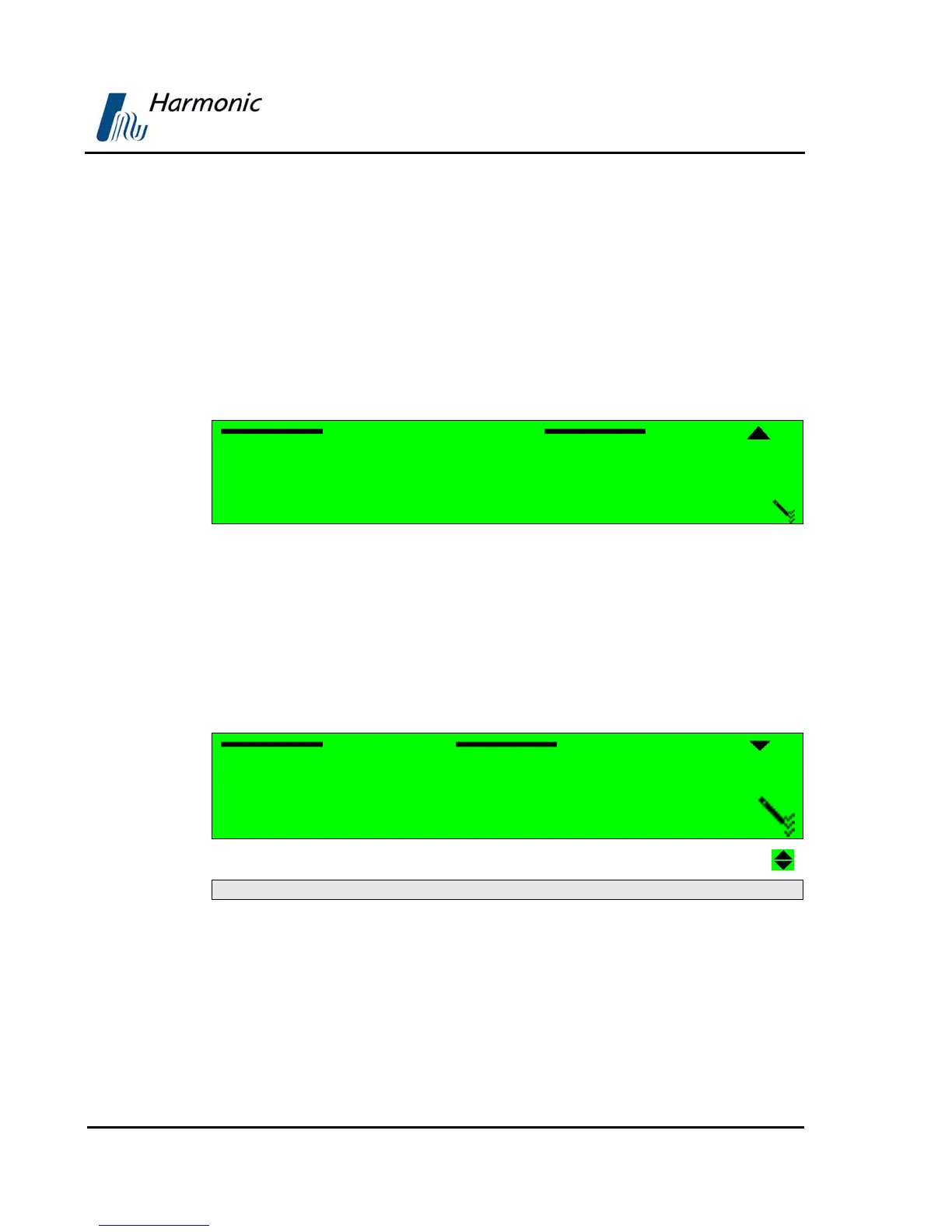
Freq Drift Compensation
1{ OFF
2 ON
The available options are:
• OFF – Drift Compensation is off; the receiver remains tuned to the
configured frequency.
• ON - Drift Compensation is on; the receiver tunes to the optimum
frequency.
LNB L.O. TYPE
The LNB L.O. Type menu enables selecting the type of installed LNB.
LNB L.O. Type
1 UNIVERSAL (9.75, 10.6)
2{ WIDE BAND (9.75, 10.75)
3{ Ku BAND
4{ C BAND
05{ DiSEqC (9.75, 10.6)
The available options are:
• UNIVERSAL (9.75, 10.6)
• WIDE BAND (9.75, 10.75)
• Ku BAND
• C BAND
• DiSEqC (9.75, 10.6)



 To Next Page