Command reference Menu 3. SETUP
EN 3925-0060 V207-00 MANUAL R03.doc
HeMaTech
Prüftechnik
Output format File01
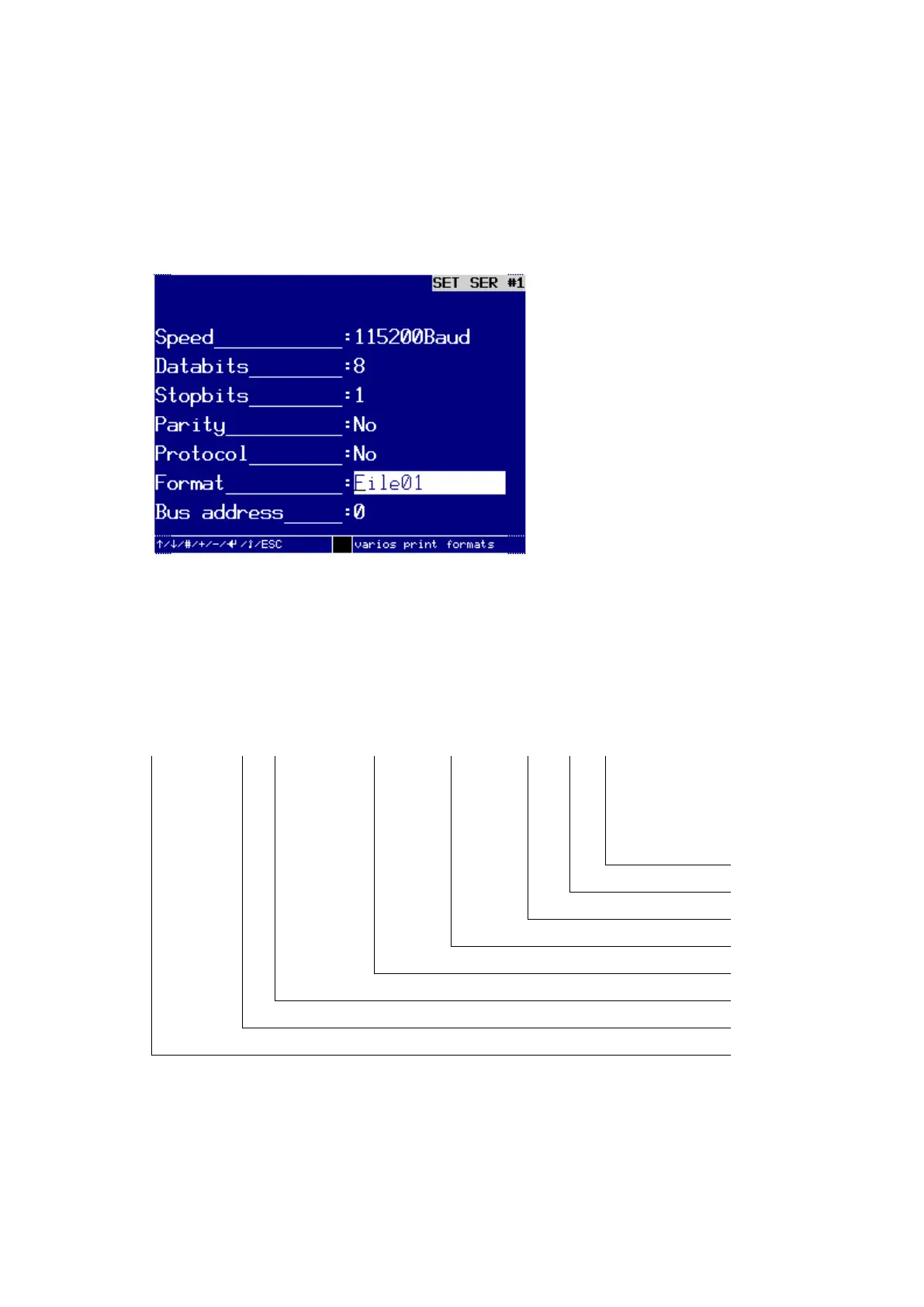
Set up / change the interface for format File 01 for data output to a PC.
Using the interface SER #1 as an example, this section explains how to set up the out-
put format for the output of File01 and File02 and which data will be output by the test
device.
Setting up an interface for the output of measuring data to a PC
In order to set up an interface for the output of measuring data to a PC, you should
select the Format: File01 or File02.
These two output files differ by the volume of measuring data.
The measuring data of File01
In output format File01 contains 8 measuring results in numerical format, each divided
by a semicolon. Example of a measuring result:
Error number
with 2 digits
Measuring value with 6 digits
Hour Minute Second with 6 digits
Day Month Year with 8 digits
Program number with 2 digits
Successive number with 8 digits



 To Next Page