Fluent Pro Fluid Management System
English Procedure Setup 15
2 Procedure Setup
2.1 Moving the System
2.1.1 Before moving the system from one location to another, ensure the system is in transport position:
2.1.2 The Power Cord is unplugged from the main outlet and wrapped around the cord wrap on the rear of the system.
2.1.3 The Foot Pedal is stored in the Foot Pedal Basket located on rear of the system.
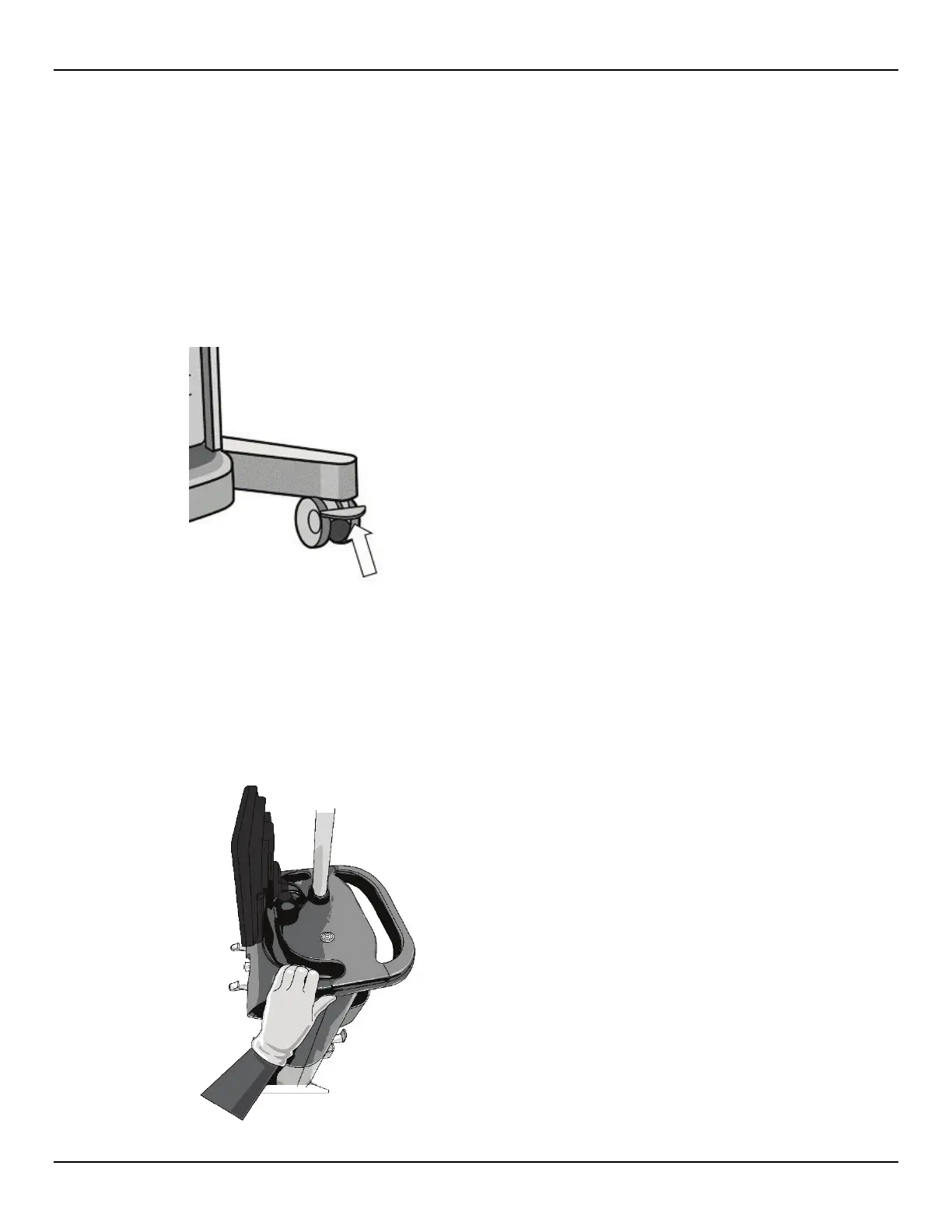
2.1.4 To unlock the wheels (if in the locked position), use your foot to lift (upward) the lever on each Wheel Lock.
Figure 10: Unlock Wheels
2.1.5 No bags are hanging from the Fluid Bag Hooks or Waste Bag Hooks.
2.1.6 The Accessory Basket contents weigh less than 10 pounds.
2.2
Positioning the System
2.2.1 Use the Handle to push, pull, or steer the system.
Figure 11: Positioning the System














 To Next Page