Fluent Pro Fluid Management System
English Procedure Setup 25
2.7.6.7 Touch the ‘NEXT’ icon to proceed.
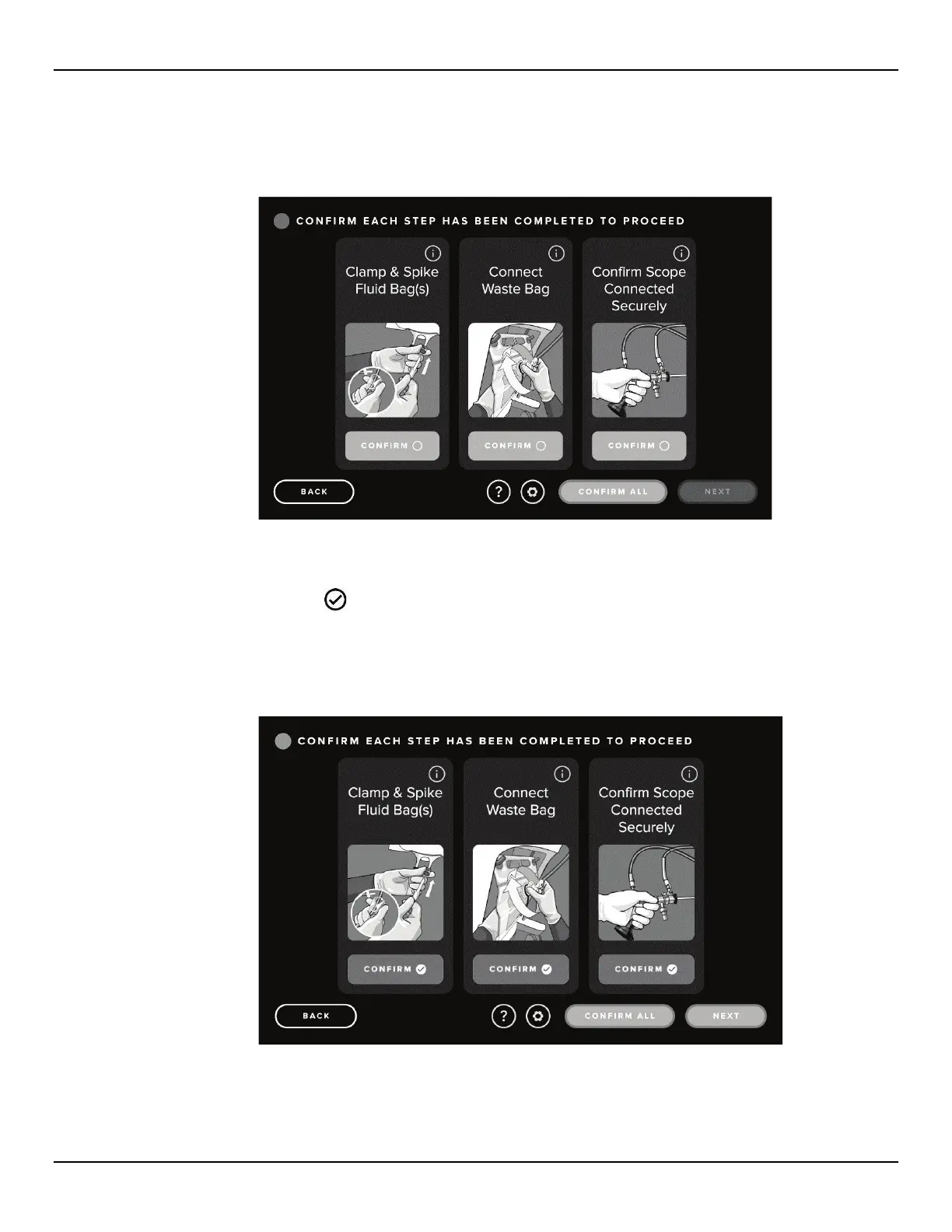
2.7.6.8 The Confirmation screen is then displayed.
Figure 30: Confirmation Screen
2.7.6.9 The displayed steps will not be automatically detected and will need to be manually confirmed by touching the
blue ‘CONFIRM’ icon. Once a step is confirmed the confirmation icon will turn from blue to green and a
‘CONFIRM
’ icon will appear. The actions can be confirmed in any order and can be confirmed
simultaneously by selecting the ‘CONFIRM ALL’ icon.
2.7.6.10 Once all steps are confirmed, the ‘NEXT’ icon will be illuminated.
Figure 31: Confirmation Screen with Steps Complete














 To Next Page