Fluent Pro Fluid Management System
English Troubleshooting 65
5.3.10.3 System Faults
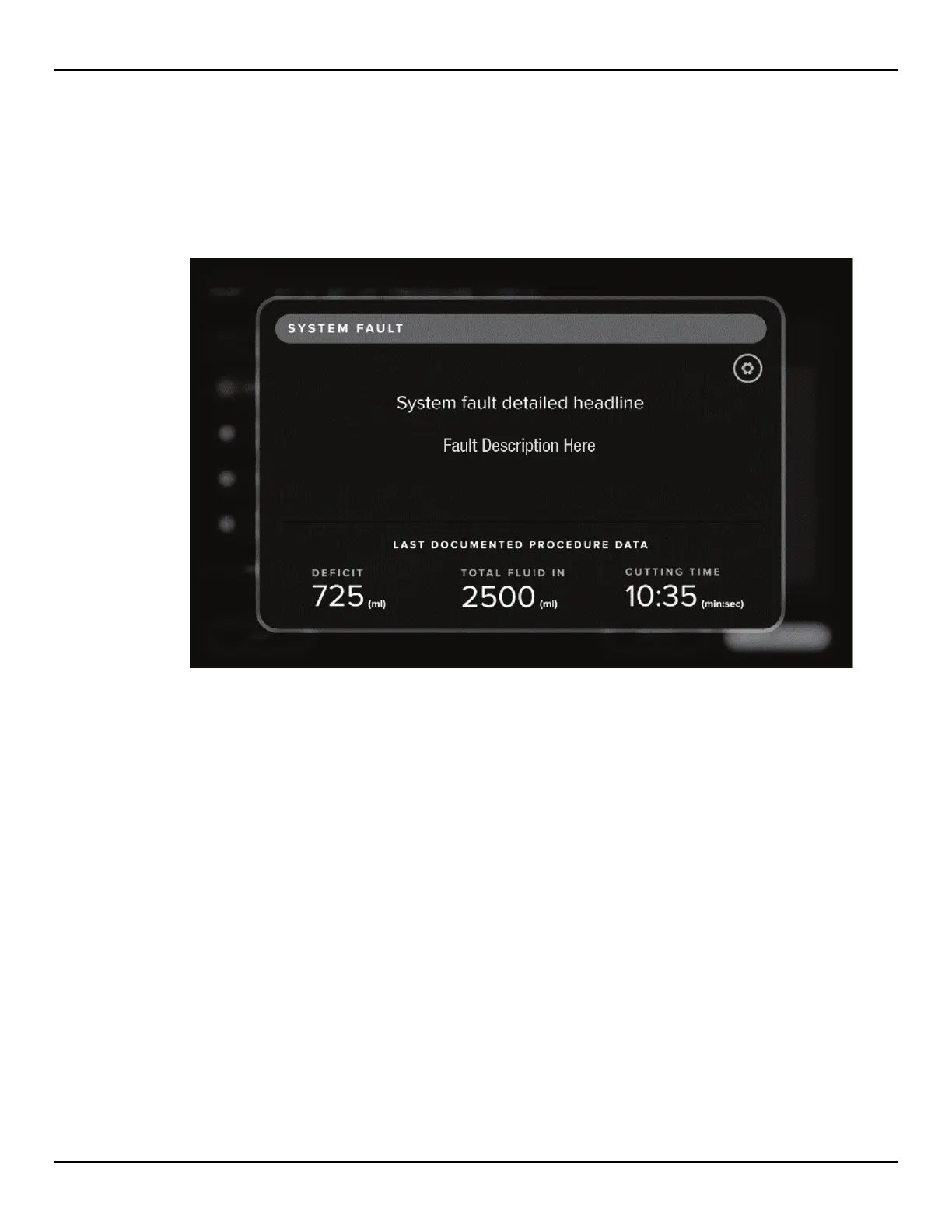
If a System Fault occurs at any point during a procedure, the System Fault screen is displayed, as shown below.
This screen displays information regarding the fault, as well as the last procedure data, including deficit, total
fluid in and cutting time. When a system fault occurs, record the displayed procedure data and follow the
instructions given on the screen. For details regarding how to resume a procedure following shutdown, refer to
Section 5.2. A list of System Faults can be found below.
Figure 70: System Fault Screen














 To Next Page