Fluent Pro Fluid Management System
English Troubleshooting 57
5 Troubleshooting
5.1 Help
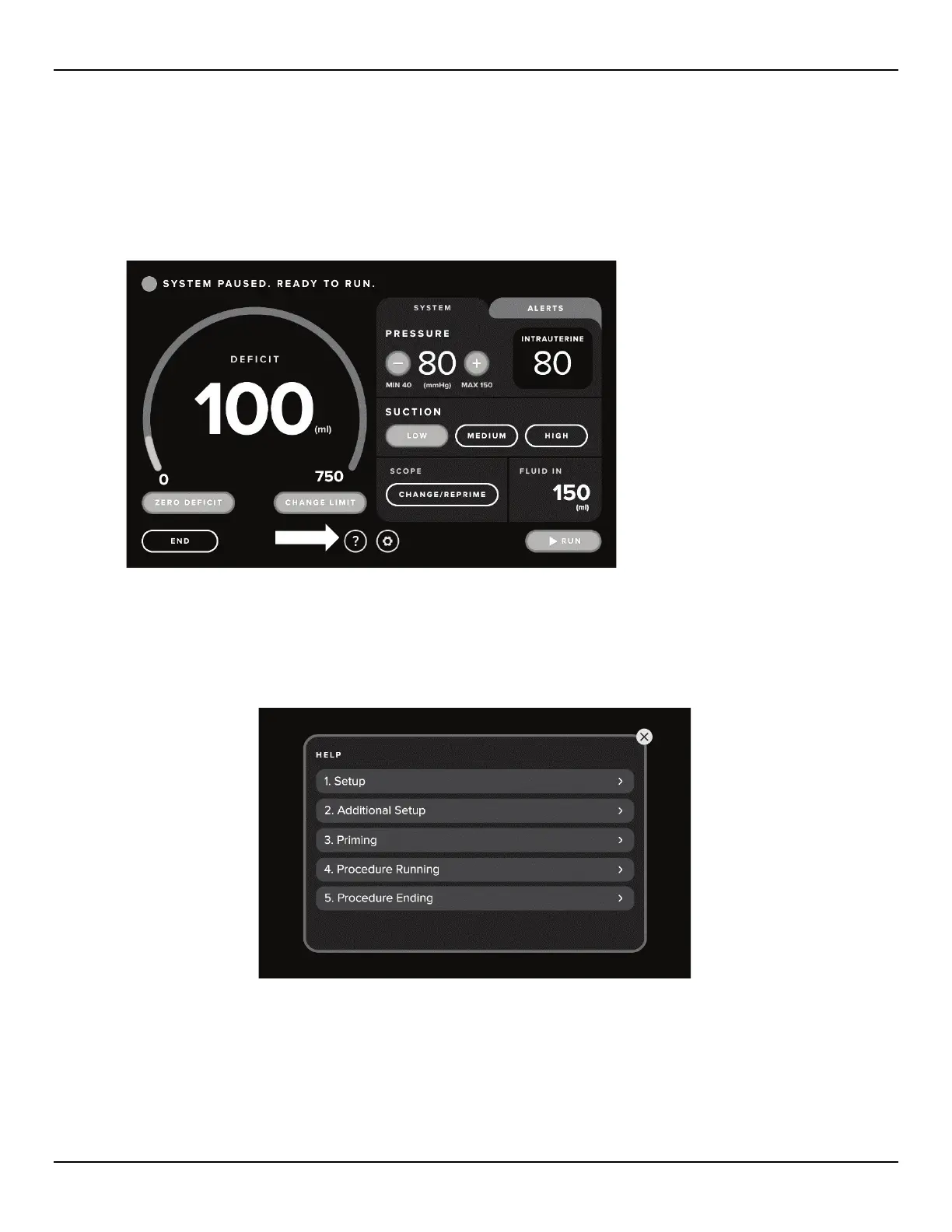
Touch the ‘HELP’ icon at any time to access the help menu and display step-by-step instructions on the Touchscreen. The ‘HELP’
icon is located at the bottom of the Launch screen, Setup screen, Confirmation screen and Procedure screen.
Figure 63: Help Icon Location
5.1.1 Help Screen Menu
5.1.1.1 On the Help screen menu select the desired topic to display the Help screen for that step.
Figure 64: Help Screen Menu
5.1.1.2 Follow the on-screen prompts.














 To Next Page