Fluent Pro Fluid Management System
English During Procedure 35
3 During Procedure
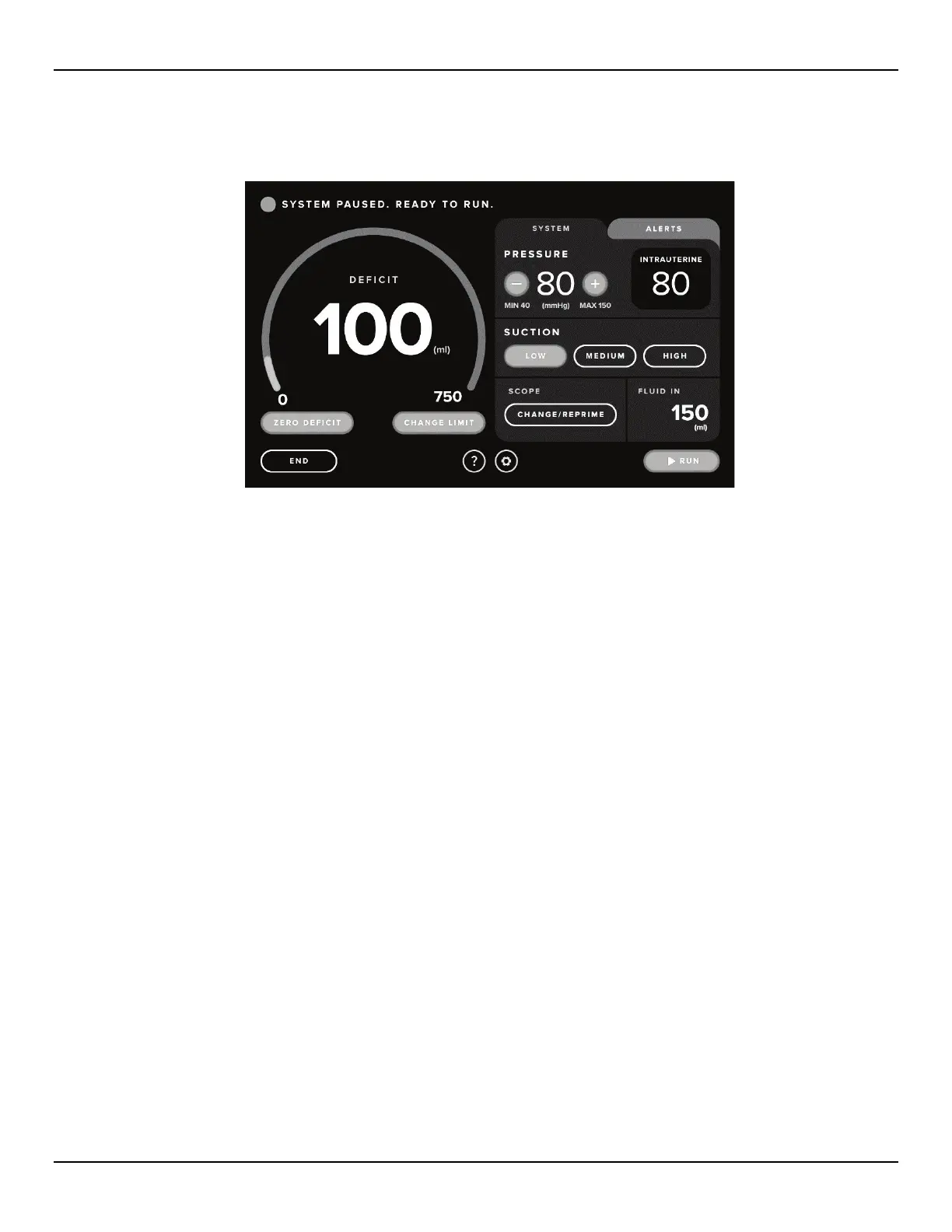
Figure 44: Procedure Screen
3.1 Adjusting the Deficit Limit
3.1.1 About Deficit Limits
3.1.1.1 The deficit is the total amount of fluid left in the patient or unaccounted for otherwise.
3.1.1.2 The default Deficit Limit at the start of a new procedure is set to 750 mL.
3.1.1.3 Before the procedure has started, the Deficit Limit can be adjusted from 100 mL to 2500 mL in increments of
50 mL.
3.1.1.4 Once the procedure has started, the Deficit Limit can be increased beyond 2500 mL, if necessary, at the
discretion of the physician. The Fluid In is displayed on the procedure screen in mL and reflects the total fluid
in, including priming volume, unless the deficit was zeroed out because system was not primed into the under
buttocks drape.














 To Next Page