Fluent Pro Fluid Management System
30 Procedure Setup English
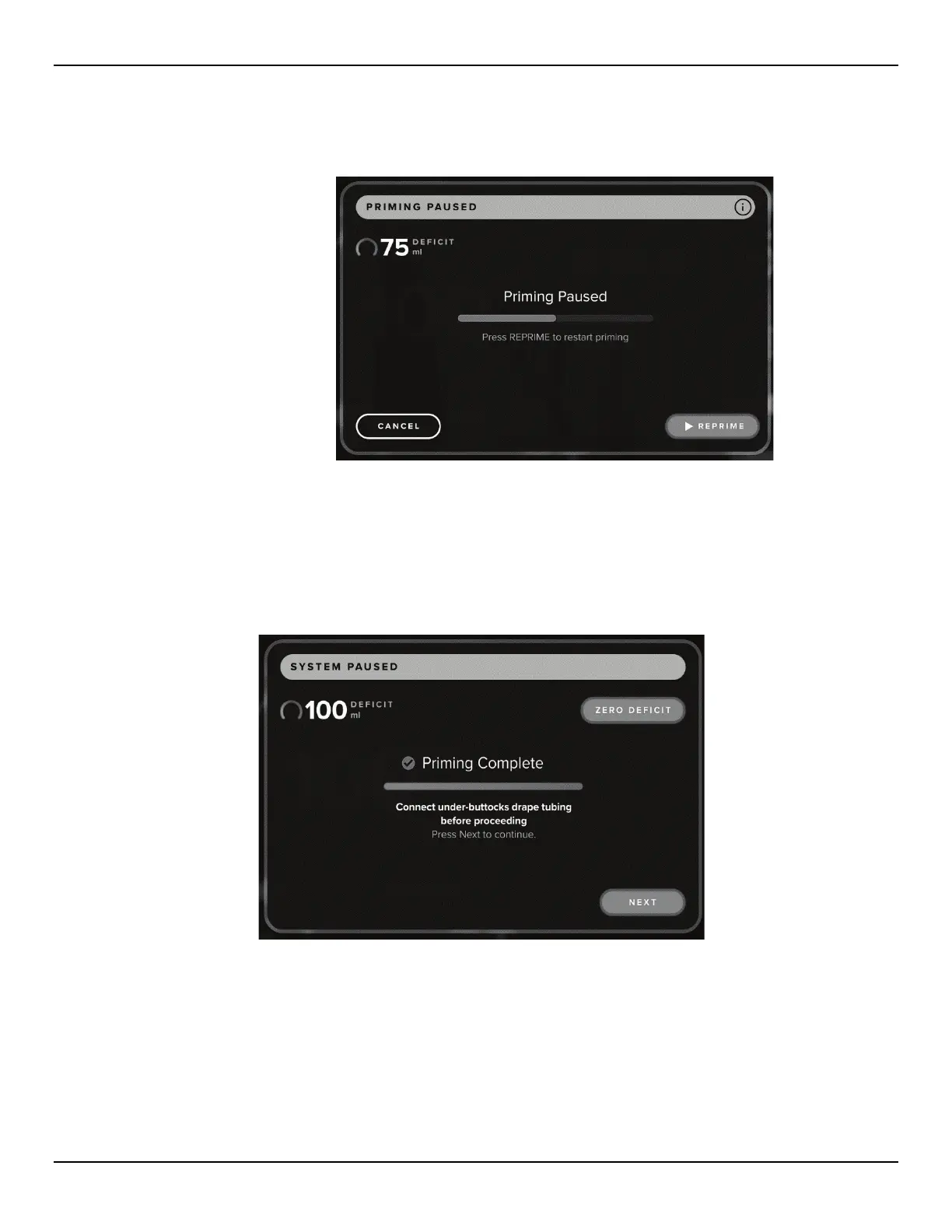
2.7.8.1.2 To end priming touch ‘YES’. To continue priming touch ‘NO’ to return to the Priming Paused
screen.
Figure 40: Priming Paused Screen
2.7.8.1.3 To continue priming after pause, press ‘REPRIME’. When priming is resumed after pausing, the
system will restart the priming sequence from the beginning.
2.7.8.2 When the priming process is complete, the inflow and outflow motors stop, and the Priming Complete screen
is displayed.
Figure 41: Priming Complete Screen
2.7.8.3 If priming was done outside the Under-Buttocks Drape, the fluid deficit needs to be zeroed as a false deficit
can ensue. Touch the ‘ZERO DEFICIT’ icon and follow the instructions to zero the deficit.
2.7.8.4 If priming was done inside the Under-Buttocks Drape, the deficit does not need to be zeroed after priming.














 To Next Page