Fluent Pro Fluid Management System
70 Supplementary Information English
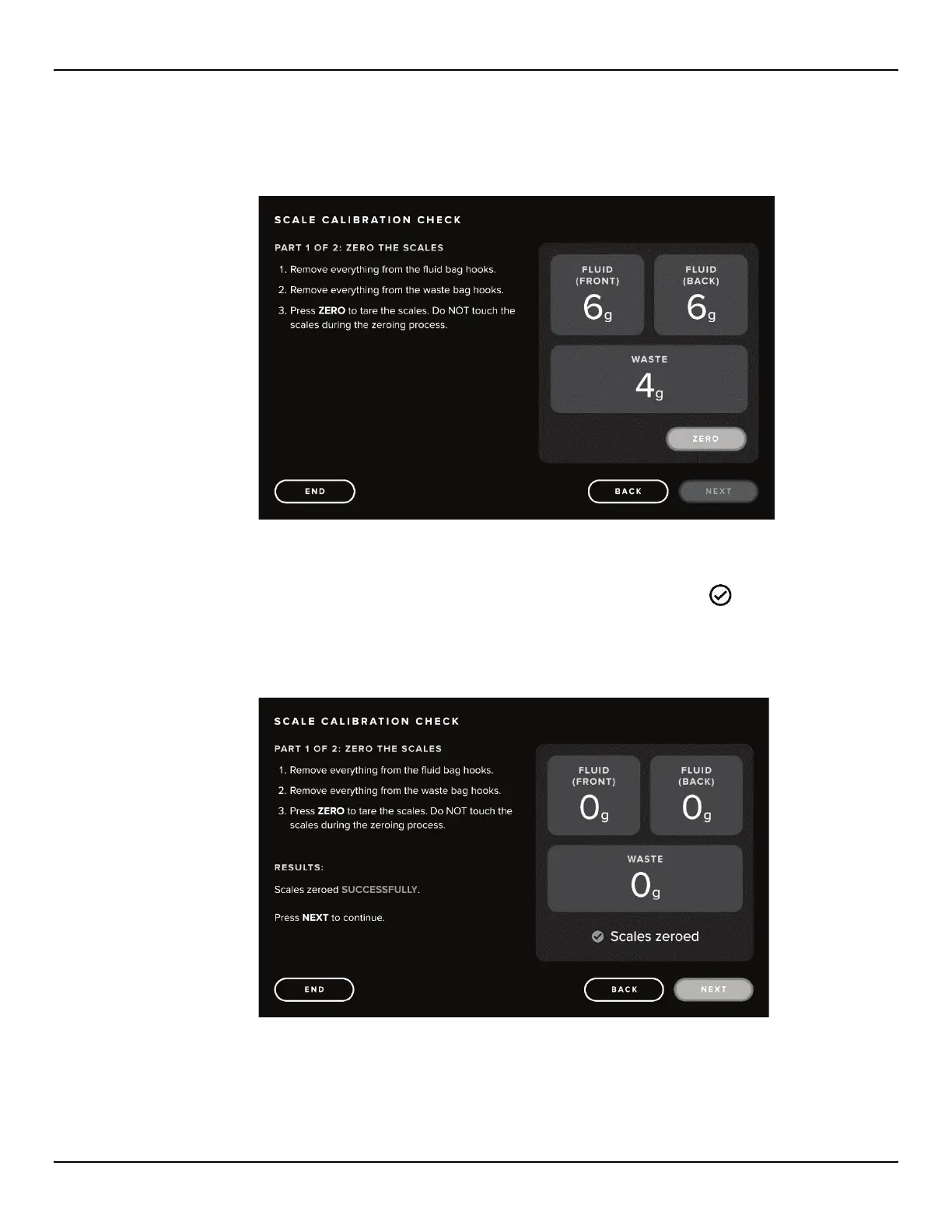
6.1.1.4 Touch the ‘START’ icon. The Scale Calibration Check Part 1: Zero the Scales screen is displayed.
6.1.1.5 Remove everything from the Fluid Hooks and Waste Bag Hooks.
Figure 72: Scale Calibration Check, Part 1 Screen
6.1.1.6 Touch the ‘ZERO’ icon.
6.1.1.7 When scales have been successfully zeroed, the scale values will read zero and a ‘
SCALES ZEROED’
confirmation will be displayed. If the zeroing fails, follow prompts to retry. If zeroing continues to fail, contact
Technical Support.
Figure 73: Scale Calibration Check, Scales Zeroed Screen














 To Next Page