Fluent Pro Fluid Management System
40 During Procedure English
3.5.6.8 Touch the ‘NEXT’ icon to continue.
3.5.6.9 Refer to the hysteroscope Instructions for Use for complete instructions on the use and operation of the
hysteroscope, including warnings and cautions.
Caution!
Failure to reprime after changing hysteroscope may affect uterine pressure control.
3.6
Ending the Procedure
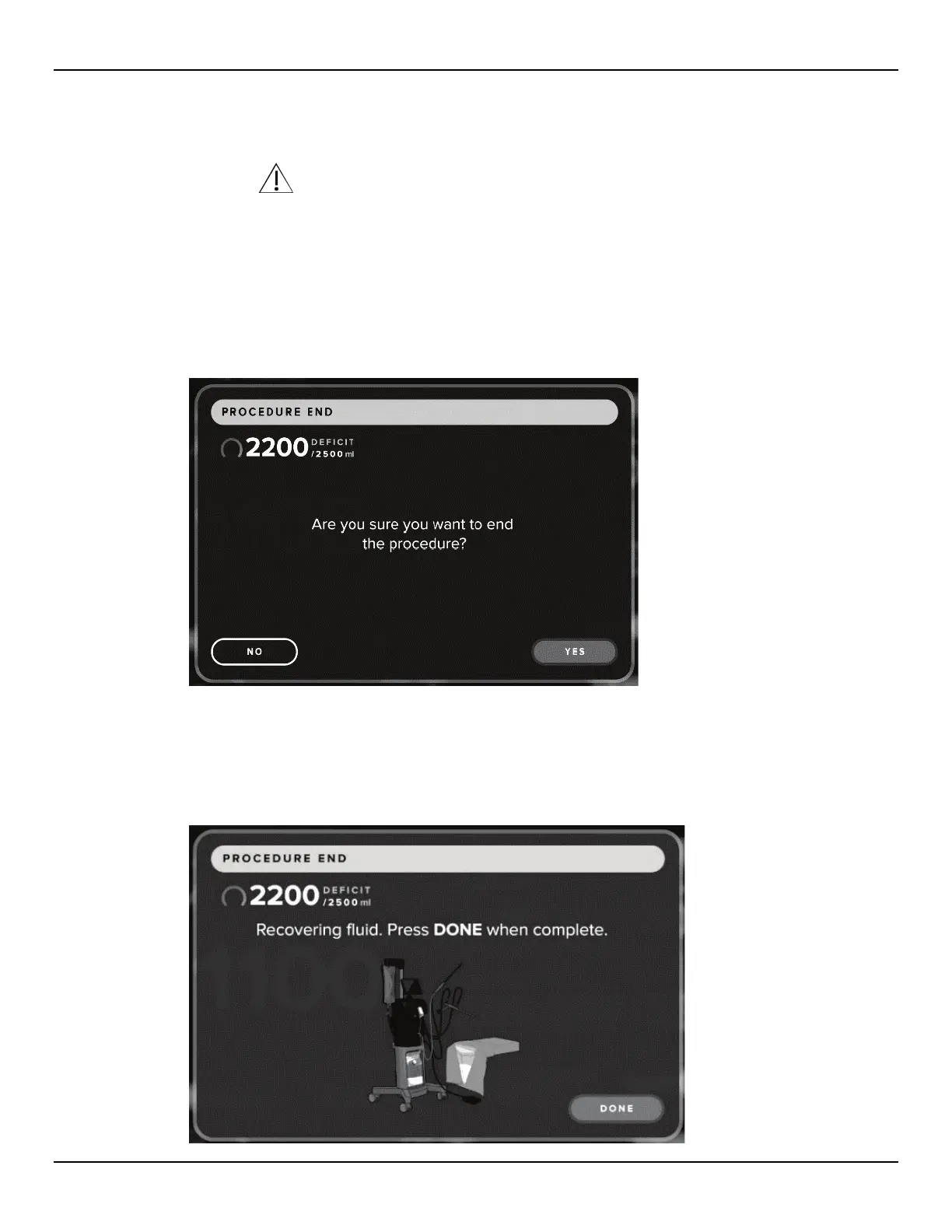
3.6.1 When the procedure is complete, touch the ‘END’ icon.
3.6.2 The system displays a message confirming that you want to end the procedure.
Figure 50: Procedure End Confirmation Screen
3.6.3 To end the procedure, touch the ‘YES’ icon. To continue the procedure, touch ‘NO’.
3.6.4 The system displays a screen to notify that the system is recovering fluid.
Figure 51: Recovering Fluid Screen














 To Next Page