Fluent Pro Fluid Management System
English Supplementary Information 71
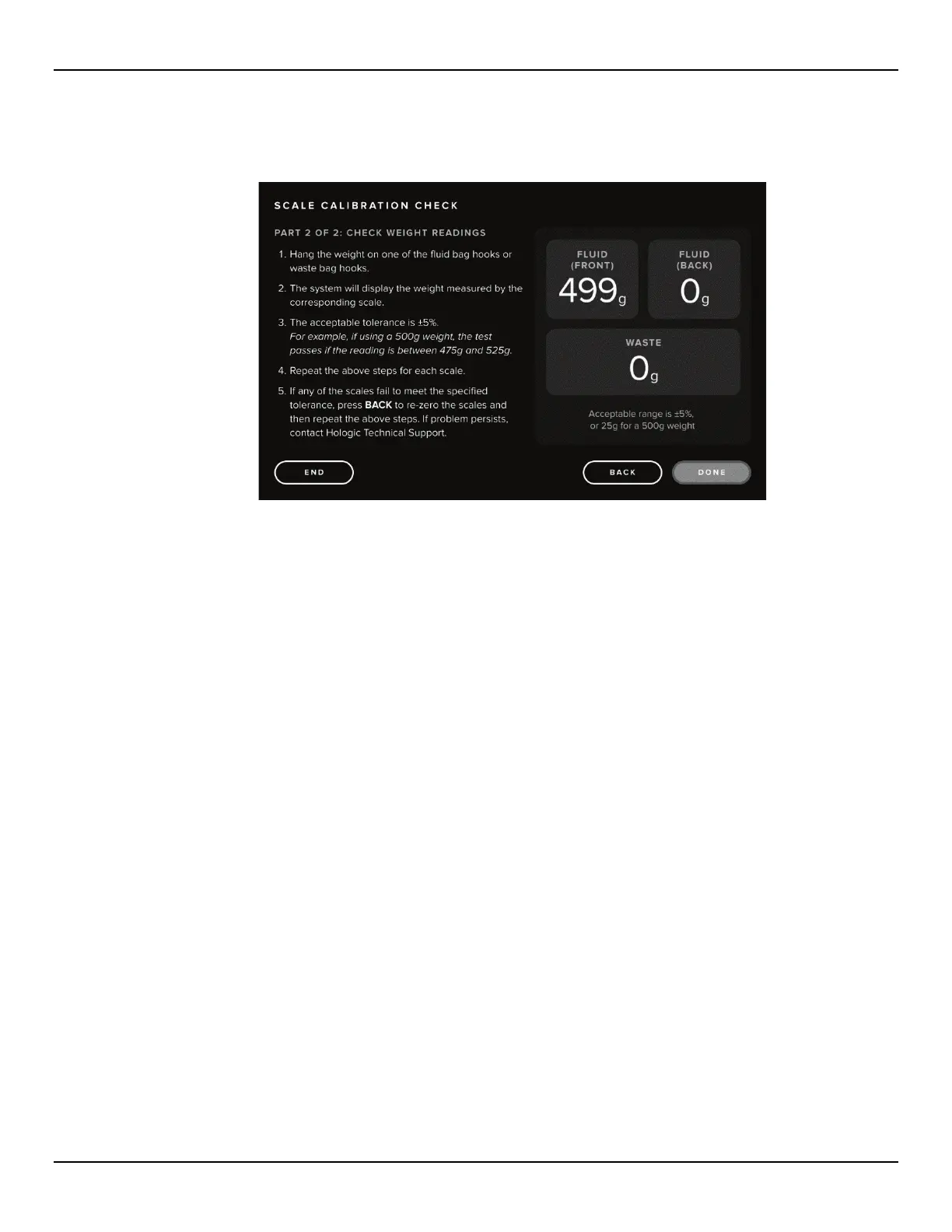
6.1.1.8 Once scales are zeroed, touch the ‘NEXT’ icon. The Scale Calibration Check Part 2: Check Weight Readings
screen is displayed.
Figure 74: Scale Calibration Check, Part 2 Screen
6.1.1.9 Hang a weight on one of the Hooks. The weight should read +/-5%.
6.1.1.10 If the reading is not within the acceptable range, touch the back icon and proceed to re-zero the scales and
repeat the weight reading steps.
6.1.1.11 If the weight readings are still outside of the acceptable range, contact Technical Support.
6.1.1.12 If the weight reading is acceptable, remove the weight and repeat the step above for each scale.
6.1.1.13 Touch the ‘ DONE’ icon to return to the Settings screen, then select ‘END’ to return to the Setup screen.














 To Next Page