USER INTERFACE
6.52
ThinPrep™ 5000 Processor with AutoLoader Operator’s Manual
The section of the vial ID identified as the accession ID in the Configure Vial ID setting is the portion
of the vial ID that is used to configure the slide ID. It is referred to as “vial ID” in the Configure Slide
ID settings.
The ThinPrep 5000 processor with AutoLoader can be configured to laser-etch the slide ID onto each
slide, or it can be configured to process slides to which labels are applied prior to loading the slides
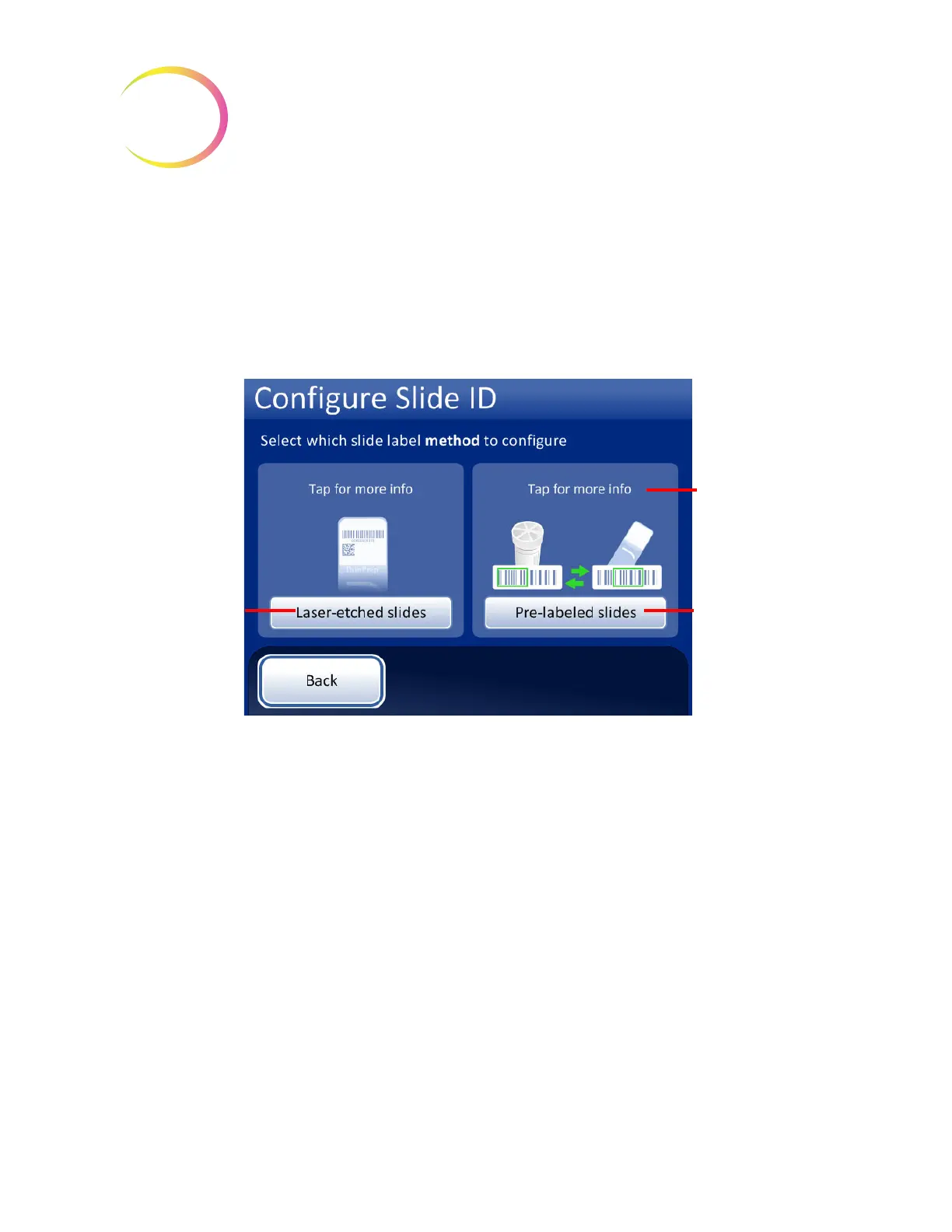
into the slide carousel, for Small Batch mode. Configure the instrument for AutoLoader mode and
for Small Batch mode. See Figure 6-67.
Figure 6-67 Select slide label method
Configure slide ID for laser-etched slides
The slide ID must be based on the vial ID. There are four options for configuring laser-etched slide
IDs. Combinations of the four options can be used.
If more than one option is used, the options are applied in the following order:
1. Select a segment from the vial ID
2. Replace characters (in that segment, if any)
3. Insert characters (in the segment with the replaced characters, if any)
4. Append characters (to the segment, with the replaced and inserted characters, if any)
Touch the button for
pre-labeled slides to
set criteria that the
instrument will use
in Small Batch
Mode, when slides
are labeled prior to
loading the slides in
the instrument.
Touch the button
for laser-etched
slides to configure
the information
that the
AutoLoader will
etch the slide ID
information during
processing.
Tap for a brief
description



 To Next Page