ThinPrep™ 5000 Processor with AutoLoader Operator’s Manual
6.59
USER INTERFACE
Configure slide ID for pre-labeled slides
For Small Batch mode when the slides are already labeled prior to loading the ThinPrep 5000
processor, configure the type of barcode(s) used on the slide labels so that the ThinPrep 5000
processor recognizes the vial ID and slide ID from other information that may be printed on the
labels. A barcode or OCR format must be used for the slide ID.
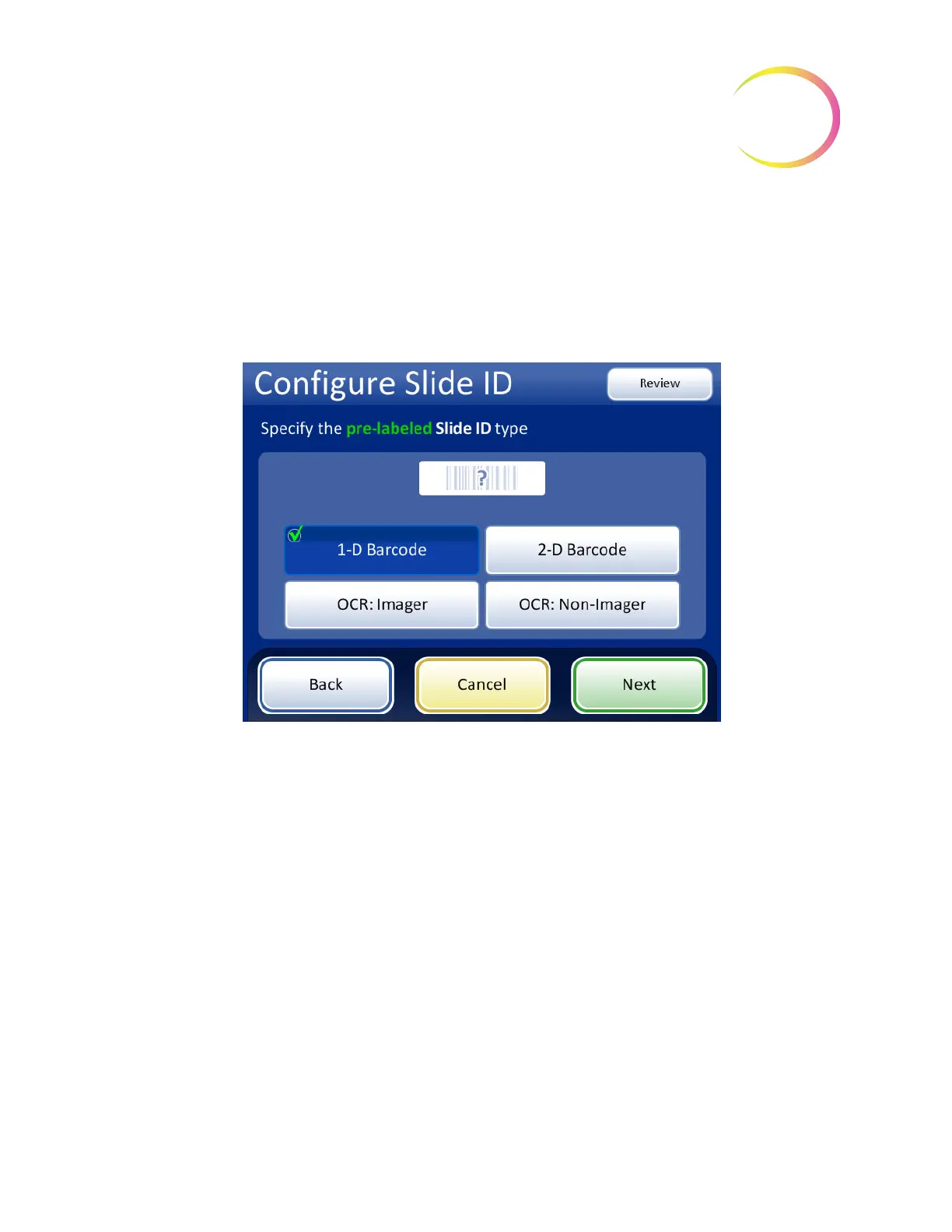
Touch the ID type to select it: 1-D Barcode, 2-D Barcode, OCR: Imager, or OCR: Non-Imager.
Figure 6-72 Specify the pre-labeled Slide ID type
Press
Next
to continue.



 To Next Page