USER INTERFACE
6.62
ThinPrep™ 5000 Processor with AutoLoader Operator’s Manual
and distinguishes the vial ID and slide ID from other information that may be printed on the vial
label and/or slide label.
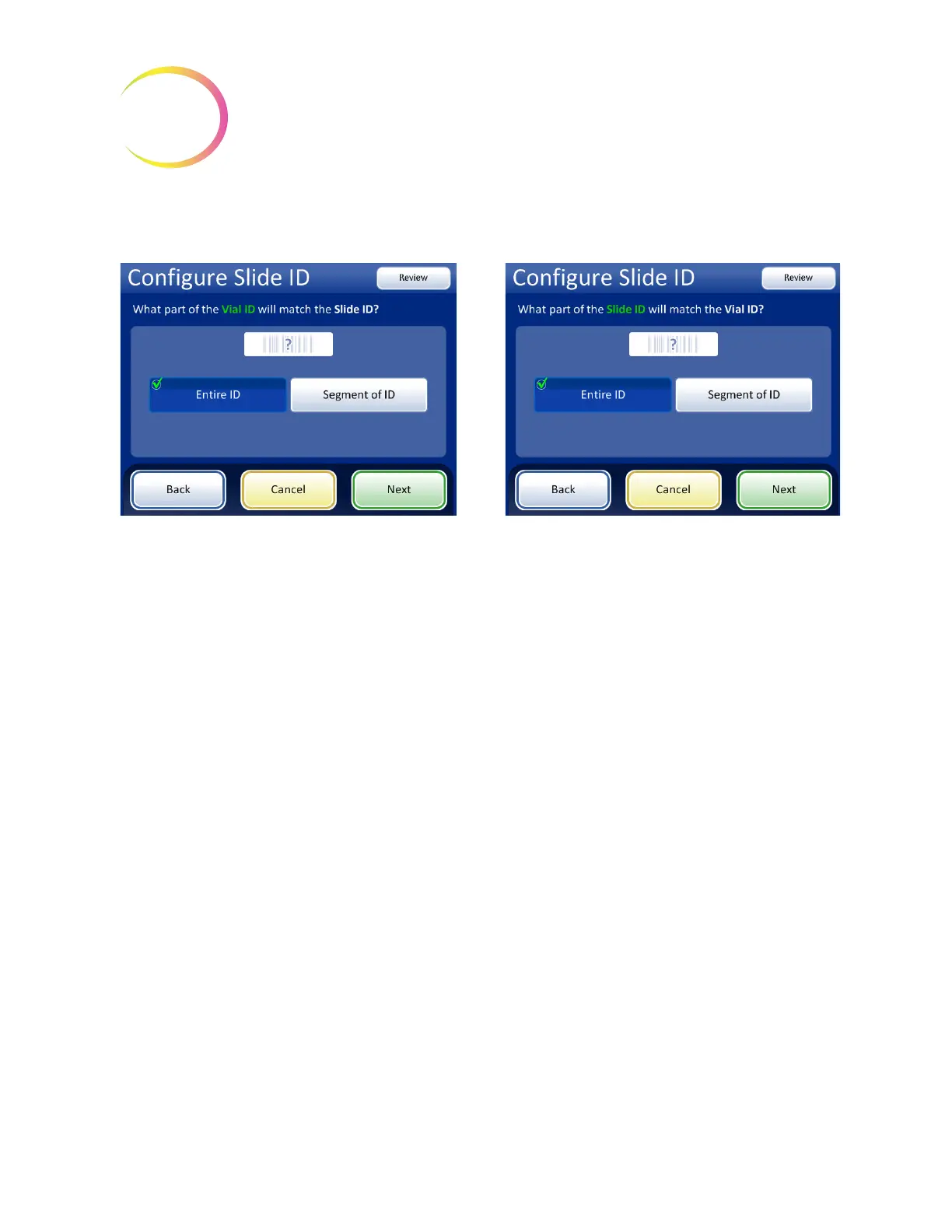
Figure 6-75 Pre-labeled Slides - matching between Vial ID and Slide ID
If the vial ID contains additional information that is not part of the slide ID, indicate how to identify
the segment of the
vial ID
to use for matching vial IDs and slide IDs.
If the slide ID contains additional information that is not part of the vial ID, indicate how to identify
the segment of the
slide ID
to use for matching the vial IDs and slide IDs.
The steps for configuring the instrument to recognize a segment of the vial ID and the slide ID with
pre-printed labels are the same as steps 2 through 4, used for configuring laser-etched slide IDs.
Refer to “Segment of ID” on page 6.53.
If all of the vial’s accession ID (vial ID) is used in
the slide ID, select
Entire ID
.
If only a segment of the vial’s accession ID (vial ID)
is part of the slide ID, select Segment of ID and
then specify where that segment starts and
finishes.
If all of the slide ID matches the vial’s accession
ID (vial ID), select Entire ID.
If only a segment of the slide ID is the vial’s
accession ID (vial ID), select Segment of ID and
then specify where that segment starts and
finishes.



 To Next Page