ThinPrep™ 5000 Processor with AutoLoader Operator’s Manual
7.7
OPERATING INSTRUCTIONS
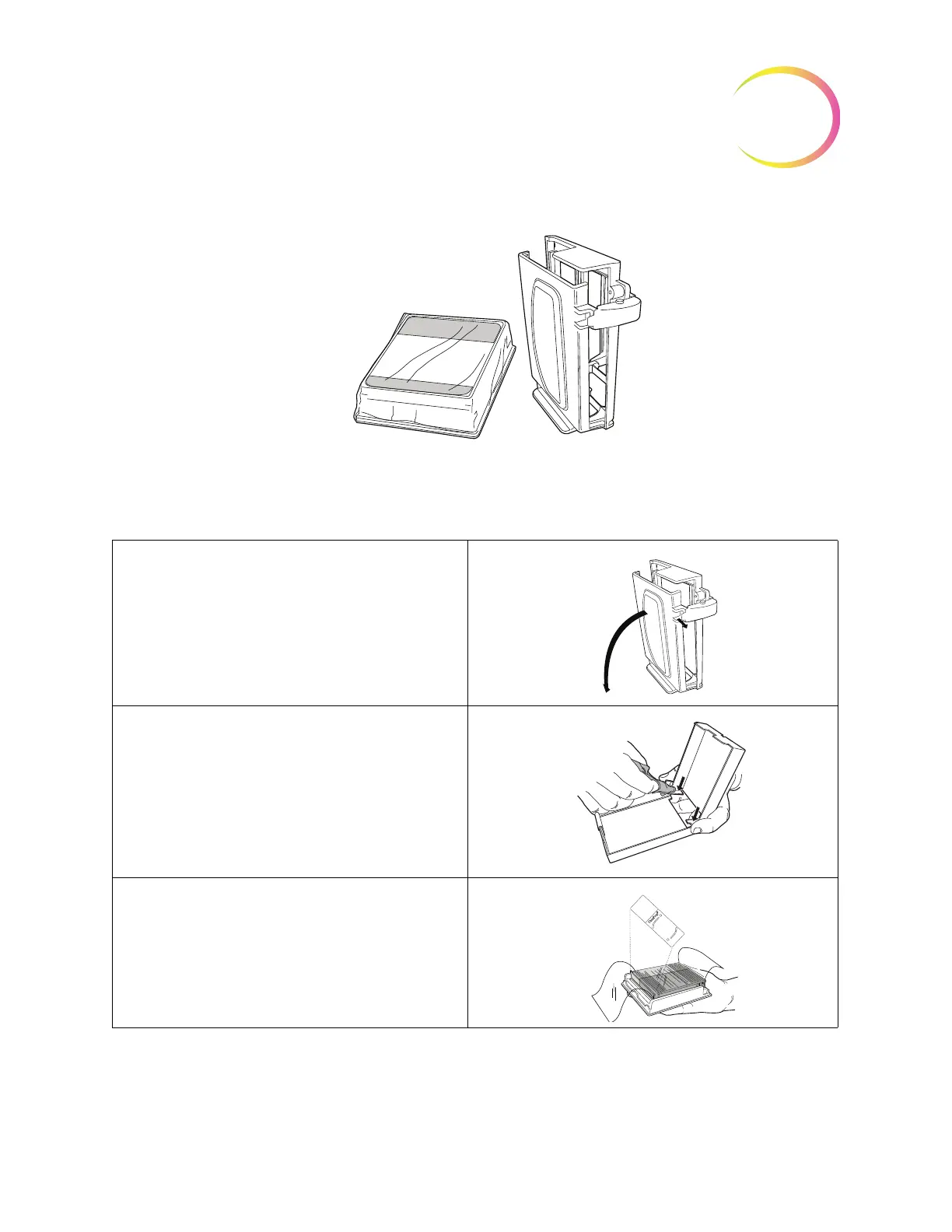
Figure 7-4 Microscope Slides and Cassette
Table 7.2: Load the Cassette with Slides
1. Unlatch the clasp that holds the slide
cassette closed.
2. Open the cassette and clean it.
3. Open a box of microscope slides. Orient
the slides so that the frosted area will be
facing upward in the cassette.



 To Next Page