ThinPrep™ 5000 Processor with AutoLoader Operator’s Manual
7.31
OPERATING INSTRUCTIONS
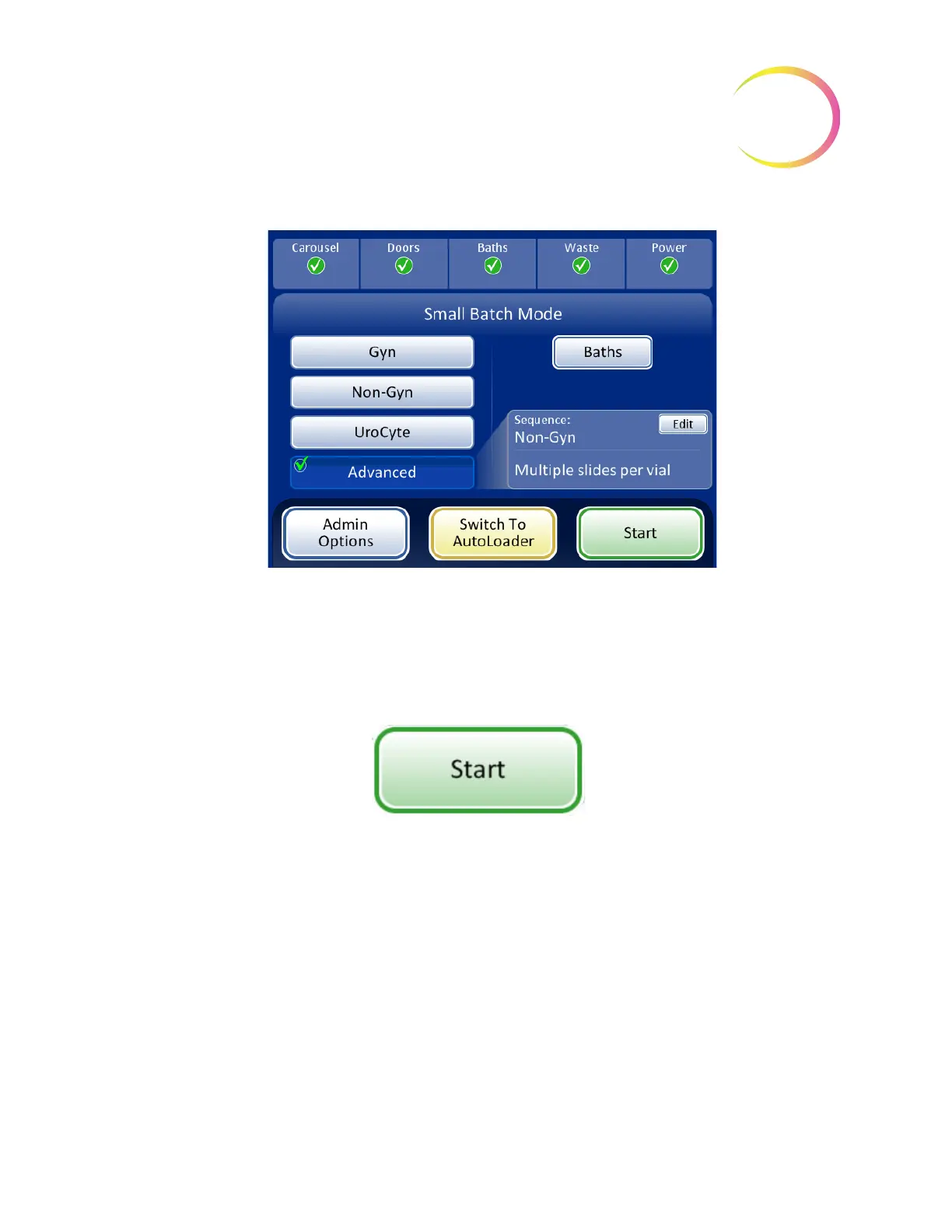
Figure 7-29 Multiple Slides Per Vial Selected
Initiate a Batch
When the input carousel has been loaded with labeled sample vials, the appropriate filters and
slides, and a fixative bath is ready in the bath compartment, select the sample processing sequence
and press the
Start
button (Figure 7-30).
Figure 7-30 Start Batch Button
The main door and bath door will be heard to lock. The processor goes through a pre-check and
scans for the presence of vials in the carousel. It counts the number of vials, which is displayed on the
progress bar.
The batch processing screen displays. See Figure 7-31.
SMALL BATCH MODE



 To Next Page