ThinPrep™ 5000 Processor with AutoLoader Operator’s Manual
9.23
TROUBLESHOOTING
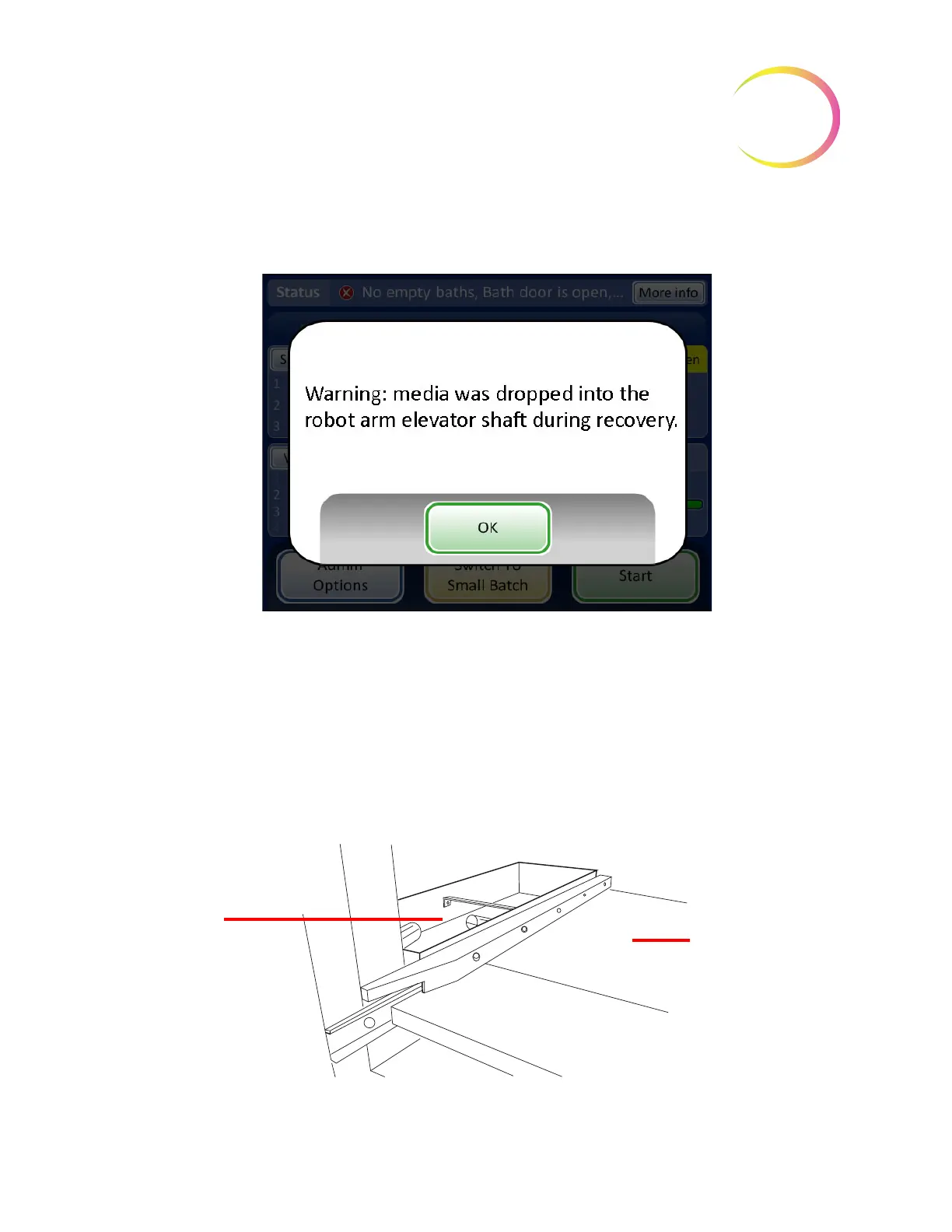
Media down the Elevator Shaft
Figure 9-7 Media in the Elevator Shaft Message
If the robotic arm was holding a vial, filter or slide during error recovery, the item may have been
released down into the elevator shaft. It can be retrieved from the waste tray at the bottom of the
shaft.
CAUTION:
Empty the waste tray when the message appears on the instrument screen display.
Accumulation of media in the tray can obstruct proper processing.
Open the filter cabinet door. The bottom-most tray of filters may have to be removed. Reach into the
waste tray located at the bottom left.
Figure 9-8 Robotic Arm Elevator Shaft Waste Tray
Filter cabinet door is
open
Waste tray
Bottom filter tray
shelf - filter tray
removed



 To Next Page