TROUBLESHOOTING
9.24
ThinPrep™ 5000 Processor with AutoLoader Operator’s Manual
System Error Code
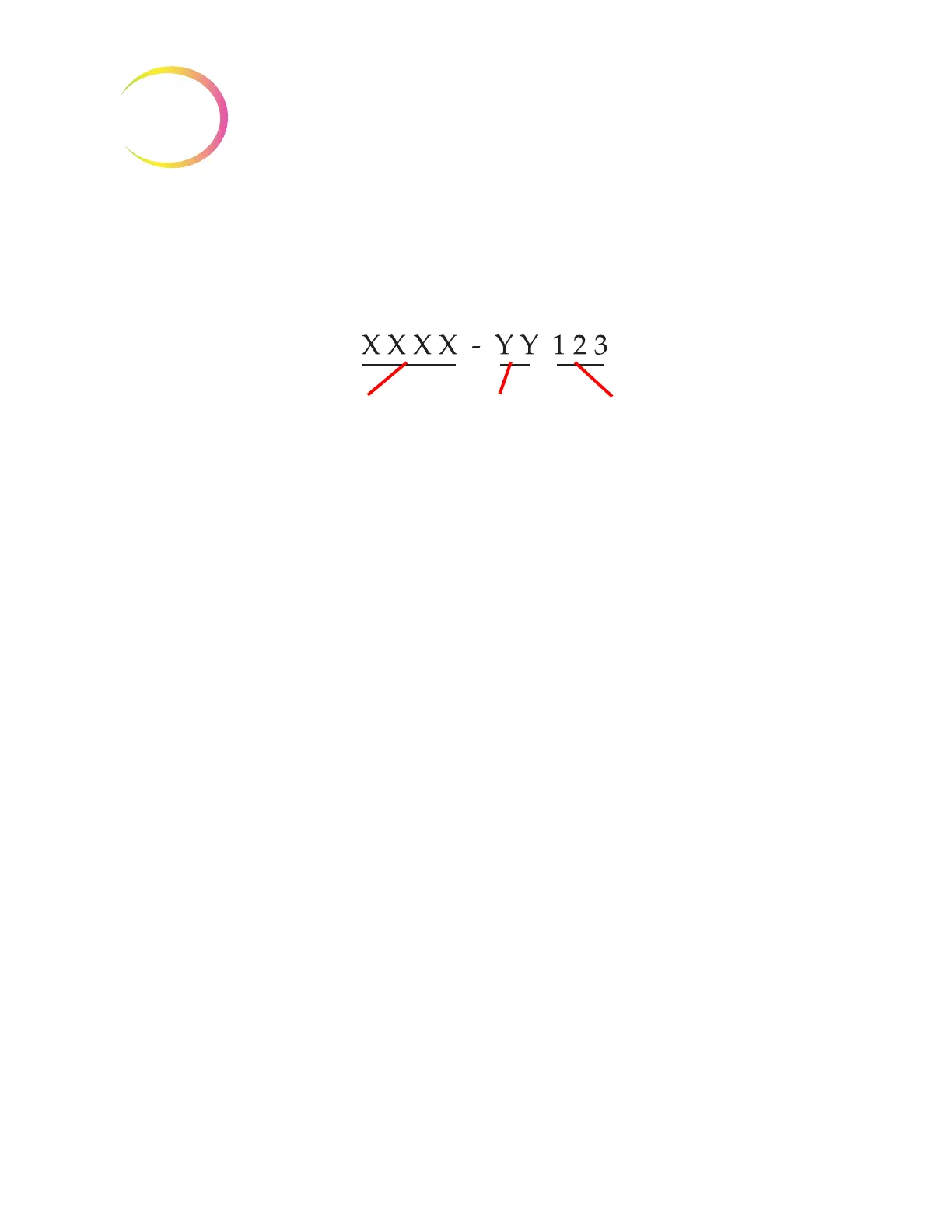
A system error has a two-part error code associated with it. The first four digits represent the error
category and the following characters represent the status of the particular electromechanical device
at the time the fault occurred. See Figure 9-9.
Figure 9-9 System Error Code
The error codes will be logged in the Error History report. The report displays the last 100 errors, but
keeps up to 3 years’ worth in the system database.
In most cases, the Clear Media dialog box will display. Check that the mechanisms are clear and
begin a new batch.
If an error is persistent, contact Technical Support.
6000 series - Slide Handling Errors
6100 series - Database Errors
6200 series - Filter and Vial Handling Errors
6300 series - Pneumatic Errors
6400 series - Input Carousel Errors
(This includes main door lock/unlock errors)
6500 series - Output Carousel Errors
(This includes output door lock/unlock errors)
6600 series - AutoLoader Errors
6700 series - UPS Errors
6800 series - Machine/General Errors
Error category Mechanism Operation



 To Next Page