Copyright © Huawei Technologies Co., Ltd.
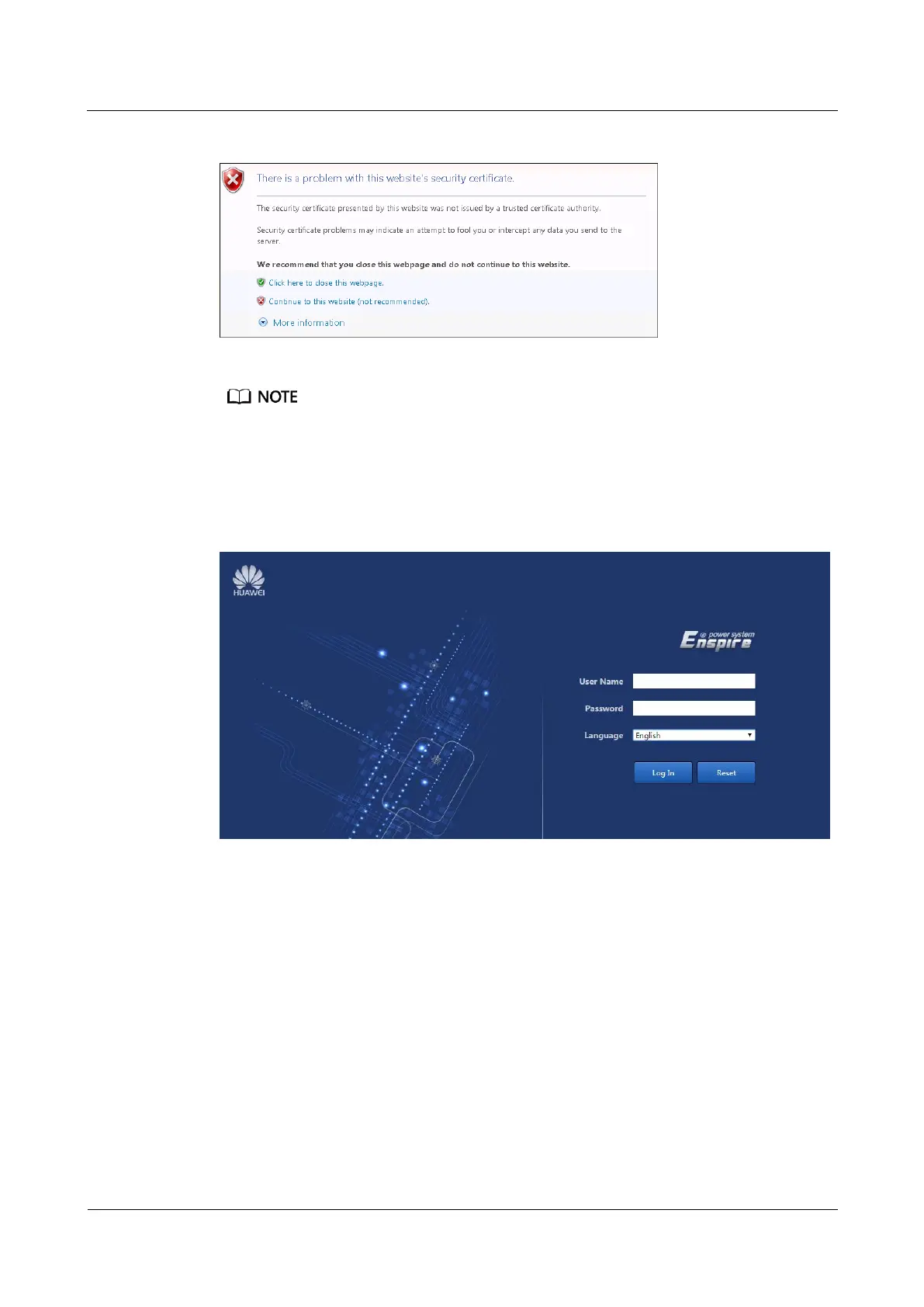
Figure 7-2 Security certificate problem message
This operation is performed on Windows 7. If another operating system is used, perform this operation
based on actual conditions.
Step 3 Set User Name and Password, and click Log In. The login page is displayed, as shown in
Figure 7-3.
Figure 7-3 ECC500 login page
Step 4 Choose System Settings > IP Address Settings. Change the IP address, subnet mask, and
default gateway for the ECC500 based on the planned parameters, as shown in Figure 7-4.



 To Next Page