Copyright © Huawei Technologies Co., Ltd.
Procedure
Step 1 Log in to the ECC500 WebUI as an administrator.
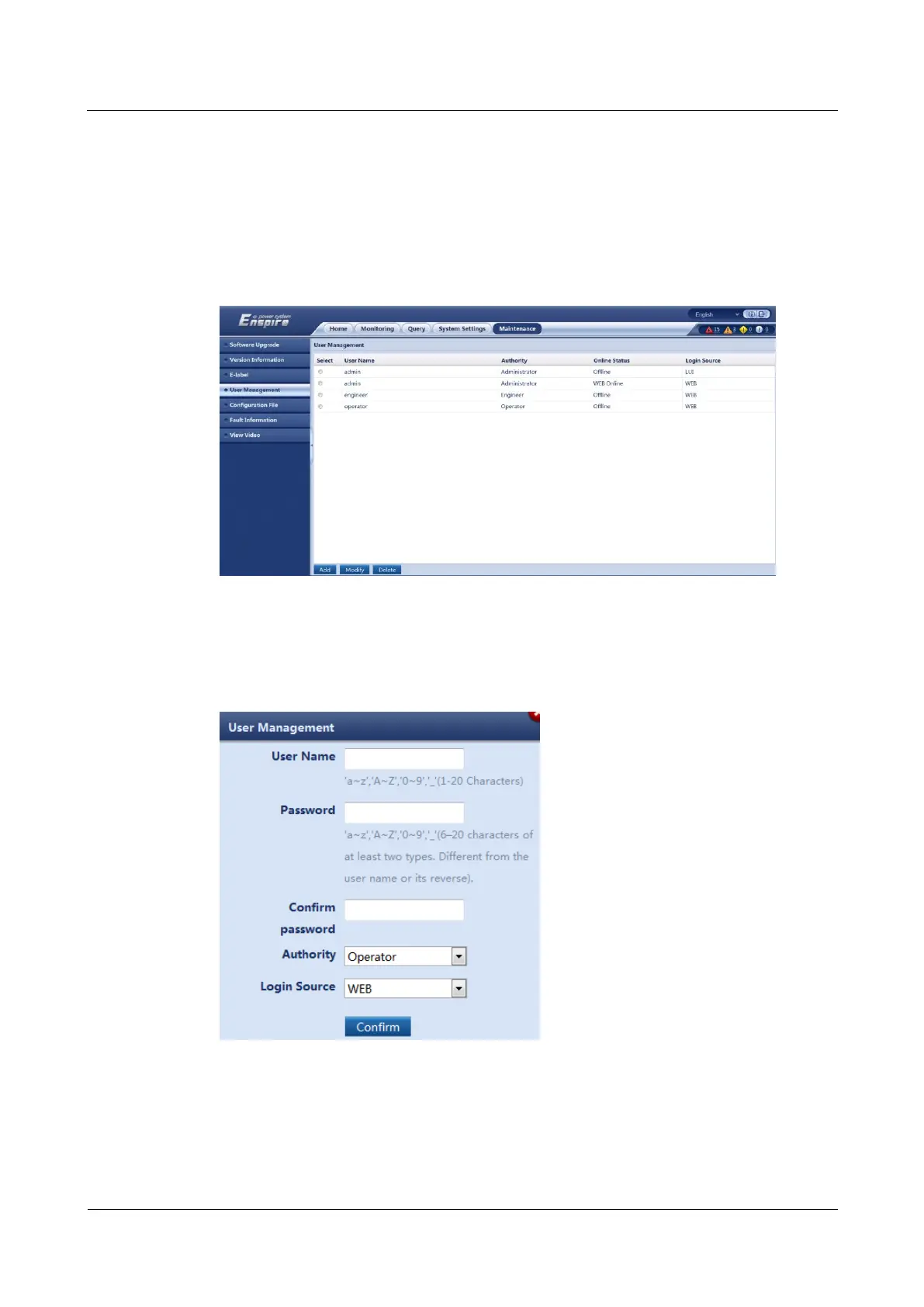
Step 2 Choose Maintenance > User Management.
Step 3 Click Add, as shown in Figure 7-7.
Figure 7-7 Adding an ECC500 user _01
Step 4 Set User Name, Password, and Confirm password, select an option from the Authority
drop-down list box, and click Confirm, as shown in Figure 7-8.
Figure 7-8 Adding an ECC500 user _02
Step 5 Enter the password that you have logged in to the system, and click Submit.
----End



 To Next Page