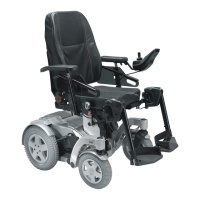
Invacare®Storm®⁴
1.
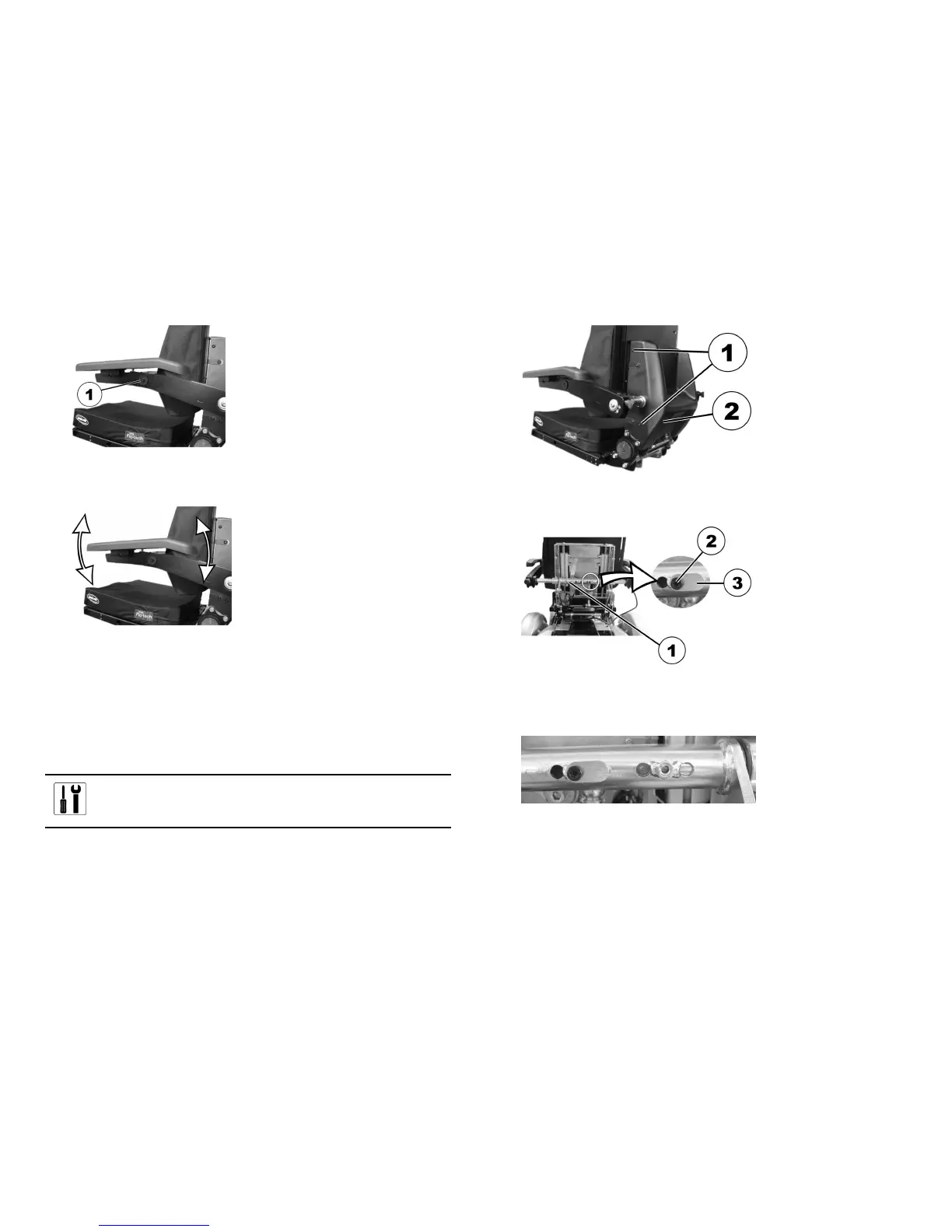
Releasetheboltstoadjustthearmrestangle(1)withtheallen
key.
2.
Settheangleforthearmrest.
3.Re-tightenthebolts.MakesurethattheNordlockwashersused
arere-inserted.
6.4.3Adjustingthewidthoftheparallelsliding
armrests
Theparallelslidingarmrestscanbeadaptedtothebackrestineight
widths.
Pre-requisites:
•1x4mmAllenkey
1.
Undotheboltsonbothsidesofthebackrestcover(1).
Thephotographonlyshowstheboltsontheleft-handside.
2.Removethebackrestcover(2).
3.
Onthetorquesupport,loosenthelocatingpin(3)bolt(2)with
theAllenkey.
4.Reducetheloadonthearmrestbyraisingitslightlyandthen
removethelocatingpin.
5.
Adjustthearmrestwidth.
Thepossiblepositionsforthearmrestarepredefinedbythe
drill-holesinthetorquesupportandthearmrestaxel.
6.Insertthelocatingpin.
7.Retightenthescrew.
341529686-P






 To Next Page