iPECS eMG80/100& eMG800 & UCP & vUCP
Administration and Programming Manual Issue 2.5
86
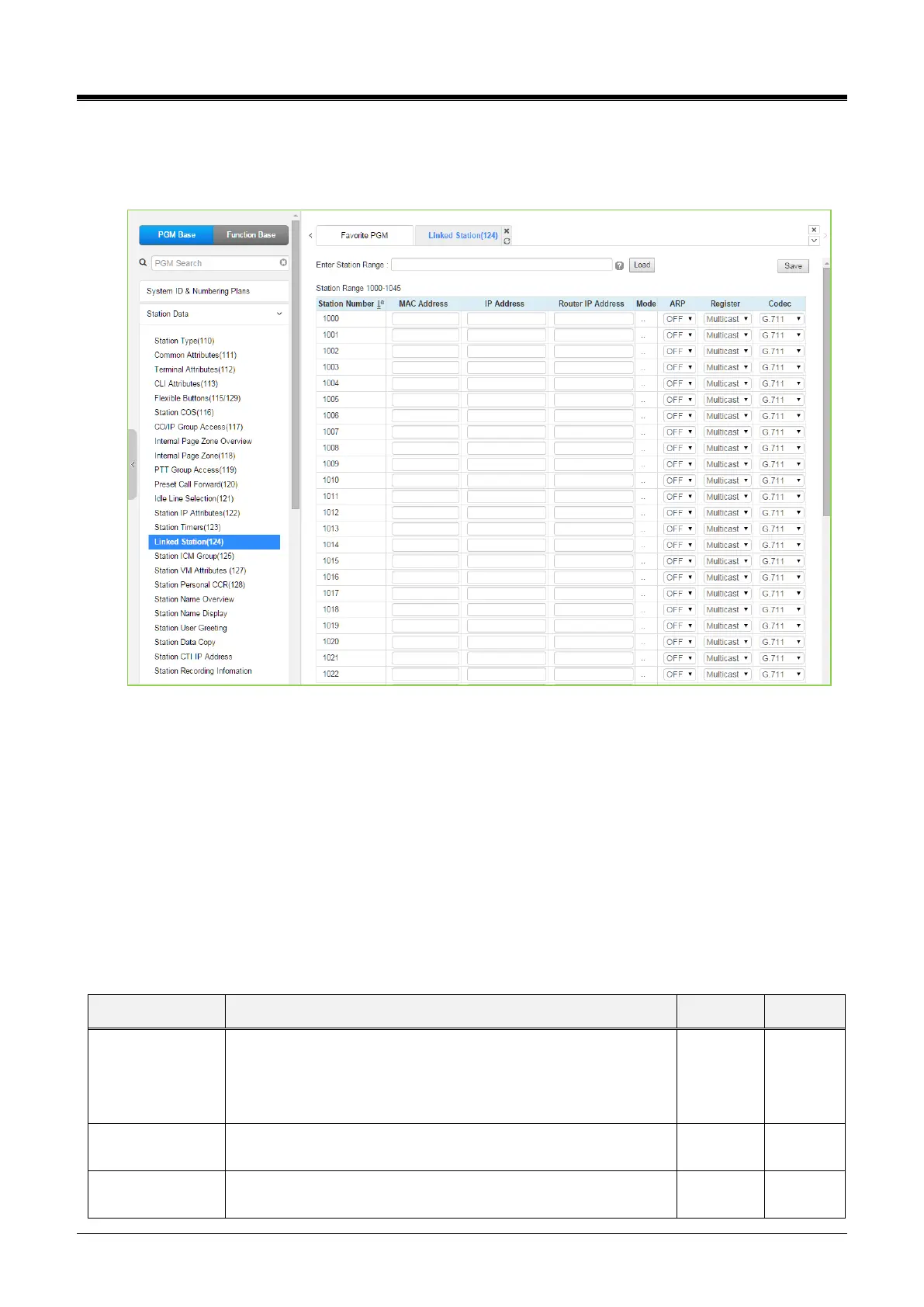
4.4.2.15 Linked Station - PGM 124
Selecting Linked Station will display the Linked Station input page. Enter a valid Station range and click
[Load] to enter the Linked Station data. Click the [Save] button after changing Value to apply.
Figure 4.4.2.15-1 Linked Station Pair
For UCS Client, it is recommended that PGM 443 be employed for an unregistered (MAC Linked pair) station.
When unregistered station linking is used, the linked station does not reduce the system‘s capacity.
However, in this case, the linked station must be an iPECS IP Phone. Unregistered linking is allowed only to
an iPECS IP Phone. Once UCS Client is linked, it will display on this Web page as well as in PGM 103 and
443.
If the station is assigned to Master or Slave by linked station, the bracket ‘[M] or [S]’ will be displayed by the
station number in PGM 101, 103, 105, 124 of the Web page.
To link registered stations, the Personal Group feature is used and configured in PGM 260 and 261.
Table 4.4.2.15-1 LINKED STATION TABLE
Set MAC address of the linked un-registered station, required
data. Note the secondary station must not be registered in the
system prior to linking.
If needed, delete the device from the system prior to linking.



 To Next Page