iPECS eMG80/100& eMG800 & UCP & vUCP
Administration and Programming Manual Issue 2.5
251
4.3.9.13 Hot Desk Attributes – PGM 250
A Hot Desk station allows a user to log in for access to the system features and resources. Once logged in,
the user is provided access to system features and resources employing the database for the user‘s assigned
station.
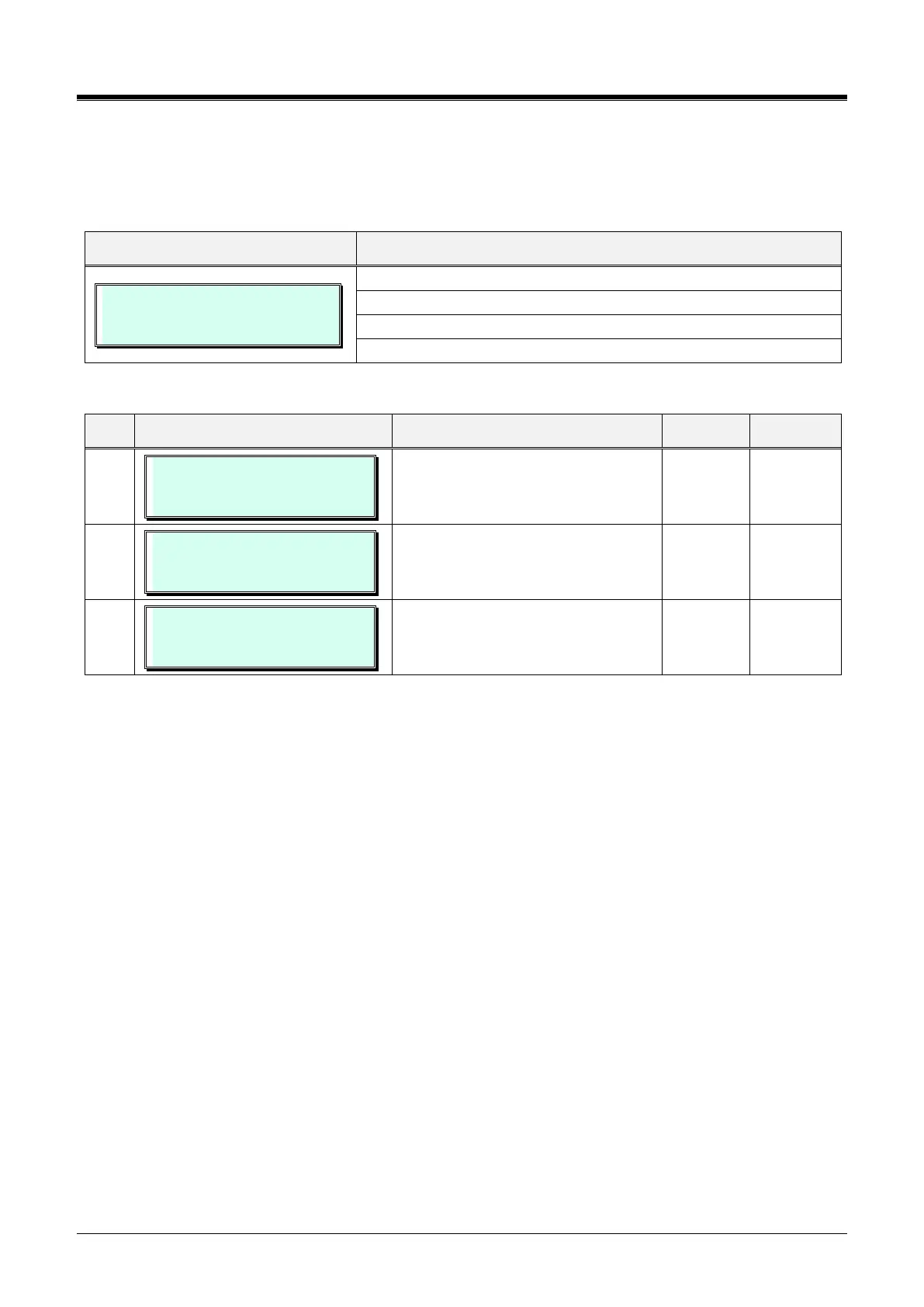
HOTDESK ATTRIBUTE
PRESS FLEX KEY (1-3)
Press the [PGM] button and dial 250.
Press the desired Flex button; refer to Table 3.3.9.13-1.
Use the dial-pad to enter the appropriate data.
Press the [Save] button to store the data entry.
Table 3.3.9.13-1 HOT DESK ATTRIBUTES (PGM 250)
NO OF AGENT (000-140)
000
Assign number of hot desk agents.
View the assigned station number for
agents.
AUTO LOGOUT TMR (hour)
(00-24) : 00
A Hot desk station will return to
inactive if the logged-in user takes no
action for the Auto Logout timer.



 To Next Page