iPECS eMG80/100& eMG800 & UCP & vUCP
Administration and Programming Manual Issue 2.5
209
4.4.5.42 System Speed Dial
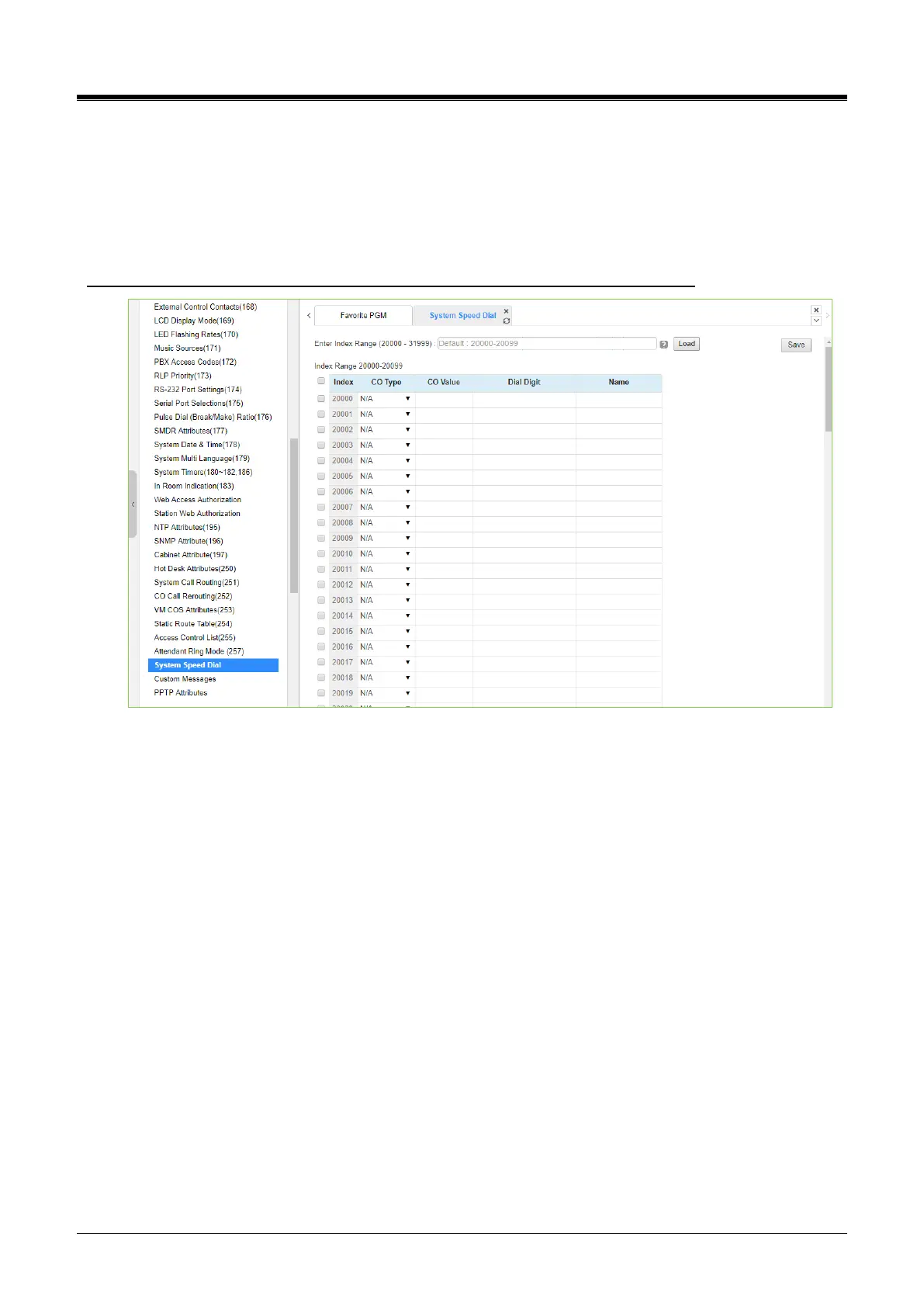
Selecting System Speed Dial will display the System Speed Dial entry page. Enter a valid range of System
Speed Dial numbers and click [Load] to enter Speed Dial data. For convenience, the copy, paste, and drag
are available to enter or modify data. Click the [Save] button after changing Value.
The index range is flexible according to selecting ‘Speed Numbering’ in ‘System ID (100)’.
Enter Index range: eMG80/100: 2000-4999 / eMG800: 2000-9999 / UCP: 20000-31999
Figure 4.4.5.42-1 System Speed Dial List
The eMG80/100 (eMG800/UCP) has a memory for 3000(8000/12,000) Speed Dial numbers of up to 25 digits
each. Each System Speed bin (index) is assigned the CO/IP Line for the Speed Dial, the number to be dialed,
and a name for Dial-by-Name.
The administrator can assign each index to the desired speed number by entering CO Type, CO value, Dial
Digit, and name. In the field of CO Type, there are many types; N/A, CO Line, CO Group, Loop, Transit-out,
and Net Station. According to the CO type, you can fill out CO Value, Dial digit, and Name.
Network station numbers can be saved in speed dial that could be used for Dial by Name. It is used to use the
dial by name feature for networking numbers.



 To Next Page