iPECS eMG80/100& eMG800 & UCP & vUCP
Administration and Programming Manual Issue 2.5
370
4.4.15.6 UCS Push State
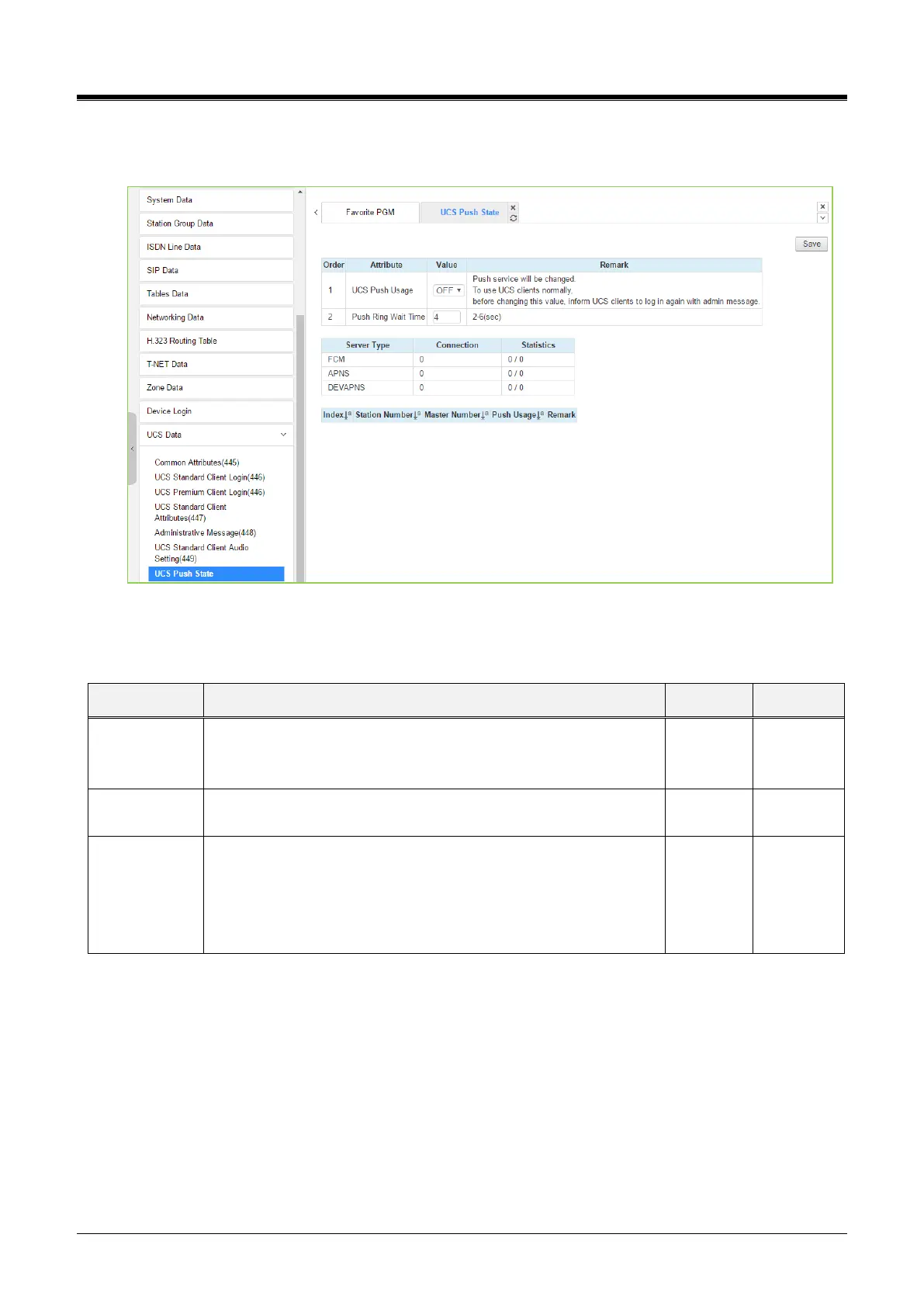
Selecting UCS Push State will display the related push attributes. Set Attributes and click [Save] to apply.
Figure 4.4.15.6-1 UCS Push State
You can see the current station number, Master number, and Push Usage on the last table.
Table 4.4.15.6-1 UCS Push State
Mobile UCS client gets the push notification message for Ring,
Voice mail, SMS, etc., by setting ON. You must log in again after
changing the value.
It is a waiting time after sending the Ring push message.
You can see the server type for Push service.
Connection: You can see the number of connections to the
server.
Statistics: You can see the statistics for Success and Fail.



 To Next Page