iPECS eMG80/100& eMG800 & UCP & vUCP
Administration and Programming Manual Issue 2.5
400
4.5.8 DECT Statistics Feature
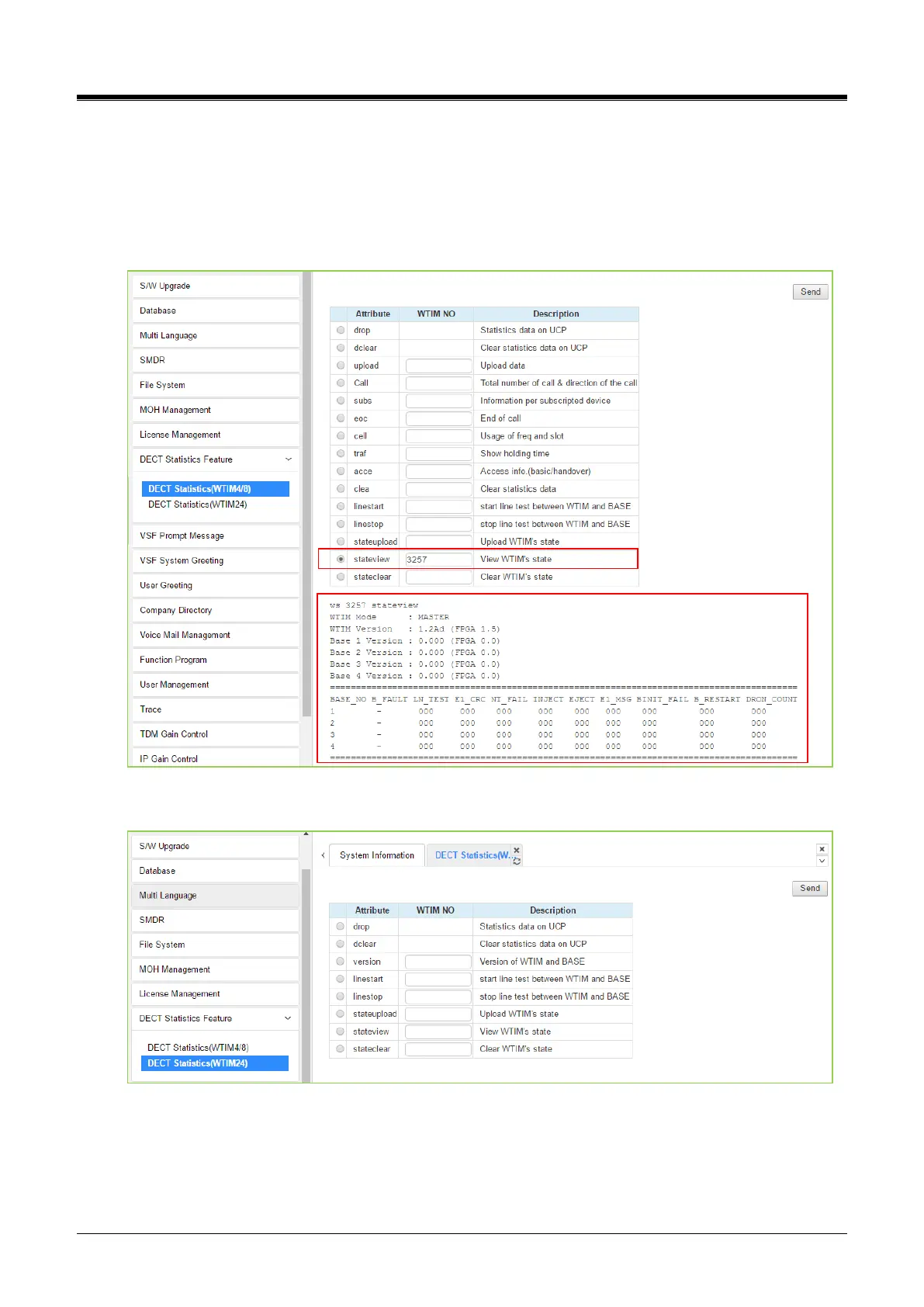
Selecting DECT Statistics Feature displays the page shown in the figure. Select the desired radial button and,
where needed, enter the WTIM/WTIB sequence number, then click [Send] to view the statistics.
For example, the following box in red is information about the state view of WTIM by entering the Sequence
number and clicking the [Send] button. So you can get the information about all attributes.
Figure 4.5.8-1 DECT Statistics (WTIM4/8 or WTIB4/8)
Figure 4.5.8-2 DECT Statistics (WTIM24)



 To Next Page