Preventing Electrostatic Discharge Damage to the Services Gateway
Many services gateway hardware components are sensitive to damage from static
electricity. Some components can be impaired by voltages as low as 30 V. You can easily
generate potentially damaging static voltages whenever you handle plastic or foam
packing material or if you move components across plastic or carpets. Observe the
following guidelines to minimize the potential for electrostatic discharge (ESD) damage,
which can cause intermittent or complete component failures:
•
Always use an ESD wrist strap or ankle strap, and verify that it is in direct contact with
your skin.
CAUTION: For safety, periodically check the resistance value of the ESD
strap. The measurement should be in the range of 1 to 10 Mohms.
•
When handling any component that is removed from the chassis, verify that the
equipment end of your ESD strap is attached to one of the ESD points on the chassis.
•
Avoid contact between the component and your clothing. ESD voltages emitted from
clothing can still damage components.
•
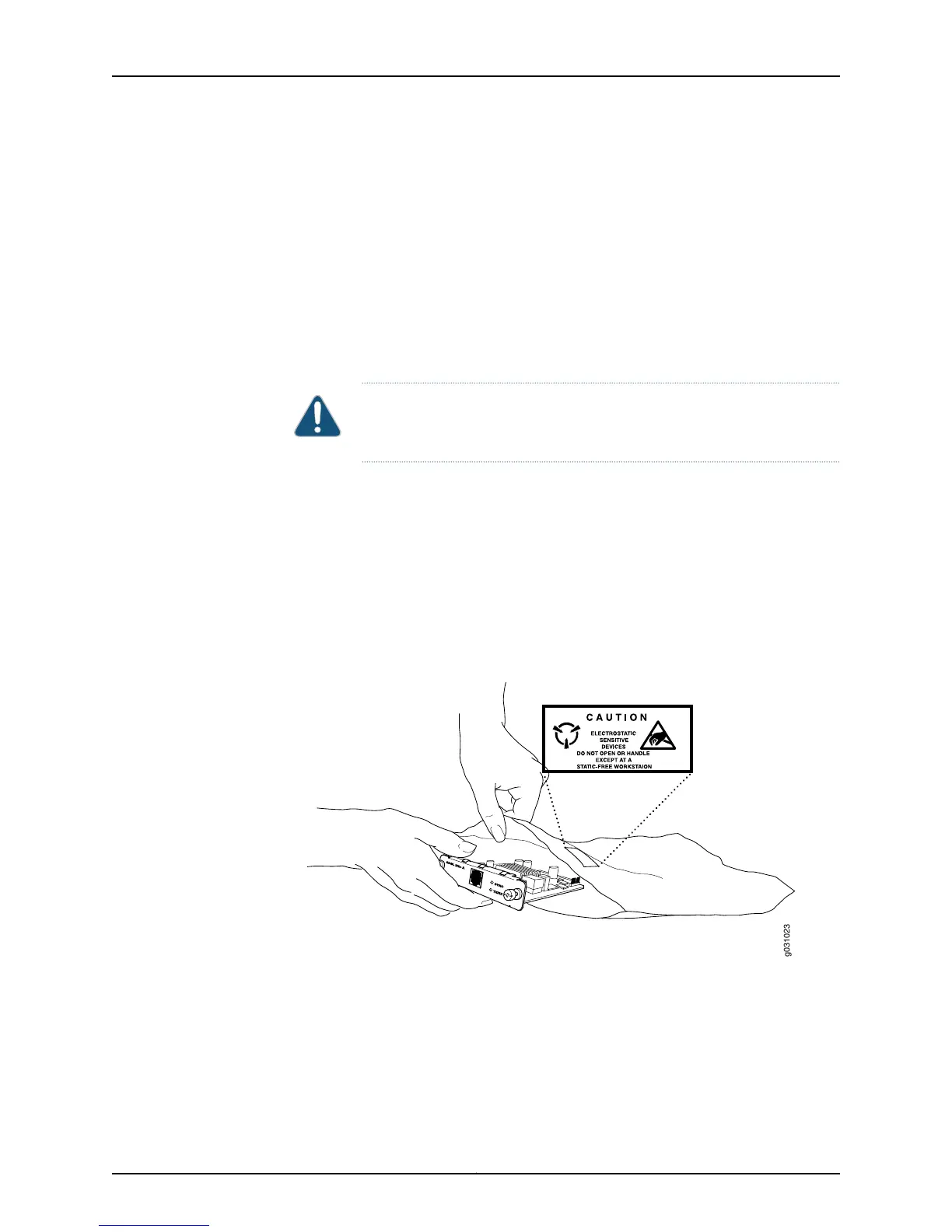
When removing or installing a component, always place it component-side up on an
antistatic surface, in an antistatic card rack, or in an electrostatic bag. If you are returning
a component, place it into an electrostatic bag before packing it. See
Figure 18 on page 120.
Figure 18: Placing a Component into an Electrostatic Bag
g031023
ADSL 2/2+ A
SYNC
TX/RX
Related
Documentation
SRX100 Services Gateway Definition of Safety Warning Levels on page 115•
• SRX100 Services Gateway Fire Safety Requirements on page 123
Copyright © 2015, Juniper Networks, Inc.120
SRX100 Services Gateway Hardware Guide for B and H Model Numbers



 To Next Page