6 CONTROLS 86
– Press the button twice until the symbol shows OPTION TPMS in the info display.
– Press the MODE button briefly.
In the OPTION TPMS menu, you can switch the tire pressure check on/off (available as
accessory).
Press the button . Switches tire pressure display on and off
Press the button . Switches tire pressure display on and off
Press the button
and the button for
3 - 5 seconds.
No function
Press the MODE but-
ton for 3 - 5 sec-
onds.
Open and exit OPTION TPMS
Press the MODE but-
ton briefly.
Open and exit OPTION TPMS
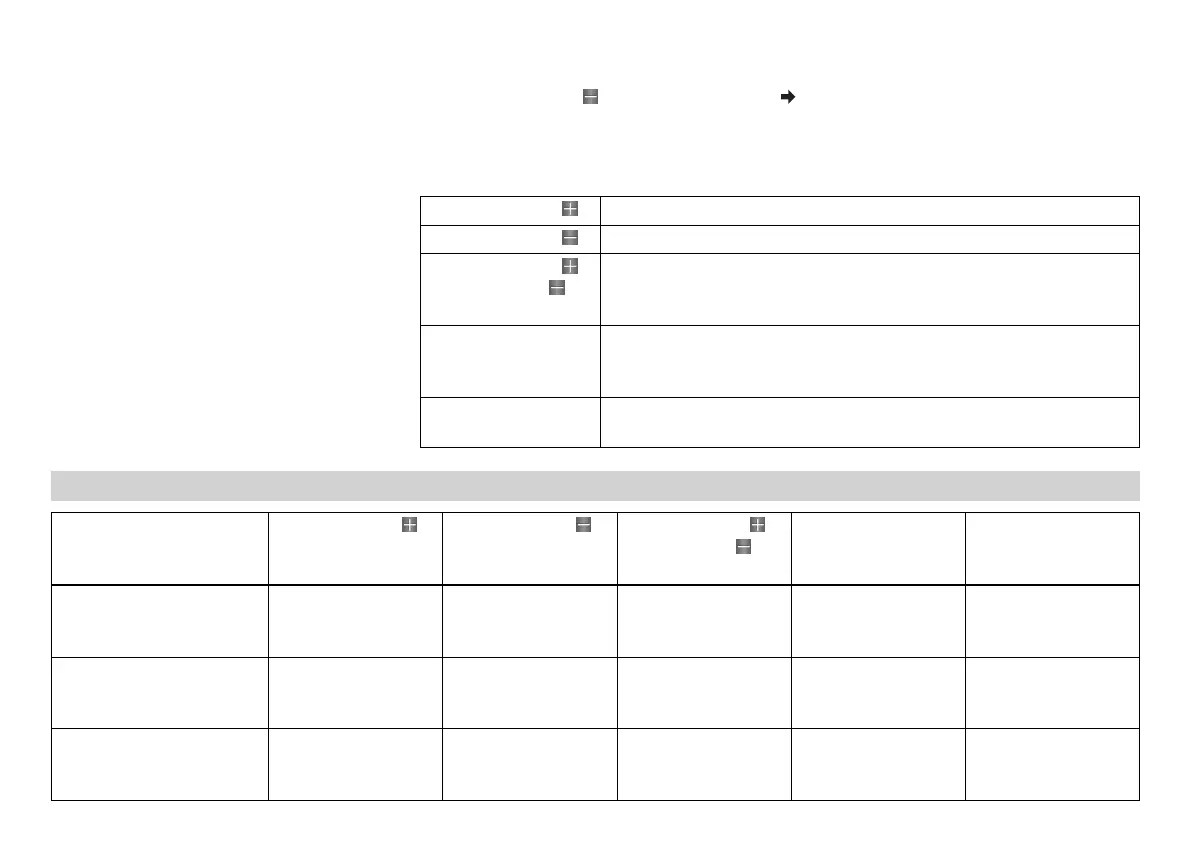
6.13.44 Table of functions
Display Press the button . Press the button . Press the button
and the button for
3 - 5 seconds.
Press the MODE but-
ton for 3 - 5 sec-
onds.
Press the MODE but-
ton briefly.
Distance menu 1,
ODO/Trip 1/Time 1/Avs 1
No function No function The display
changes to the
SET‑UP menu
The display of
Trip 1, Time 1 and
Avs 1 is reset
Next display mode
Distance menu 2,
ODO/Trip 2/Time 2/Avs 2
No function No function The display
changes to the
SET‑UP menu
The display of
Trip 2, Time 2 and
Avs 2 is reset
Next display mode
Gear display menu,
ODO/Trip 1/Gear
No function No function The display
changes to the
SET‑UP menu
The display of
Trip 1, Time 1 and
Avs 1 is reset
Next display mode



 To Next Page
 Loading...