6 OPERATION
106 TITAN VERSA Operations and Maintenance Manual LACO Technologies
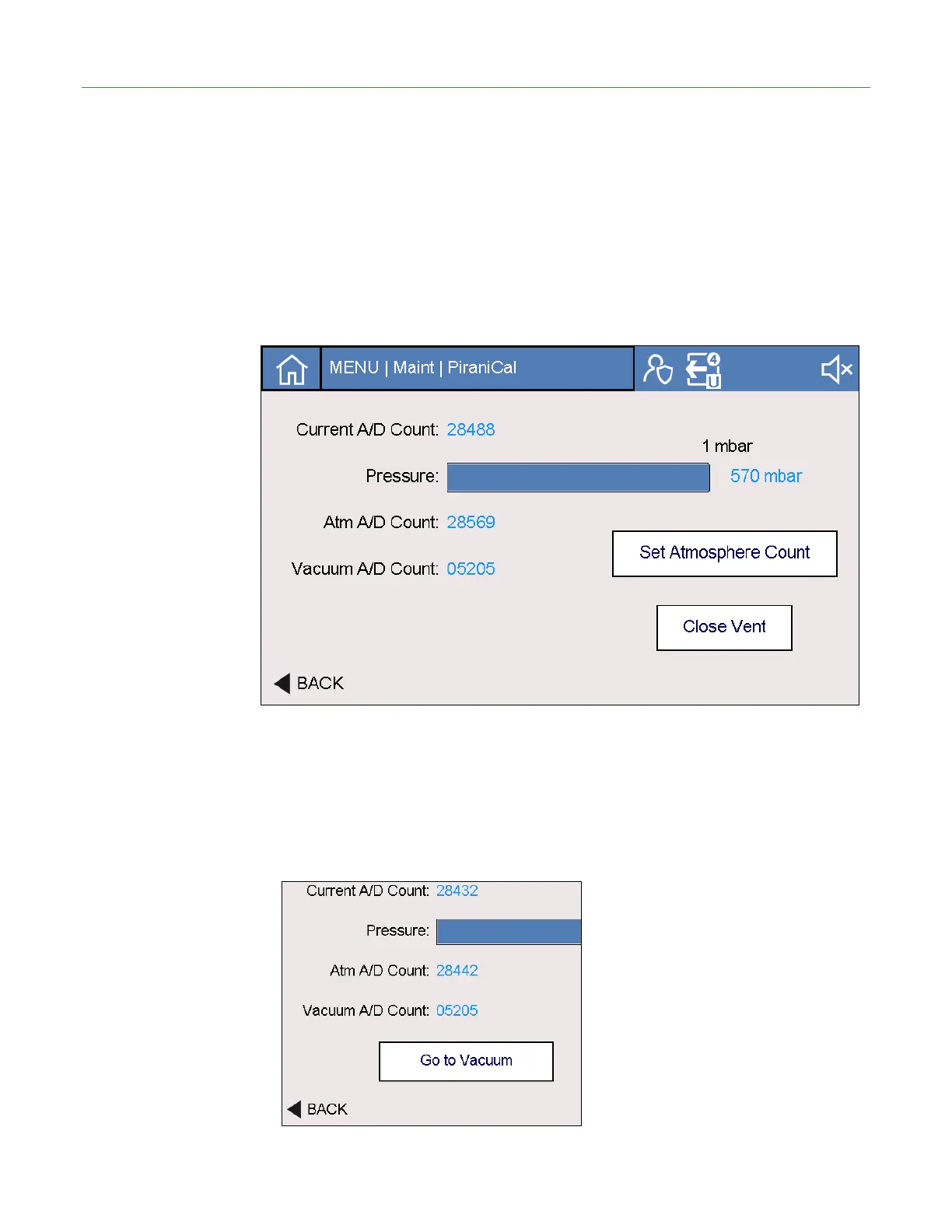
Atmospheric Reading To set atmospheric pressure:
1. Stop the test, if running.
2. Perform an inlet vent.
3. Verify system is fully vented by removing flange or chamber.
4. Wait for Atmospheric reading to stabilize for at least 30 seconds.
5. Press the “Set Atmosphere Count” button.
6. Proceed to Deep vacuum section below.
Deep Vacuum Reading Setting deep vacuum pressure
1. Place KF-25 blank-off on vacuum inlet.
2. Verify test mode is in Ultra.
3. Press “Go to Vacuum Button”.



 To Next Page