6 OPERATION
LACO Technologies TITAN VERSA Operations and Maintenance Manual 61
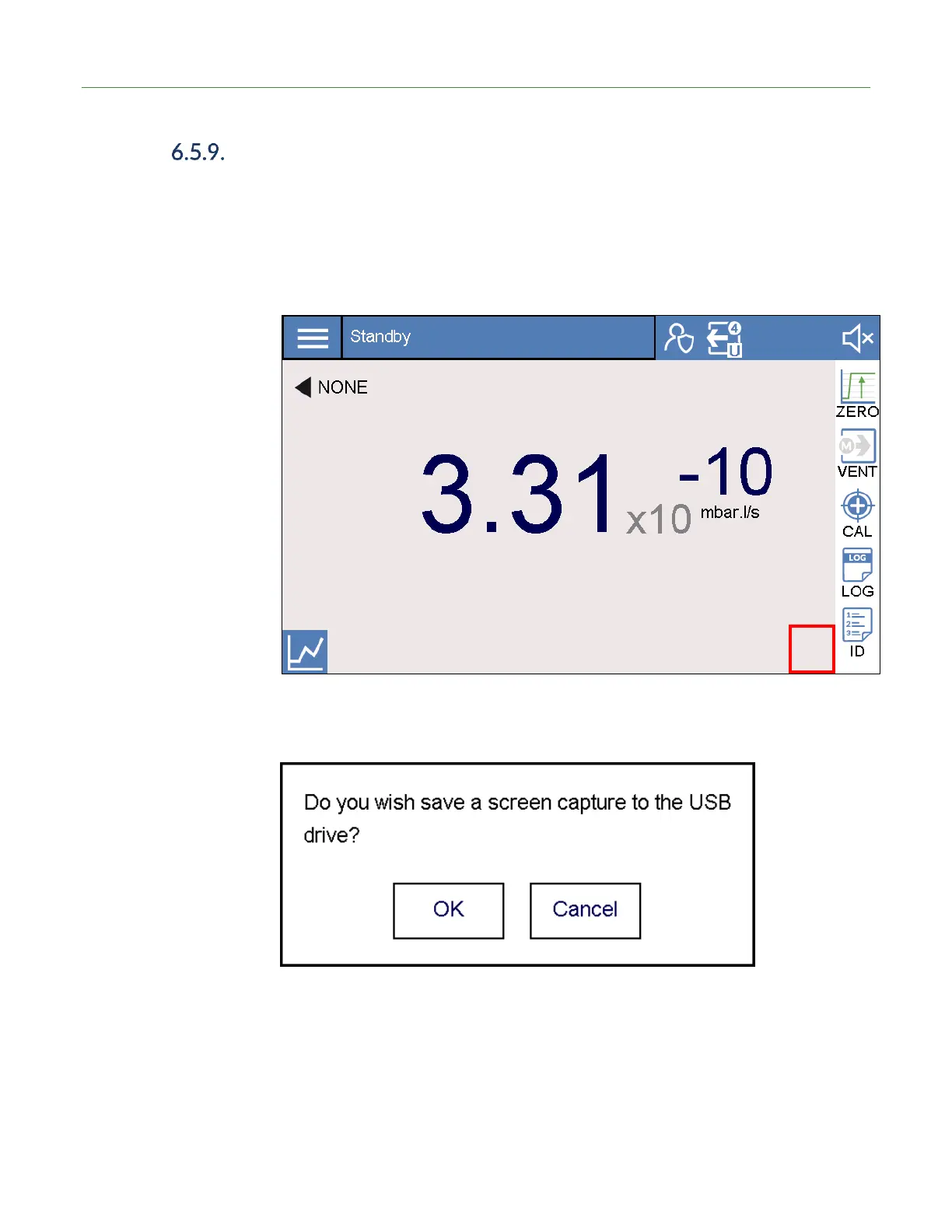
Screenshot to USB Drive
With a USB drive device attached to the USB port, the user can take a screenshot of
any HMI screen. To take a screenshot:
1. Insert USB drive into USB port.
2. On the desired screenshot screen, the user will press in the bottom-right area for
two seconds. See the area indicated by a red square in the screen shot below.
3. The following dialog appears. Press the OK button to capture the current screen.
Note that the HMI will become unresponsive for about 20 seconds after the
screenshot event occurs.



 To Next Page